


Your paid campaign is spending steadily. Clicks are arriving, the ad's promise is clear, and then conversions flatten. The problem may not be the bid or the creative. It may be the page that receives the click.
The right builder lets a paid team match a page to a specific ad, launch a variant without waiting on engineering, and roll back a losing idea before it wastes more budget. The wrong one creates another approval queue, hides performance limits, or makes simple tests harder than they need to be. This list compares Instapage, Unbounce, Leadpages, Webflow, Framer, HubSpot Marketing Hub, and Swipe Pages by launch speed, testing control, rollback practicality, collaboration, and fit for the campaign rather than by template count. For foundational context, see this guide to what a landing page is.
Table of Contents
- 1. Instapage
- 2. Unbounce
- 3. Leadpages
- 4. Webflow
- 5. Framer
- 6. HubSpot Marketing Hub
- 7. Swipe Pages
- Top 7 Landing Page Builders Comparison
- Matching Your Builder to Your Testing Workflow
1. Instapage
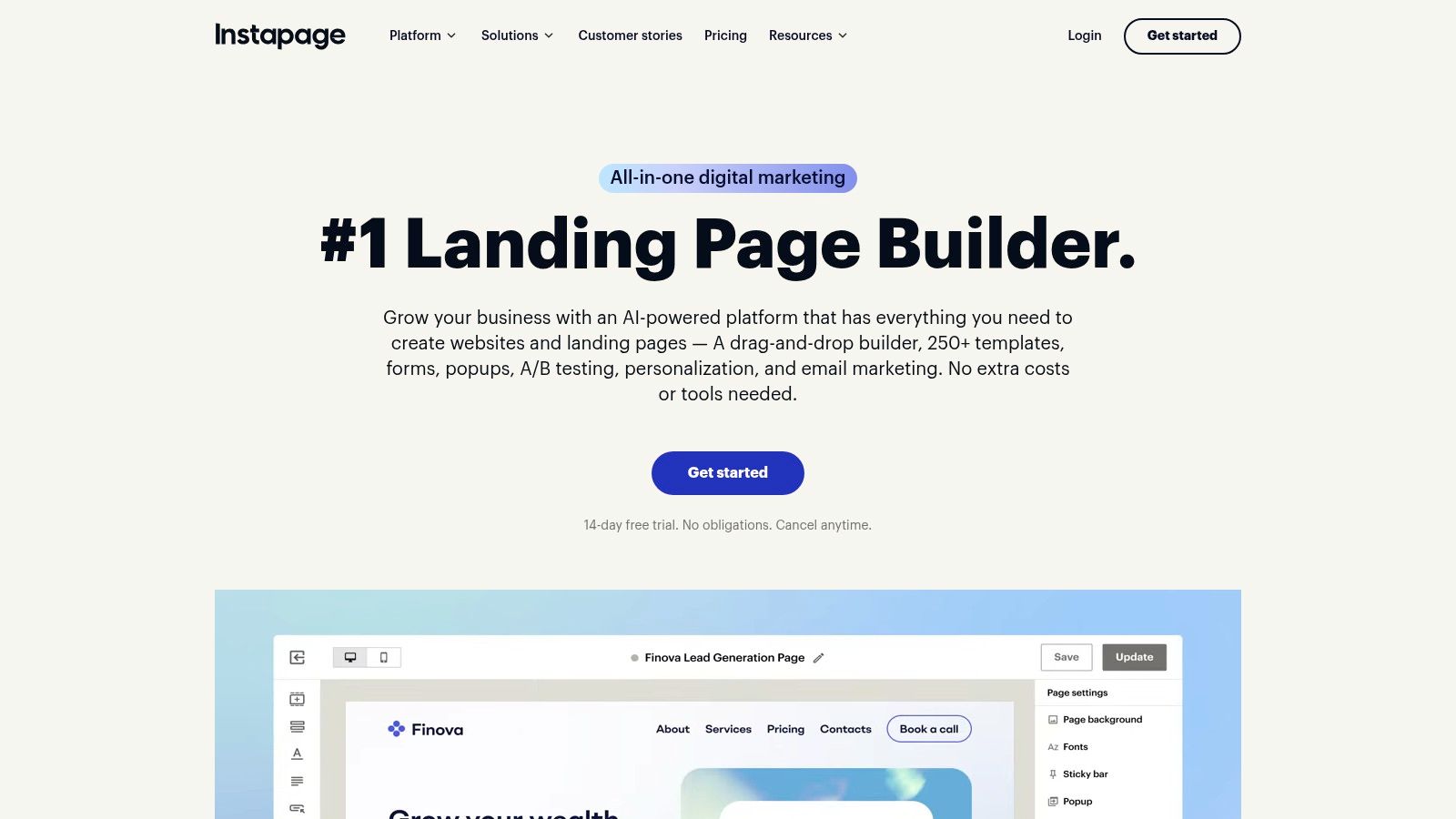
Instapage is built for teams where paid traffic is already a serious operating system, not an occasional campaign. Its strength is the post-click layer. Marketers can connect ad messages to relevant page experiences, run experiments, inspect behavior with heatmaps, and collaborate directly on page designs.
The practical advantage appears when several people touch the same campaign. A media buyer can identify a message mismatch, a copywriter can suggest a new hero section, and a designer can respond inside the page workflow rather than passing screenshots through email. Comment threads and visual collaboration reduce the delay between diagnosis and launch.
Best fit for paid teams with many variations
Instapage makes the most sense for multi-market, multi-audience, or high-volume paid programs. Ad mapping and personalization are useful when one generic page is forcing different search themes or audience segments into the same experience. Server-side experimentation can also help teams test without treating every page change as a new development project.
That sophistication has a cost. Quote-based higher-tier pricing can stretch a small team's budget, and the platform is heavier than a basic drag-and-drop builder. A two-person company running one campaign probably won't use enough of the workflow and experimentation depth to justify it.
Practical rule: Choose Instapage when the cost of slow approvals, weak message matching, or fragmented experiments is higher than the cost of a specialist platform.
For a large paid operation, rollback is part of the appeal. A team can preserve a winning experience, stop a losing experiment, and keep the campaign moving without rebuilding the page elsewhere. The best landing page here isn't the prettiest one. It's the version your team can connect to an ad, test, document, and safely retire.
2. Unbounce
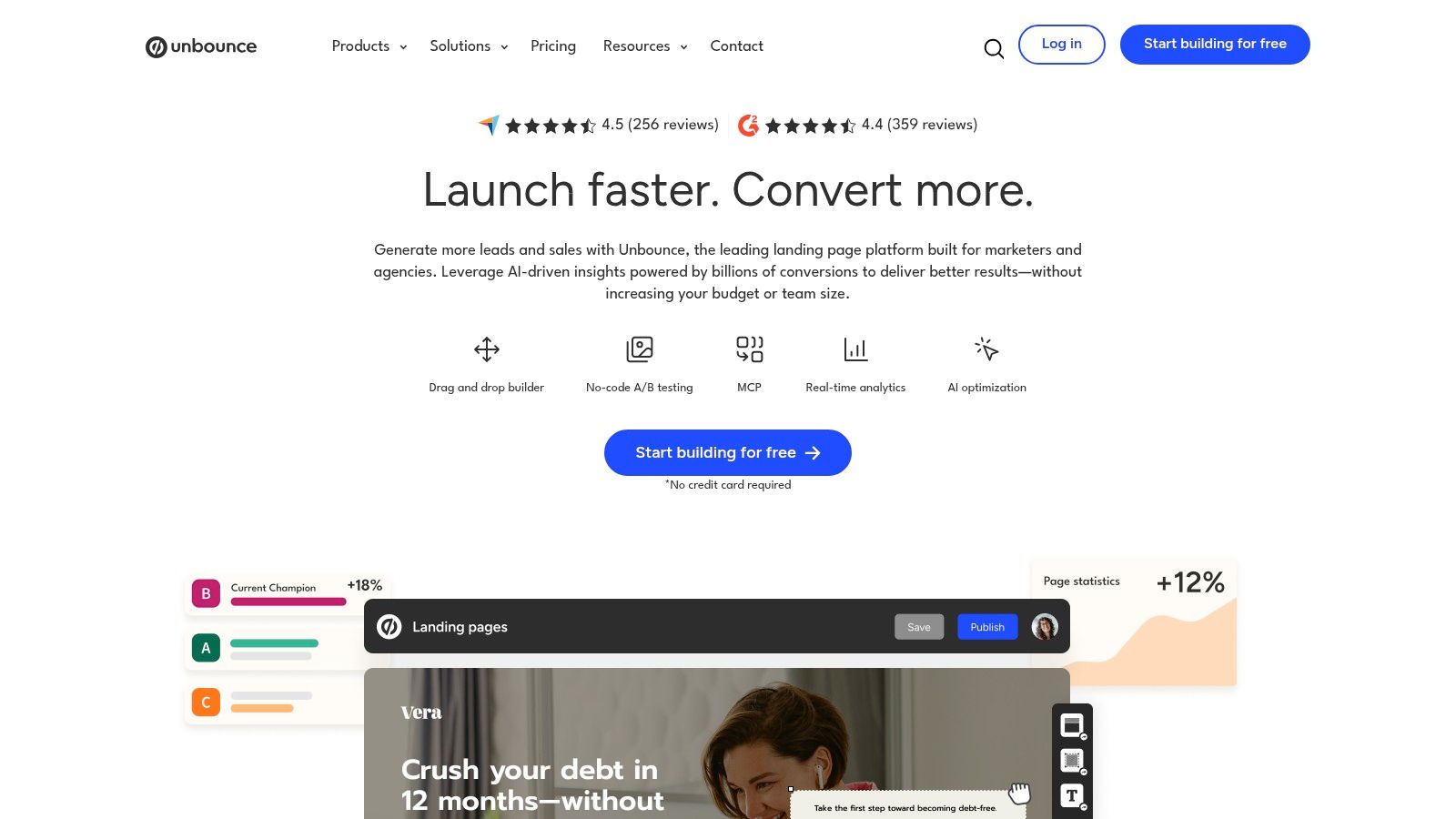
Unbounce remains a strong choice for performance marketers who want landing-page control without building a full website. Its drag-and-drop editor gives experienced users detailed layout control, while Smart Traffic can route visitors toward the variant it predicts is most likely to convert. Standard A/B testing remains available for teams that prefer to define the experiment and evaluate variants directly.
That creates a useful trade-off. Smart Traffic can reduce the amount of manual traffic allocation required, but it can also make analysis less intuitive if your team wants a clean, evenly controlled comparison. Use automated routing when the priority is finding a stronger experience quickly. Use conventional testing when the priority is a clear hypothesis and a straightforward read.
Strong for recurring PPC tests
Unbounce fits a small or mid-sized paid team that launches campaign-specific pages regularly. It has a mature ecosystem and extensive documentation, which lowers the risk of adopting a specialist tool. Its flexibility also supports ad-to-page alignment, including a page built around the exact problem, keyword theme, or offer in the ad.
Before choosing it, check how usage limits fit your account. Plans can scale with conversions and traffic, and alerts matter when a winning campaign starts receiving more visits than expected. A page that performs well can create an operational problem if the team doesn't monitor the allowance.
Paid teams should also connect page outcomes to the wider account, not just the page dashboard. A Google Ads conversion audit can help identify whether a weak result comes from the ad, the search term, the landing page, or the handoff after the form.
A builder earns its place when the team can launch the test before the campaign loses momentum.
Unbounce is less appealing for a non-designer who needs a bare-bones page immediately. The same flexibility that helps a skilled marketer can slow a novice. For teams that test constantly and can use the editor well, that control is worth keeping.
3. Leadpages
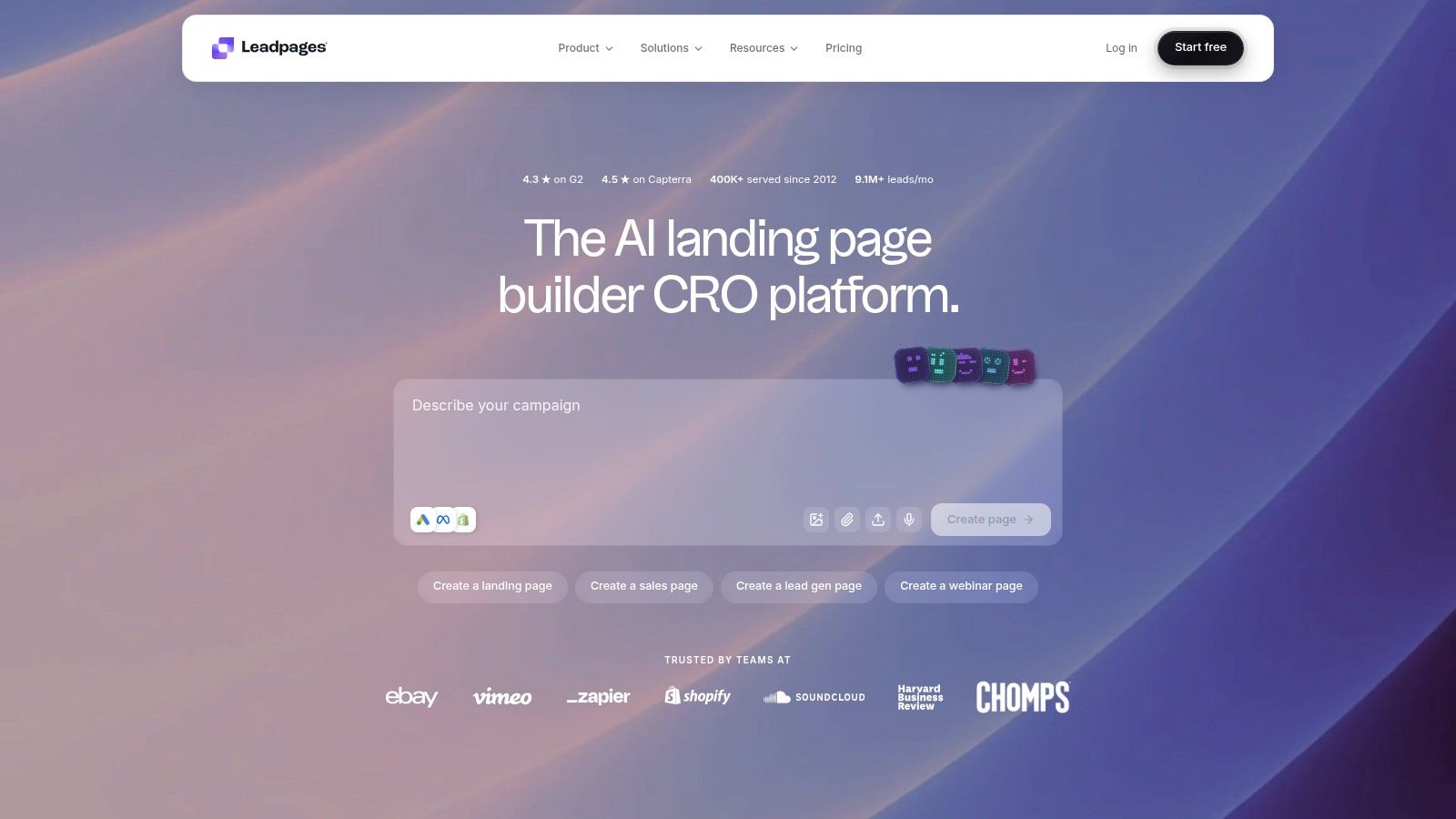
Leadpages is designed around a fast path from campaign brief to published page. Its AI page creator can generate a starting structure from the offer and audience, while native A/B testing lets a marketer create alternatives within the same working environment. Lead capture tools and integrations with CRM and email platforms keep the first conversion connected to follow-up.
That workflow suits small businesses, lean marketing teams, and agencies that need practical pages without enterprise process. A marketer can start with the campaign promise, adjust the copy and form, publish, and then test a meaningful variation. It doesn't require a design system or developer handoff for every change.
Speed matters more than creative freedom
Leadpages trades some open-ended design freedom for lower friction. Its flexibility is improving, but it isn't the first choice for a custom product experience, a complex content system, or a page that must behave like part of a highly bespoke website. It works better when the page has one job, such as capturing a lead, promoting a consultation, or moving a paid visitor into an email sequence.
The AI starting point should still be treated as a draft. It can help a team get past the blank canvas, but it can't know whether the page actually matches the search intent, offer economics, or sales qualification requirements. Review the headline against the ad, remove claims the business can't support, and test the form against the quality of leads it produces.
A useful Leadpages test is often simple: keep the offer fixed, then change the first-screen message or form friction. Rollback is manageable because the variants live in the same platform and the team doesn't need to reconstruct the page in another system.
Leadpages is a good fit when launch velocity and affordability matter more than enterprise governance. It won't replace a full website platform, but it can give a small paid team a dependable campaign page before the opportunity goes cold.
4. Webflow
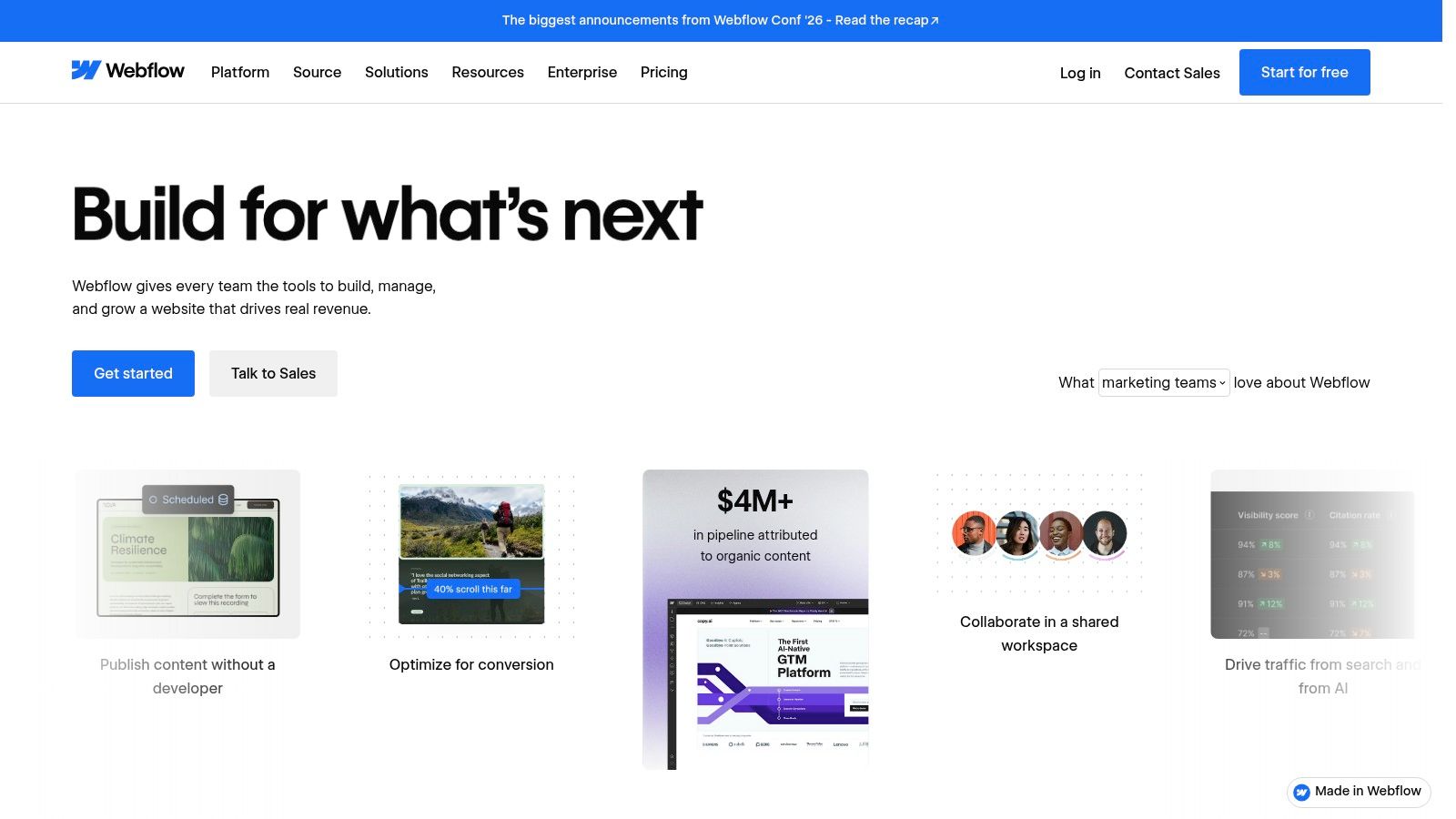
Webflow is the strongest option on this list for teams that want landing pages to live inside a broader, owned web system. Its visual designer produces production-grade HTML and CSS without requiring hand-coded layouts, and its component libraries can keep campaign pages consistent with the main brand. The CMS becomes especially useful when the team needs many related pages with shared structures and controlled content.
That makes Webflow a good fit for a growth team with design and development support, not necessarily a paid specialist working alone at the end of a busy afternoon. Once the system is established, a marketer can reuse components and launch pages with confidence. Building that system takes more planning than starting with a landing-page-only tool.
Excellent control, limited native experimentation
Webflow's main trade-off is that it's a website platform, not a dedicated post-click experimentation suite. A/B testing, personalization, and rollback may require third-party tools or custom implementation. That isn't automatically a weakness. A team that already owns its analytics and experimentation stack may prefer the control. A team that needs a test live today may find the extra setup frustrating.
The plan structure also needs careful attention. The Workspace and Site plan model can be complex, and the right setup depends on who builds, who approves, and how many sites or environments the business operates. Confirm current inclusions before committing, because the platform's plan structure can change.
Teams comparing Webflow with a simpler WordPress website builder should focus on ownership and workflow rather than aesthetics. Ask whether the page must become a durable part of the website or whether it only needs to support one paid offer for a limited campaign.
Webflow is the best landing page choice for brand-led growth teams that value design fidelity, reusable components, and site consolidation. It is less efficient when the sole requirement is rapid paid testing with native traffic allocation and one-click experiment management.
5. Framer
Framer is a strong choice for teams that want a polished page out quickly and don't want engineering involved in every launch. Its visual editor handles responsive components, its hosting is performance-focused, and the design workflow feels familiar to teams that care about visual detail. For a startup or agency, that can shorten the path from approved creative to a live page.
The best fit is a designer-led growth team, startup, or small agency shipping high-quality pages with limited engineering capacity. Framer can also support the move from a single campaign page to a wider marketing site, which protects the initial investment if the campaign becomes a permanent acquisition channel.
Choose it for the page, not the test engine
Framer's limitation is important for paid teams. Native testing and personalization are more limited than in specialist suites such as Instapage or Unbounce. You may need external analytics, experimentation, or routing tools to compare variants and direct traffic. That can work well if the team already has those systems. It adds operational complexity if the builder is expected to handle the whole testing workflow.
The plan model also deserves a current review before scaling. Workspace roles, per-site plans, bandwidth, seat limits, and hosting add-ons can affect how an agency manages multiple clients. Advanced hosting features for rewrites, headers, and firewall rules may be useful, but they shouldn't be confused with conversion experimentation.
A sensible Framer workflow is to create one page for one ad promise, publish it, verify the mobile experience, and connect the measurement layer before creating a second design. Keep the losing version available until the replacement has passed the agreed decision rule. That makes rollback a controlled operational step rather than a rushed rebuild.
Framer wins when speed, design quality, and low engineering dependency matter most. It loses against dedicated landing-page platforms when a team needs built-in personalization, deep post-click reporting, or a mature experimentation workflow.
6. HubSpot Marketing Hub
HubSpot Marketing Hub is less compelling as a pure design tool than Webflow or Framer, but it solves a more expensive problem: fragmented marketing data. Landing pages connect to CRM records, lists, workflows, forms, campaign reporting, and automation. For a B2B team, that connection can matter more than having complete control over every visual detail.
It fits demand-generation teams that judge pages by qualified pipeline rather than form volume. A paid visitor can submit a form, enter a workflow, receive the right follow-up, and become part of a sales process without a manual export between systems. Native integrations with Google, Meta, and LinkedIn also support cross-channel reporting.
The CRM connection changes the test
HubSpot lets teams ask a better question than “Which page gets more form fills?” They can compare whether a page produces the right company types, sales conversations, or pipeline stages. A page with a lower raw conversion rate may be more valuable if its leads are easier for sales to qualify.
The trade-off is flexibility and cost. Design control is generally below a dedicated visual builder, and pricing can scale with contacts and seats. A team should confirm which testing, reporting, automation, and permission features are included at its specific tier before moving a campaign.
Measurement still needs discipline. Use Google Analytics documentation for the platform to keep event definitions and campaign parameters consistent, then reconcile page conversions with CRM outcomes rather than trusting one dashboard.
HubSpot is the right choice when the landing page is one step in a governed revenue workflow. It is less suitable for an agency that wants isolated client pages, rapid visual experimentation, and maximum design freedom without adopting the wider HubSpot system.
7. Swipe Pages
Swipe Pages is aimed at performance marketers who care about fast mobile pages without paying for a heavyweight enterprise stack. Its AMP-informed build options, mobile-first workflow, AI-assisted page creation, and conversion tools make it practical for PPC lead generation and straightforward sales pages.
The platform also covers more of the conversion path than a basic page editor. Multi-step forms, analytics, quizzes, and Stripe or PayPal checkout support different campaign types, while agency-oriented allowances help teams manage multiple domains and client pages. That makes Swipe Pages useful when one marketer owns the page, the campaign, and the first conversion flow.
Strong value for agencies and direct response teams
Swipe Pages fits a small agency, performance marketer, or ecommerce operator launching many focused campaigns. It offers enough flexibility to create a page around a paid search theme, a social offer, or a product promotion without forcing the team into a full website rebuild. Transparent overage treatment is helpful when a campaign's visit volume grows and the team needs to understand the operational impact.
The trade-off is ecosystem depth. Compared with Webflow and Unbounce, Swipe Pages has fewer third-party templates, tutorials, and integrations. Governance and collaboration are also lighter than what you'd expect from Instapage or HubSpot. That matters when several departments need approvals, audit trails, and formal ownership.
A fast page still needs a proper test. Check the full mobile interaction, form submission, analytics event, thank-you experience, and payment or CRM handoff before sending paid traffic. Speed can improve the opportunity to convert, but it won't repair an offer that doesn't match the ad.
Swipe Pages is the best landing page builder here for budget-conscious paid teams that value mobile performance, fast launches, and practical conversion features over enterprise workflow.
Top 7 Landing Page Builders Comparison
| Platform | Implementation Complexity 🔄 | Resource Requirements ⚡ | Expected Outcomes 📊⭐ | Ideal Use Cases 💡 | Key Advantages ⭐ |
|---|---|---|---|---|---|
| Instapage | Medium–High, server-side experiments & team workflows 🔄 | High, quote-tier pricing; best with substantial paid traffic ⚡ | Strong post-click lifts via personalization and experiments 📊⭐ | Enterprise/PPC teams running multi-market, high-volume campaigns 💡 | Deep post-click optimization; ad-to-page mapping; collaboration tools ⭐ |
| Unbounce | Medium, drag‑and‑drop plus A/B and AI routing setup 🔄 | Medium–High, cost scales with conversions/traffic ⚡ | Better conversion rates through Smart Traffic and tests 📊⭐ | Marketers who constantly test variants and drive paid traffic 💡 | AI variant routing (Smart Traffic); mature ecosystem ⭐ |
| Leadpages | Low–Medium, AI page creator simplifies build & testing 🔄 | Low, SMB-friendly pricing and low technical needs ⚡ | Fast page launches with reliable lead capture and basic CRO 📊 | Small teams/campaigns needing quick, low-friction pages 💡 | Simple prompt-to-page workflow; affordable; native A/B testing ⭐ |
| Webflow | High, production-grade visual design and CMS complexity 🔄 | Medium–High, design expertise and careful plan selection ⚡ | High-fidelity, performant pages and scalable CMS-driven rollouts 📊⭐ | Teams wanting pixel control and consolidated site+landing pages 💡 | Pixel-perfect design, CMS, strong performance ⭐ |
| Framer | Medium–High, designer-focused editor; quick shipping 🔄 | Medium, designer-oriented; limited native experimentation ⚡ | Polished, fast pages delivered quickly; limited built-in testing 📊 | Design-led teams shipping high-quality landing pages fast 💡 | Strong design tooling and performance-focused hosting ⭐ |
| HubSpot Marketing Hub | Medium, integrated with CRM, workflows and reporting 🔄 | High, pricing scales with contacts/seats; enterprise features ⚡ | Unified attribution and automated lead lifecycle improvements 📊⭐ | B2B teams needing CRM-linked pages and automation 💡 | Tight CRM integration, centralized analytics and governance ⭐ |
| Swipe Pages | Low–Medium, AMP-style, mobile-first builds; simple editor 🔄 | Low–Medium, cost-effective with transparent overages ⚡ | Very fast mobile pages and solid conversion performance for lead gen 📊 | Performance marketers and agencies focused on mobile speed 💡 | Mobile/AMP-style speed; built-in checkout and AI builder ⭐ |
Matching Your Builder to Your Testing Workflow
The right choice depends less on which builder looks best in a demo and more on how your team works after launch. If you test frequently across markets and need formal collaboration, Instapage is the natural specialist choice. If one paid marketer owns recurring PPC experiments, Unbounce offers a strong balance of control and automation. Leadpages suits a smaller team that needs to get from brief to page quickly.
Webflow and Framer belong in a different category. They make sense when the page must become part of a broader site system and design ownership matters. Webflow offers deeper structural control and CMS potential. Framer usually feels faster for a designer-led team. Neither should be selected on the assumption that native experimentation will match a specialist landing-page suite.
HubSpot becomes more attractive when the page must connect directly to CRM records, workflows, and sales reporting. Swipe Pages is a practical value option for agencies and paid teams that need fast mobile pages, lead capture, quizzes, or simple checkout without enterprise overhead.
Use four questions to narrow the shortlist:
- Testing frequency: Are you testing occasionally, or does every meaningful campaign need a new hypothesis?
- Traffic and variation: Does one page serve one offer, or do markets, audiences, and ad groups need separate experiences?
- Ownership: Who writes, designs, approves, publishes, and rolls back the page?
- Revenue connection: Is a form completion enough, or must the page connect to qualified leads, pipeline, activation, or purchase data?
Then trial two tools against the same live campaign. Recreate one page around one ad promise, publish both with identical tracking, and run one clearly defined test, such as a headline aligned to the ad versus a broader benefit statement. Predefine the decision rule, inspect mobile behavior, and judge both conversion rate and qualified conversion rate. The useful winner is the platform your team can operate repeatedly, not the one that produces the most impressive demo page.
Once the pages are live, NotFair can connect AI assistants to Claude pages and workflows, Google Ads, Search Console, and GA4 so your team can check which queries and campaigns feed each page. That connection helps separate a page problem from a traffic problem, especially when paid search terms, organic demand, analytics events, and CRM outcomes sit in different tools.
NotFair connects AI assistants such as Claude or ChatGPT to Google Ads, Meta Ads, Search Console, GA4, and CRM data for live campaign diagnosis, approval-gated changes, explicit diffs, logging, and one-call undo. Visit NotFair to connect landing-page performance with the campaigns and qualified outcomes that determine whether your tests are working.