

The strongest Revealbot alternatives depend on what you need to replace. For simple Meta or Google Ads rules, start with the platform’s built-in automation; for structured PPC workflows, compare Optmyzr; for Meta-focused advertising, assess Madgicx; for larger paid-social operations, look at Smartly.io. NotFair is a different kind of option: an AI-connected campaign workflow, not a like-for-like rule builder. This comparison scores each on four practical points: platform fit, kind of work automated, implementation burden, and commercial clarity.
These options do different jobs, so this is not a single ranking of “best” software. A rule that pauses an ad set at a threshold is not equivalent to a tool for building campaigns, managing creative workflows, or asking an AI agent to recommend changes. Match the mechanism to the work you actually want to hand off.
1. Meta Ads Manager automated rules
Best when the job stays inside Meta
Meta’s native automated rules are the first alternative to assess if your Revealbot use is limited to recurring actions in Meta Ads Manager. They can be used to apply conditions and actions to campaigns, ad sets, or ads; the precise conditions and available actions should be checked in the current account interface and Meta help material. Meta’s Ads Manager overview establishes the platform context, but it is not a substitute for checking the current rule controls in your account.
Implementation burden: low to moderate for a small set of straightforward rules, but the operator still needs to define meaningful conditions, choose the correct account objects, and review notifications or outcomes. A rule that checks an ad set’s spend without accounting for conversion lag, for example, can pause something that has not had time to produce a reliable result.
- Best for: Meta-only teams with a short list of repeatable guardrails.
- Does not suit: advertisers who need one workflow spanning several ad platforms or complex approval steps.
- Standout: rule execution stays close to the campaigns it affects.
Commercial model: this is a built-in platform function rather than a separate third-party automation subscription; advertising spend and Meta account terms still apply. It is not a general campaign-operations layer. If your current rules depend on cross-platform conditions, multiple approval stages, or elaborate reporting, map those requirements before replacing a third-party workflow with native rules.
2. Google Ads automated rules

A practical native option for Google Ads accounts
Google Ads automated rules can schedule changes to account items based on specified conditions. Google documents the feature in its automated rules help page. That makes native rules a credible alternative when the task is a bounded Google Ads action—for example, applying a schedule or changing a setting when a chosen condition is met—not when the need is a single cross-channel control panel.
Implementation burden: moderate if the rule relies on a metric that updates with a delay or if several rules can affect the same campaign. Google’s documentation should be used to check supported objects, conditions, schedules, and action limits before translating an existing automation. For more custom logic, Google separately documents Google Ads Scripts; scripts are a different implementation route and require someone able to maintain code.
- Best for: operators who want recurring actions to remain within Google Ads.
- Does not suit: teams seeking a shared Meta-and-Google automation workflow with centralized approvals.
- Standout: a documented native rules mechanism, with scripts available for more bespoke logic.
Commercial model: automated rules are part of Google Ads rather than a separate third-party product subscription; media spend remains separate. Native rules may reduce tool overhead, but they do not automatically replace external monitoring, change logs, or team review. Confirm the account’s current controls and access permissions before migrating production rules.
3. Optmyzr
For hands-on PPC teams building repeatable workflows
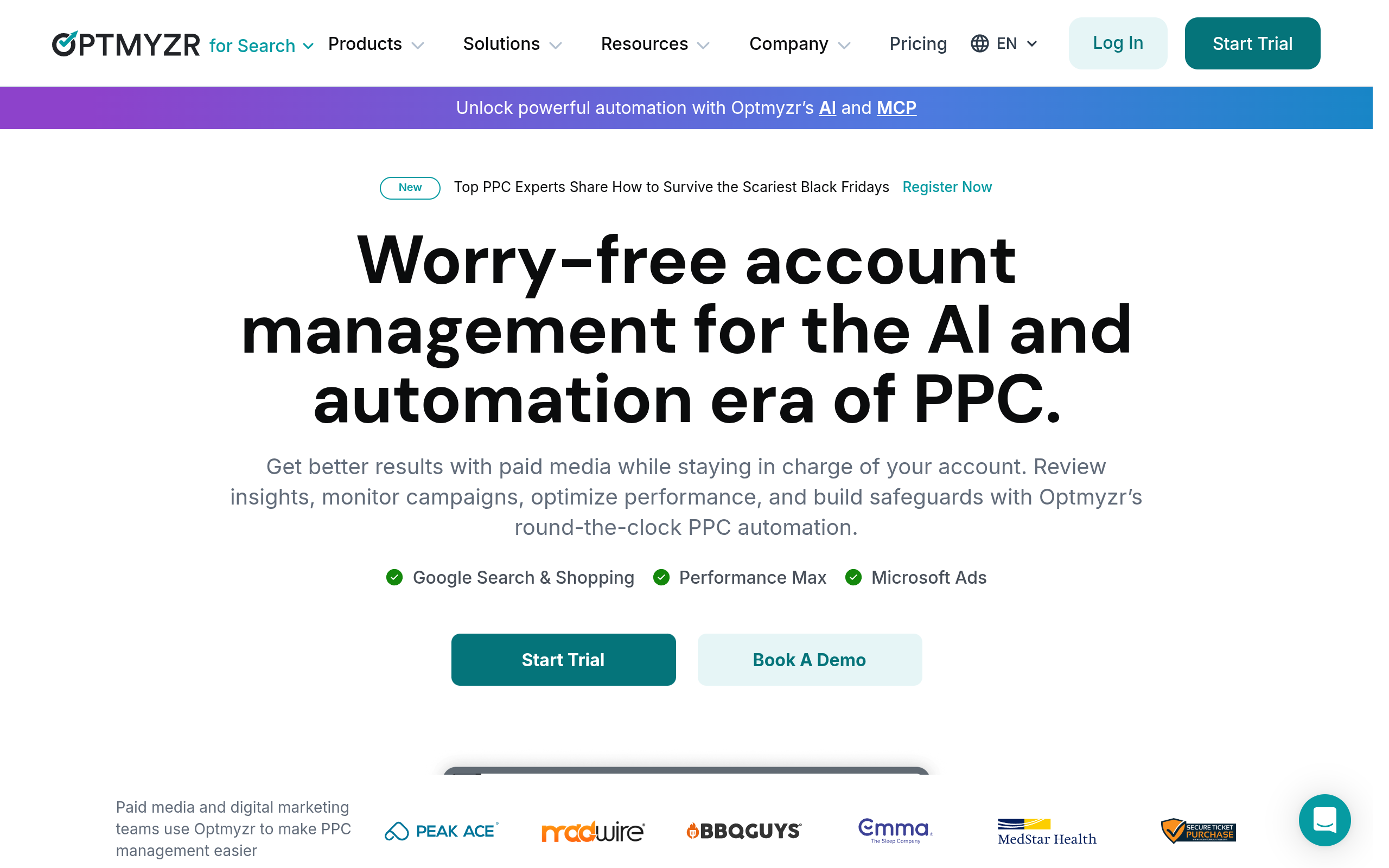
Optmyzr is a PPC management product aimed at helping teams manage advertising work, including optimization workflows. It is worth comparing when Revealbot is only one part of a broader paid-search operating routine and the team wants more than a few simple threshold rules. Its exact supported platforms and tools should be checked against the team’s account mix; do not assume that every workflow built for one advertising platform transfers unchanged to another.
Implementation burden: moderate. A team needs to connect the relevant accounts, decide which suggested or repeatable actions belong in its process, and establish who reviews changes. The practical test is to take one recurring task—such as identifying campaigns that need attention—and confirm the tool’s current workflow covers the data, criteria, and action permissions you require.
- Best for: PPC managers and agencies with recurring optimization work to standardize.
- Does not suit: a Meta-only buyer who needs just a few uncomplicated pause or budget rules.
- Standout: a PPC-management orientation rather than a narrow “if condition, then action” framing.
Commercial model: this is third-party software, so compare the current plan or quote with the accounts and users you would actually include. Its public homepage identifies the product but is not enough to verify every current feature or price. Before buying, check the vendor’s current plan details and test whether the workflows you rely on are included in the tier under consideration.
4. Madgicx
For advertisers centered on Meta campaign work
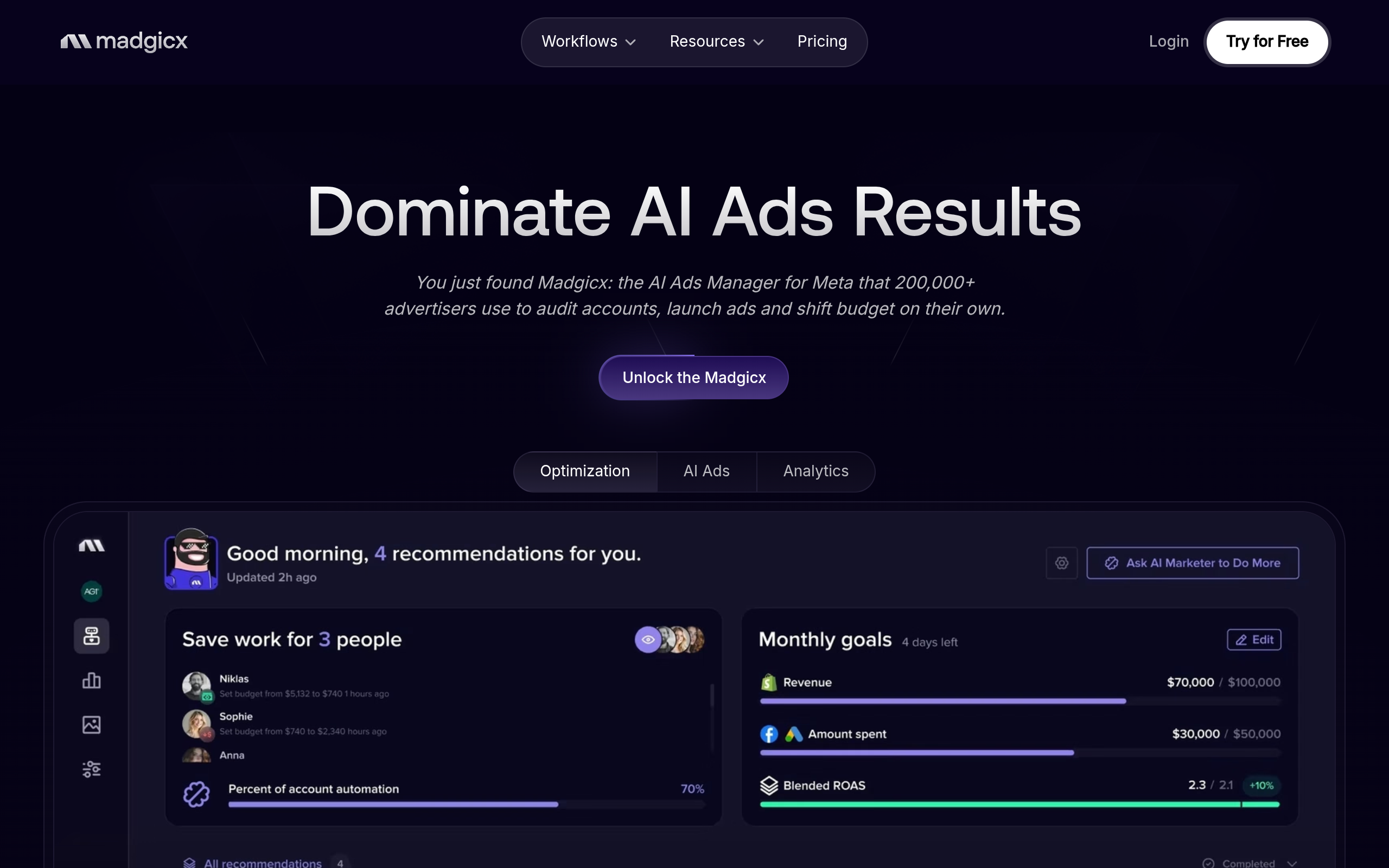
Madgicx is an advertising software option to assess when the main operational problem is managing and optimizing Meta campaigns. Treat it as a Meta-oriented alternative to investigate, not as proof that every Revealbot rule or cross-platform workflow has a direct equivalent. Compare a specific existing task—such as monitoring campaign performance or applying a repeatable intervention—with the current product documentation and account permissions before relying on it.
Implementation burden: moderate. The team must connect the relevant advertising account, understand what the product recommends or can change, and decide where human review belongs. For an agency, check how the workflow behaves across separate client accounts; for an in-house team, verify that the person responsible for budgets can audit changes and understand what triggered them.
- Best for: buyers whose recurring advertising work is concentrated in Meta.
- Does not suit: teams that need a verified, unified rules workflow across Meta and Google Ads without checking platform coverage first.
- Standout: a focused candidate to evaluate for Meta campaign operations rather than a native Google Ads substitute.
Commercial model: use Madgicx’s current official pricing and plan information to establish whether the required features, accounts, or usage are covered. Do not infer price or plan limits from a feature description. In a trial or vendor walkthrough, bring one real rule and ask what triggers it, what action follows, and how an operator can review that history.
5. Smartly.io

For paid-social operations with broader workflow needs
Smartly.io is a paid-social platform to consider when the team’s problem extends beyond a handful of automated rules into the way it operates advertising at scale. That is a different buying case from replacing a small rule set: evaluate whether its current product scope fits your campaign, creative, and operational workflow rather than assuming that a broad platform offers a one-for-one Revealbot migration.
Implementation burden: potentially substantial for teams with multiple accounts, established approvals, or dependencies on existing campaign processes. Before committing, choose a representative campaign workflow and ask the vendor to demonstrate the steps from setup through review and execution. A product overview alone cannot establish that your specific account structure or desired automation is supported.
- Best for: paid-social teams assessing a broader operational platform, not just a simple rule engine.
- Does not suit: small teams seeking the least complicated route to a few account-level safeguards.
- Standout: a distinct platform-level evaluation rather than a direct native-rules comparison.
Commercial model: confirm the current commercial structure directly with Smartly.io; do not assume a self-serve price or plan from its homepage. The key purchase question is whether the capabilities you need are included in the proposed scope and whether the implementation effort is justified by the work being consolidated.
6. NotFair
For approval-gated AI-assisted campaign work
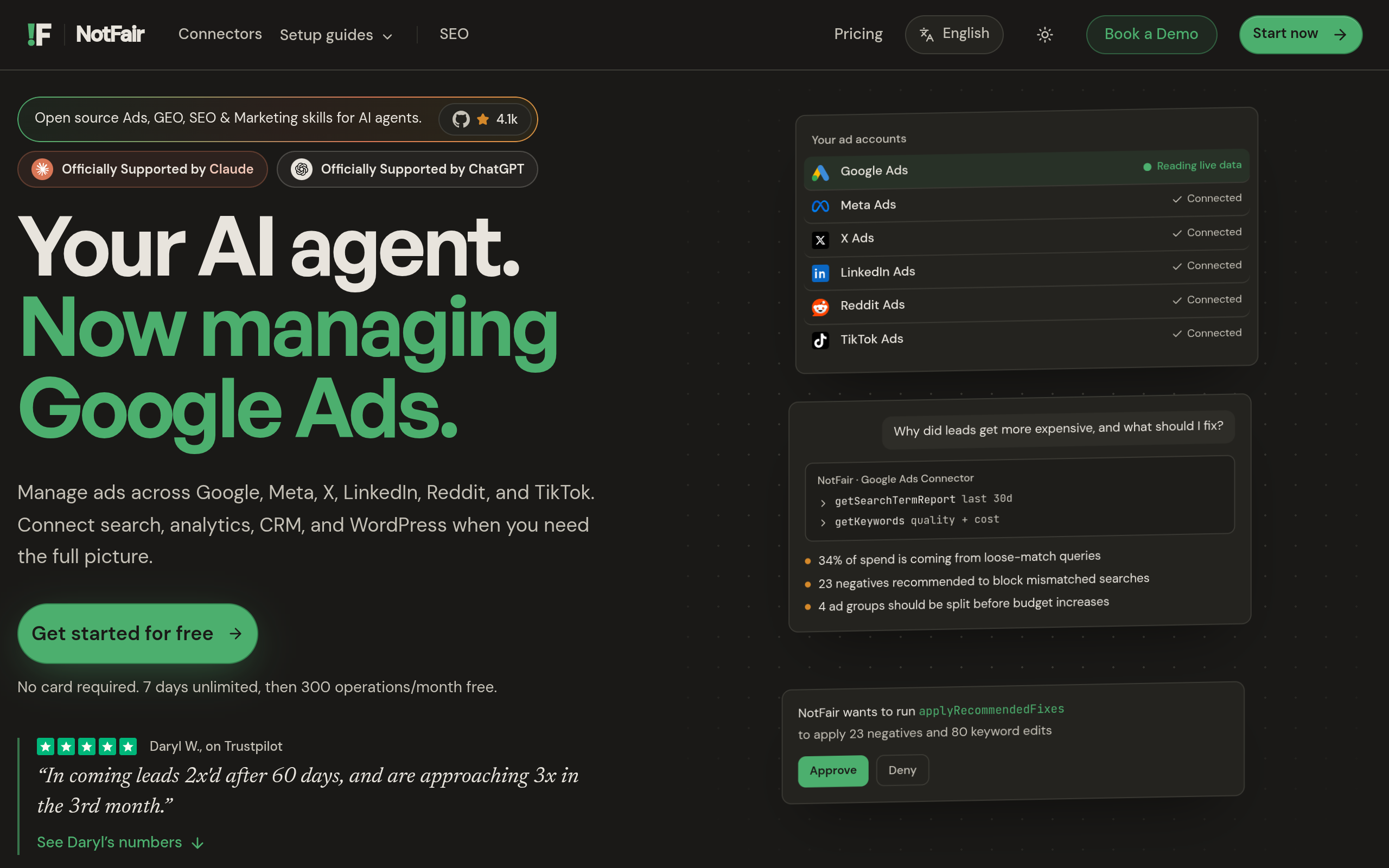
NotFair provides hosted MCP servers connecting AI clients—including Claude, Codex, Cursor, OpenClaw, and Hermes—with advertising and analytics platforms. Its described workflow is for AI agents to diagnose performance issues, recommend fixes, and execute reversible campaign changes behind approval gates. That makes it relevant when the desired alternative is an AI-assisted operating layer, not a conventional rule builder. See the product pages for Google Ads MCP and Meta Ads MCP for the relevant platform connection context.
Implementation burden: depends on the AI client and the team’s approval process. The operator must define what the agent may inspect, what changes require approval, and how a proposed action will be reviewed. That is a different setup from configuring a fixed rule once and letting it run. Treat reversible execution as a workflow constraint to validate, not as a reason to skip change review.
- Best for: marketers or developers who want an AI client in the diagnose–recommend–approve–execute loop.
- Does not suit: buyers seeking a conventional visual rule builder, or teams unwilling to govern AI-generated recommendations and actions.
- Standout: approval-gated AI interaction rather than a standalone ad-automation dashboard.
Commercial model: check NotFair’s current terms and pricing directly; no price or plan details are established here. Confirm which connections and actions are available for your intended workflow before making a tool decision. This option should be compared with the same care as the others: if your job is simple deterministic rules, it may add an unnecessary layer.
Comparison
The table separates the core job from platform scope. “Verify” means the vendor’s current documentation or a product walkthrough must establish the specific capability before you plan a migration.
| Option | Primary job | Platform fit | Implementation burden | Commercial model to check |
|---|---|---|---|---|
| Meta Ads Manager automated rules | Native, condition-based account actions | Meta | Low–moderate for simple rules | Built into platform; media spend remains |
| Google Ads automated rules | Native scheduled or condition-based actions | Google Ads | Moderate when rules interact | Built into platform; media spend remains |
| Optmyzr | Repeatable PPC management and optimization workflows | Verify current platform and tool coverage | Moderate | Check current plans or quote |
| Madgicx | Meta-focused campaign operations to evaluate | Verify required account coverage | Moderate | Check current plan and feature scope |
| Smartly.io | Broader paid-social operations | Verify fit for intended accounts and workflow | Potentially substantial | Confirm commercial scope with vendor |
| NotFair | Approval-gated AI-assisted campaign work | Google Ads, Meta Ads, and other stated connections; verify specific actions | Depends on client and governance setup | Check current terms and pricing |
How to choose a Revealbot alternative
Start with the action you need to replace
Write down the actual job in operational terms before comparing feature lists. “Automate ads” is too broad to evaluate. A useful requirement names the object, signal, action, and review path—for example: “When a campaign meets our chosen spend condition, notify the account owner; require approval before pausing.” Then check whether the candidate supports that complete chain.
- Choose native rules when the action is simple and stays inside one platform.
- Choose a PPC workflow product when the problem is a repeatable set of paid-search management tasks.
- Assess a paid-social platform when campaign operations extend beyond individual rules.
- Assess an AI-connected workflow when diagnosis and recommendations are part of the task and approvals are explicit.
Test failure modes, not just the happy path. Ask what happens when data is delayed, a condition is met by several campaigns at once, or an action is rejected. For an illustrative starting policy, run a proposed workflow in notification-only or human-review mode before permitting changes; the appropriate duration depends on the account’s conversion cycle and risk tolerance, not a universal benchmark.
Use one shared verification checklist
Product capabilities, supported platforms, terms, and prices can change. Before migrating, verify these items directly in current official documentation or a vendor demonstration; this checklist applies to every option above:
- Coverage: does it support your account structure, campaign objects, and metrics?
- Control: can you preview, approve, audit, and reverse the action you care about?
- Operations: who owns setup, alert review, and rule maintenance?
- Cost: what is included in the current plan or proposal, and what remains separate?
- Exit: can you document the logic and retain a usable process if you stop using the product?
For a small, deterministic rule set, compare native automation first; for recurring PPC work, assess Optmyzr; for a Meta-centered operation, evaluate Madgicx; and for a broader paid-social or AI-assisted workflow, validate Smartly.io or NotFair against the exact approval and execution path you need. If you are exploring AI-connected campaign workflows, NotFair’s MCP server offering is a relevant place to review the stated connections and decide whether that operating model fits.
Authored with NotFair SEO