
A media buyer asks an agent to cut wasteful spend before lunch. The agent can already see the Google Ads account, the Meta account, and yesterday's GA4 conversions. One careless tool call can pause a campaign that is still learning, or lift a budget finance signed off last week. Choosing among the best MCP servers is a governance decision. Feature count matters less than platform coverage, how credentials are held, and whether a change can be reviewed and reversed.
Anthropic introduced the Model Context Protocol on November 25, 2024, as an open standard for two-way connections between AI applications and external data sources or tools. Server downloads later grew from about 100,000 in November 2024 to more than 8 million in April 2025, according to Nevermined. That surge doesn't tell you which connector is safe on a live ad account.
I judge a server on four questions. Which platforms does it cover? How hard is setup, and whose credentials does the agent inherit? Do writes wait for approval, and can you undo them? The same least-privilege habit shows up when you design RBAC and SSO for mobile apps. A wide token is convenient until the wrong tool fires.
This list is grouped by job, not by stars. You'll see ad platforms, analytics, a broad automation layer, developer tools, a browser controller, and knowledge-base servers. Hosted marketing connectors get the same scrutiny as first-party and open-source options.
Table of Contents
- 1. NotFair
- 2. Google Ads MCP Server
- 3. Meta Ads MCP
- 4. Google Analytics MCP Server
- 5. Zapier MCP
- 6. GitHub MCP Server
- 7. Playwright MCP
- 8. Notion MCP
- 9. Slack MCP Server
- 10. Exa MCP Server
- How the leading MCP servers differ on coverage, setup, and write controls
- Match the Server to Your Risk Tolerance, Not Just Your Stack
1. NotFair
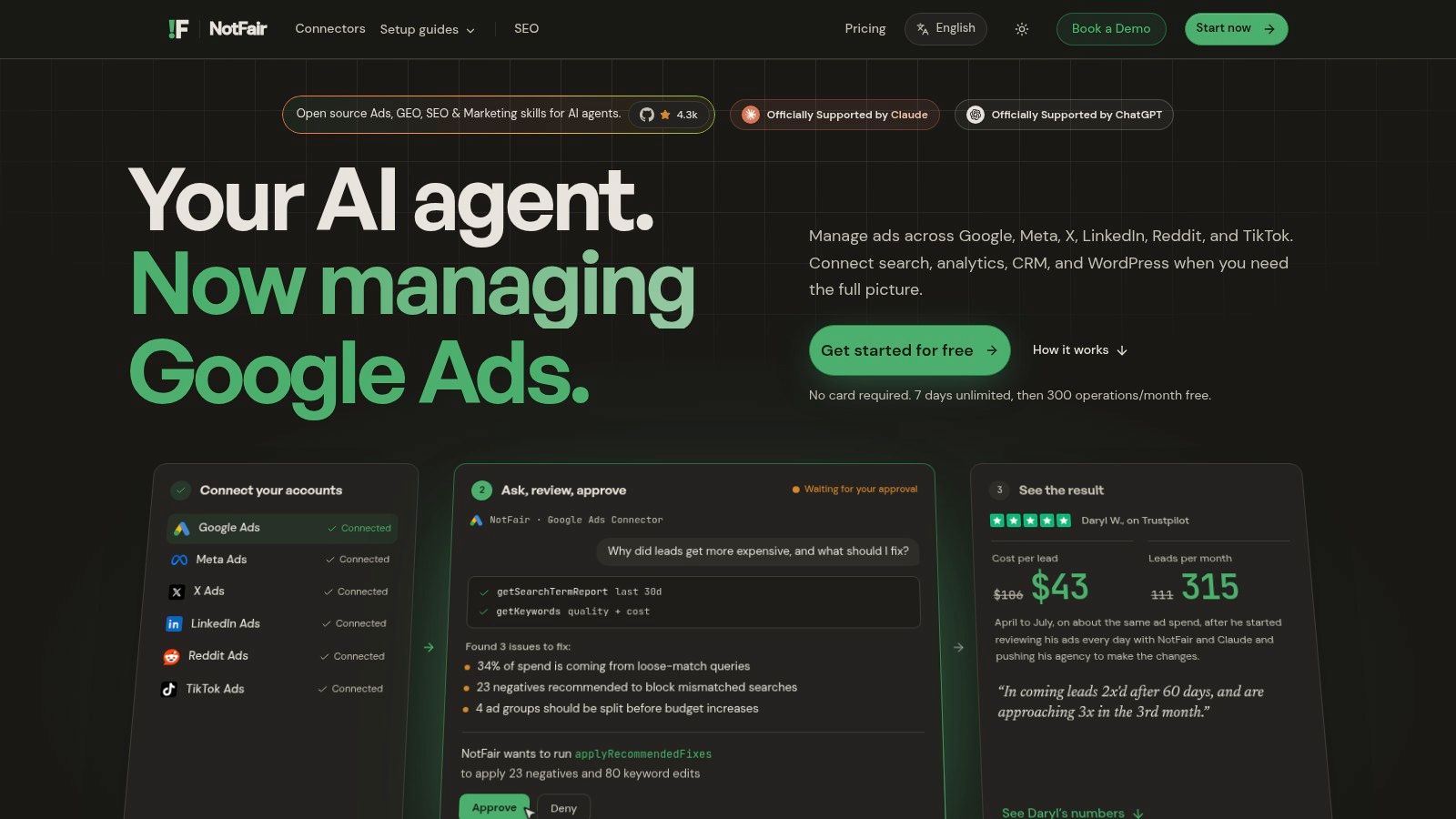
When an agent needs to compare ad spend with search visibility, site activity, and leads, separate platform connections can slow diagnosis. NotFair provides one hosted MCP server per platform, each at its own URL, using Streamable HTTP. It works with clients including Claude, ChatGPT, Codex, Cursor, OpenClaw, and Hermes.
Coverage includes Google Ads, Meta Ads, X Ads, LinkedIn Ads, Google Search Console, GA4, WordPress, and GoHighLevel. Live account reads let an agent examine current information and rank findings by spend at risk. Each server exposes read and write tools, plus a runScript sandbox for ad hoc analysis. Proposed writes show a diff and require approval before execution; supported changes are logged and can be undone in one call.
Approval before any write
A 2026 enterprise study of MCP practice found that 80% of internet-sector practitioners viewed permission overstepping and prompt injection as core risks, while only 30% reported API-level fine-grained permissions. That makes review controls worth checking before connecting a write-capable server to a live account.
- Free plan: seven days of unlimited access, then 300 operations a month.
- Growth: $79 a month when billed annually ($950 a year), with unlimited Google and Meta operations, five shared ad-account spots, and priority email support.
- Limits: Undo applies to supported changes. Check which changes are covered for each platform before relying on it in production.
A client connects to NotFair with a workspace bearer token. Upstream platform credentials are never sent to tools. CLI clients connect by adding the server URL and bearer token to their MCP configuration; other MCP-compatible clients can also be used.
Practical rule: Rank fixes by spend at risk, then review each proposed diff before approving it. Start with a low-stakes change before approving a batch.
WordPress access requires a verified website and the NotFair plugin with MCP enabled. In Claude Desktop or Claude Web, users can install the published connector from Claude's directory and complete sign-in. The main trade-off is scope: each connector covers a specific platform or area, so confirm it exposes the data and write operations your workflow needs.
2. Google Ads MCP Server
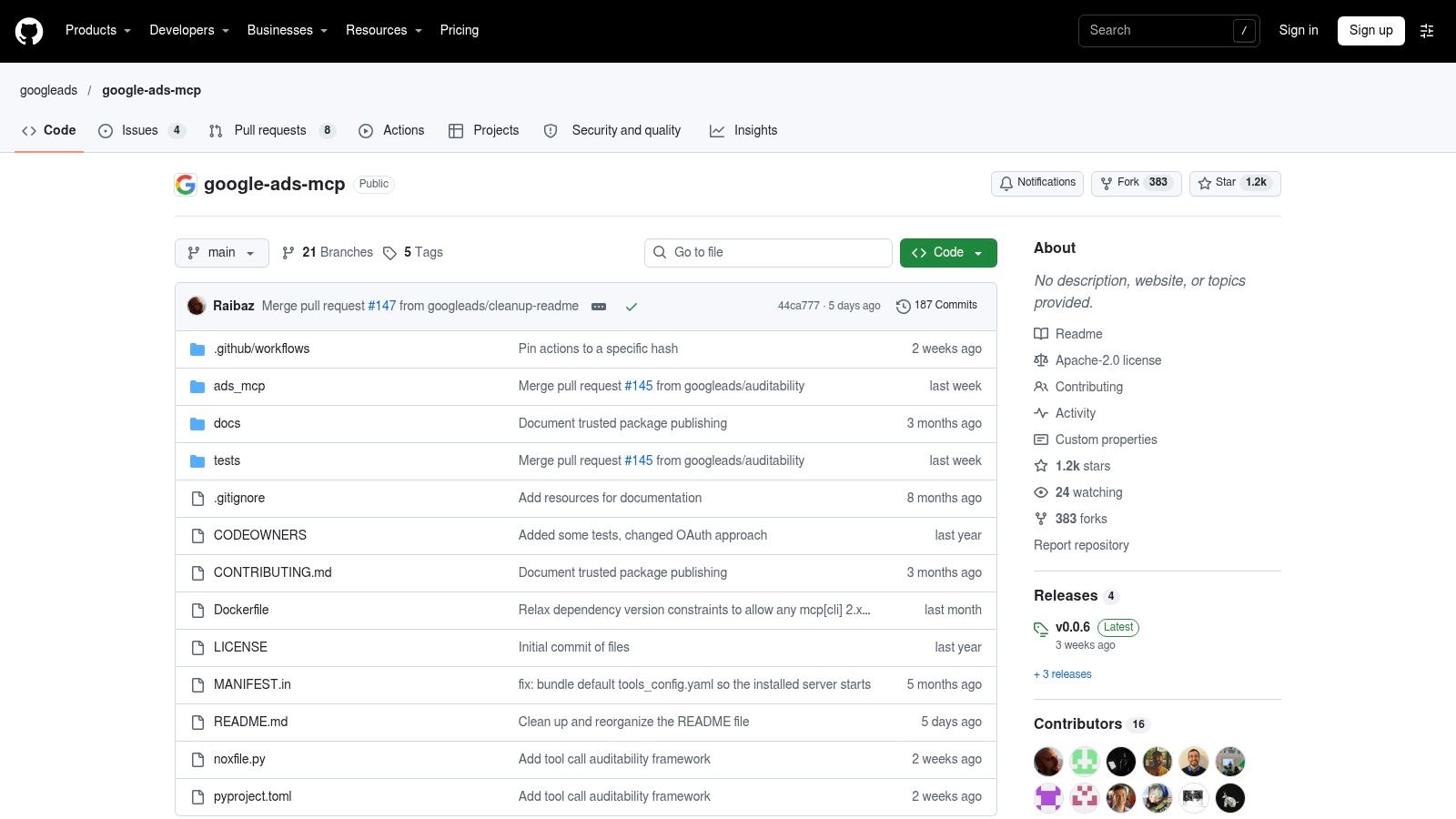
Google's official server is the right first stop when the only system in scope is Google Ads. It talks to the Google Ads API, so an agent can discover accounts, run reporting queries, and read resource metadata. Guarded changes cover a short list, including asset creation, video uploads, and label management. You can run it locally or over Streamable HTTP.
A technical review of 116 official MCP servers found that 89% were fully or partially backed by existing REST APIs, and 92% of tools were relatively thin API wrappers. The median server exposed only 19% of the underlying API's operations. That's a feature when the contract stays narrow, and a trap when people assume "official" means every mutate endpoint is available. The same write-up measured gateway overhead from about 840 microseconds to 23,058 microseconds, roughly a 27-fold spread. On a busy account, test p95 latency and timeouts before you put this in a daily review loop.
Setup isn't a toggle. You need Google Ads API credentials and a client that can hold them. Whatever the token can see, the agent can see. I use this server for search-term pulls and structural questions, then keep budget and keyword writes on a path with an explicit approve step. If you're cleaning queries, pair the read with a negative-keyword workflow so the agent drafts, and a person ships.
Official and complete are different words. Confirm the guarded-change list against the repo before you promise stakeholders an agent can "manage the account."
3. Meta Ads MCP
Meta's hosted Ads MCP is the first-party route into Meta advertising accounts. You sign in with the ad account instead of standing up your own Marketing API service. Compatible clients can read advertising data and run the account changes Meta currently exposes. For a team that lives in Ads Manager, that removes a class of connector maintenance that usually rots after the engineer who built it changes jobs.
The trade-off is scope, not hosting. Features, write rights, and availability still depend on rollout and on the permissions attached to the signed-in user. If that user is an admin on every ad account in the Business Manager, the agent inherits that blast radius. Check the granted scopes before you enable any write tool, and prefer a user who can see the accounts you care about and nothing else.
It also won't join Meta spend to Google Ads, Search Console, or GA4. You'll diagnose creative fatigue or learning-phase stalls inside Meta, then hop clients or servers for the rest of the funnel. That's acceptable for a Meta-only pod. It's clumsy for an agency running both networks for the same client. Read the permission model in this Meta Ads MCP safety note before you leave a write tool enabled overnight.
I'd start with reporting questions you already answer in Ads Manager. Add mutations only after you've watched one proposed pause or budget move land exactly where you expected.
4. Google Analytics MCP Server
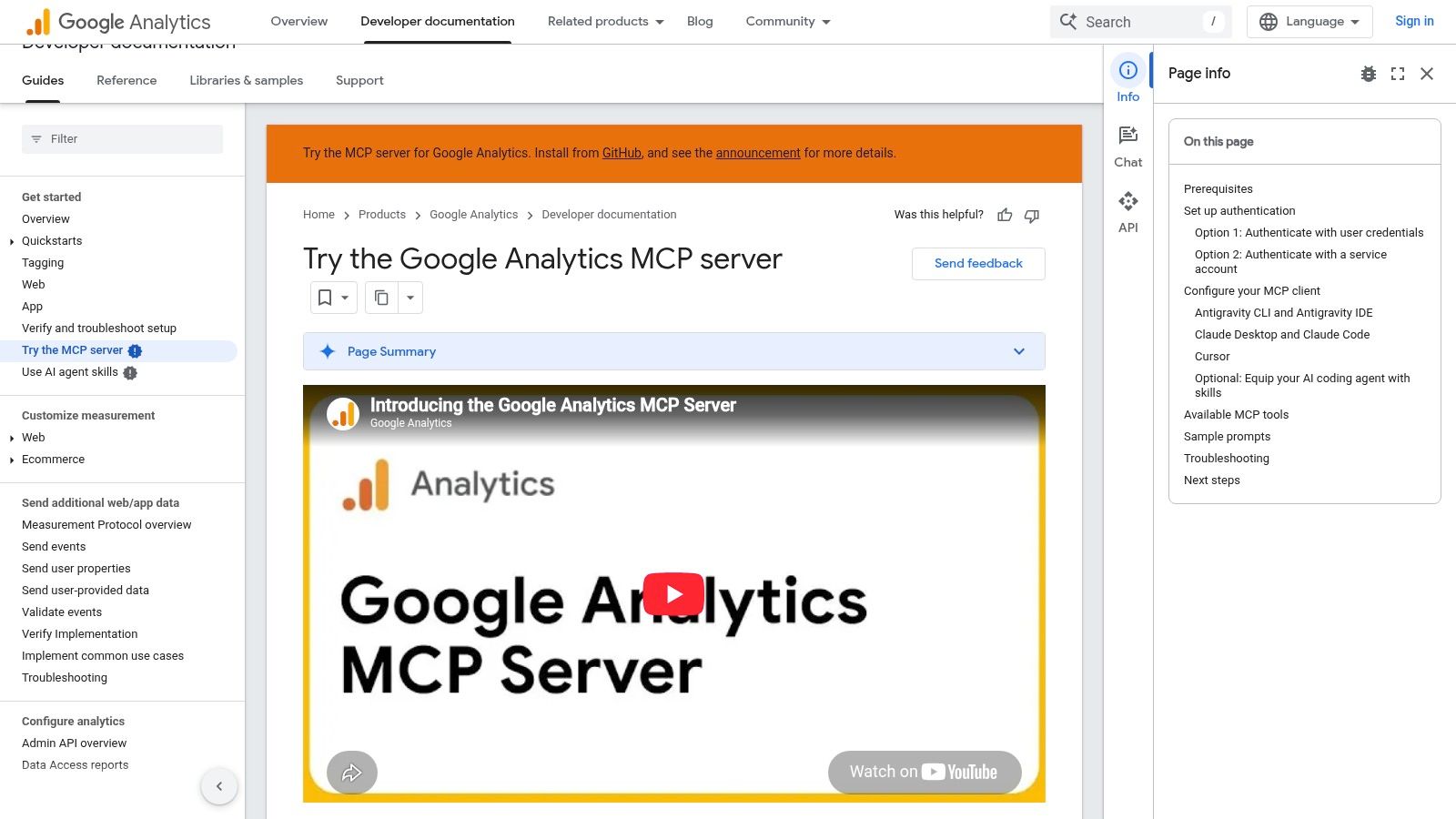
Google's Analytics MCP server is the one I trust earliest, because it is read-only. An MCP client can query GA4 reports, inspect property configuration, and ask ordinary questions about users, channels, and product performance. It can't change settings, so a bad prompt can't rewrite a conversion or delete a data stream.
That boundary is why it belongs in the first week of any agent rollout. Point it at a property you know well and ask for last week's sessions, purchases, and landing pages. If the numbers don't match the GA4 UI, fix access and property selection before you let any ad server propose spend changes based on those conversions. A safety pass on GA4 MCP access is worth doing while the tool still can't write.
You still need a compatible client and a Google account that can see the property. Read-only doesn't mean "harmless to the business." The agent can misread a metric, mix two properties, or treat a bot spike as demand. It also won't explain incrementality. Use it to fetch the series, then keep the interpretation with the person who owns the target.
- Use it for: weekly narrative, landing-page checks, and "did this campaign even show up in GA4?"
- Don't use it for: changing attribution, editing events, or as the only source before a budget increase.
- Pair it with: an ads server that can show spend, so you aren't optimizing a metric the media buy can't see.
5. Zapier MCP
Zapier MCP connects an agent to actions across apps already set up in Zapier. For teams that use Zapier for lead routing, Slack alerts, and spreadsheet updates, it can bring those tasks into the same MCP workflow without building a separate integration for each app.
Breadth comes with a trade-off: each MCP call draws down the Zapier task allotment. A chatty agent that checks many actions can use up a plan's tasks before it ships a single campaign change.
Set the action list before connecting a client, and disable actions that email customers, move money, or edit production ads unless those writes are explicitly needed. Zapier's familiar login can obscure how much access the agent receives: it can use the apps authorized by that user. Zapier MCP suits low-risk cross-app tasks, such as filing a brief or posting a status. For media changes, favor a server that shows proposed edits and supports approval and undo.
6. GitHub MCP Server
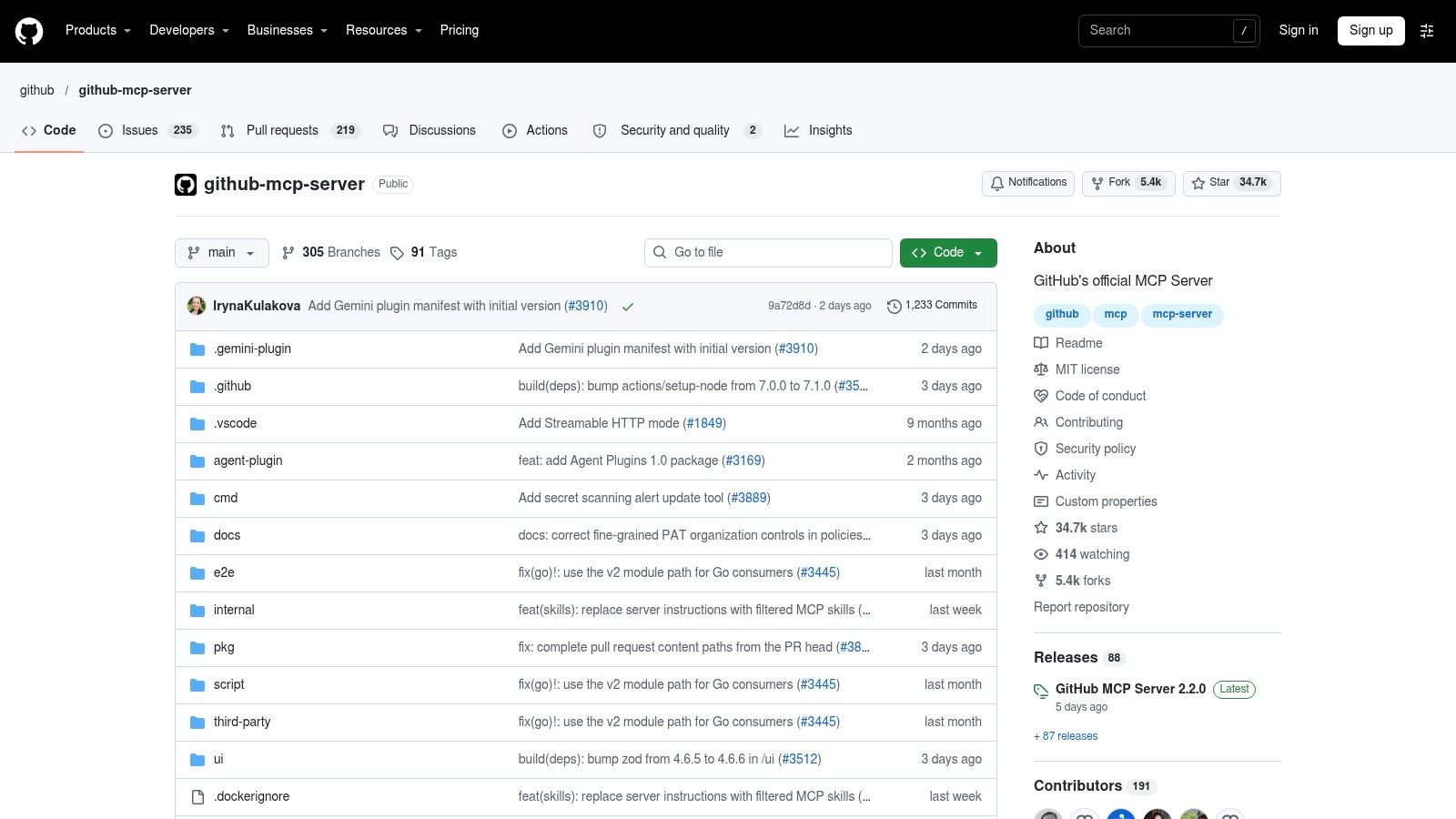
GitHub's official MCP server is for software teams, not media buyers, and that focus is the point. Anthropic's launch materials already named GitHub among the early prebuilt integrations, next to Drive, Slack, Git, PostgreSQL, and Puppeteer. The current first-party server brings repositories, issues, pull requests, and related collaboration data into clients that speak MCP.
Use it when an agent needs the repo that ships the landing page, the workflow file behind a tracking change, or the issue where someone already debated a pixel. Official docs make the config checkable, which matters more than a third-party wrapper that drifts from the API.
It is a poor default for a performance marketer who never opens a pull request. Available actions follow the token you attach and the permissions on that GitHub user or app. A token that can push to main will let a confused agent push to main. Scope it to read, or to a fork, until you have a review habit as strict as the one you want on ad budgets. Marketing ops still benefits when the tracking spec lives in the repo and the agent can cite the file instead of guessing the event name.
7. Playwright MCP
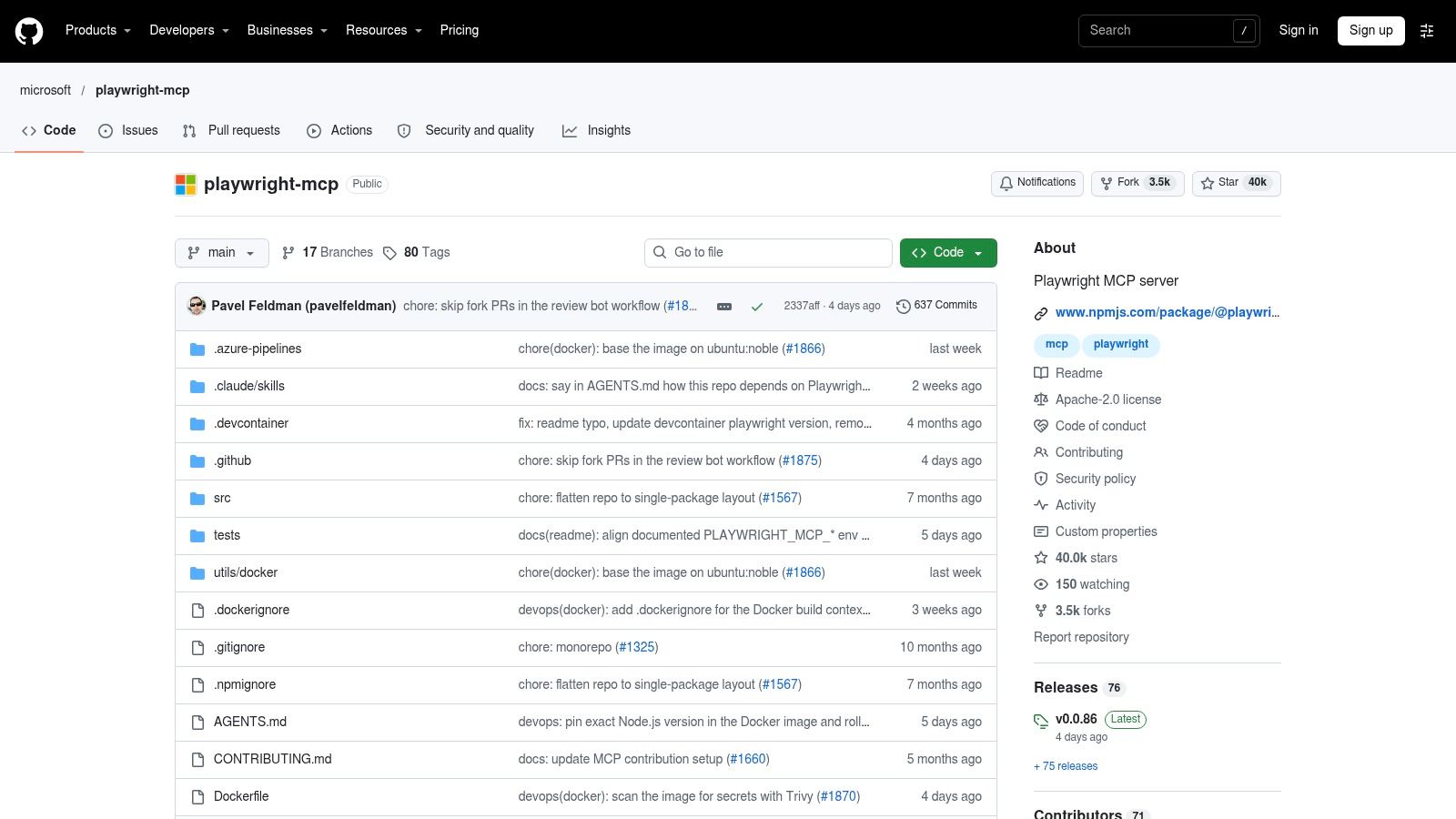
Microsoft's Playwright MCP gives an agent a browser through the Playwright automation framework. Navigation, forms, and test steps become tools. That is the fallback when a vendor UI has no API, or when you need to confirm what a shopper sees after a tag change.
It is a bad substitute for a permissioned ads API. Page layout shifts break selectors. A logged-in browser session can click Publish, change a payment method, or accept a terms dialog the prompt never mentioned. If an official MCP server exists for that platform, use the API and keep Playwright for checks you can throw away.
Community hosting is a separate risk. A dynamic assessment of production MCP servers confirmed 640 servers and found that 41.6% disappeared within three days between runs. Among 414 audited servers, 91.8% lacked OAuth, and researchers logged 68 reportable vulnerabilities, including SQL injection, SSRF, prompt-template injection, and path traversal. I wouldn't point a browser session full of ad-account cookies at an unmaintained server just because the README demo looked smooth.
8. Notion MCP
Notion's official MCP connects Claude, ChatGPT, Cursor, and other clients to pages and databases. Agents can search, read, and write workspace content, which fits teams that keep briefs, experiment logs, and naming conventions in Notion.
A 2025 survey summarized by MarketSplash found that 72% of respondents expected their MCP use to increase over the following year, while 54% were confident in MCP's long-term viability. Knowledge bases are where that extra usage shows up first, because the downside of a bad write is a messy page, not a doubled budget. Even so, the agent acts as the connected user. If that user can edit the finance database, so can the agent.
Enterprise admins can limit approved clients and workspace connections. Those controls aren't on every plan, so a small team should assume the user's sharing settings are the policy. Messy titles and buried databases make retrieval worse than no connector at all. Name the source-of-truth pages, and keep the agent on read until the workspace is tidy enough to search.
9. Slack MCP Server
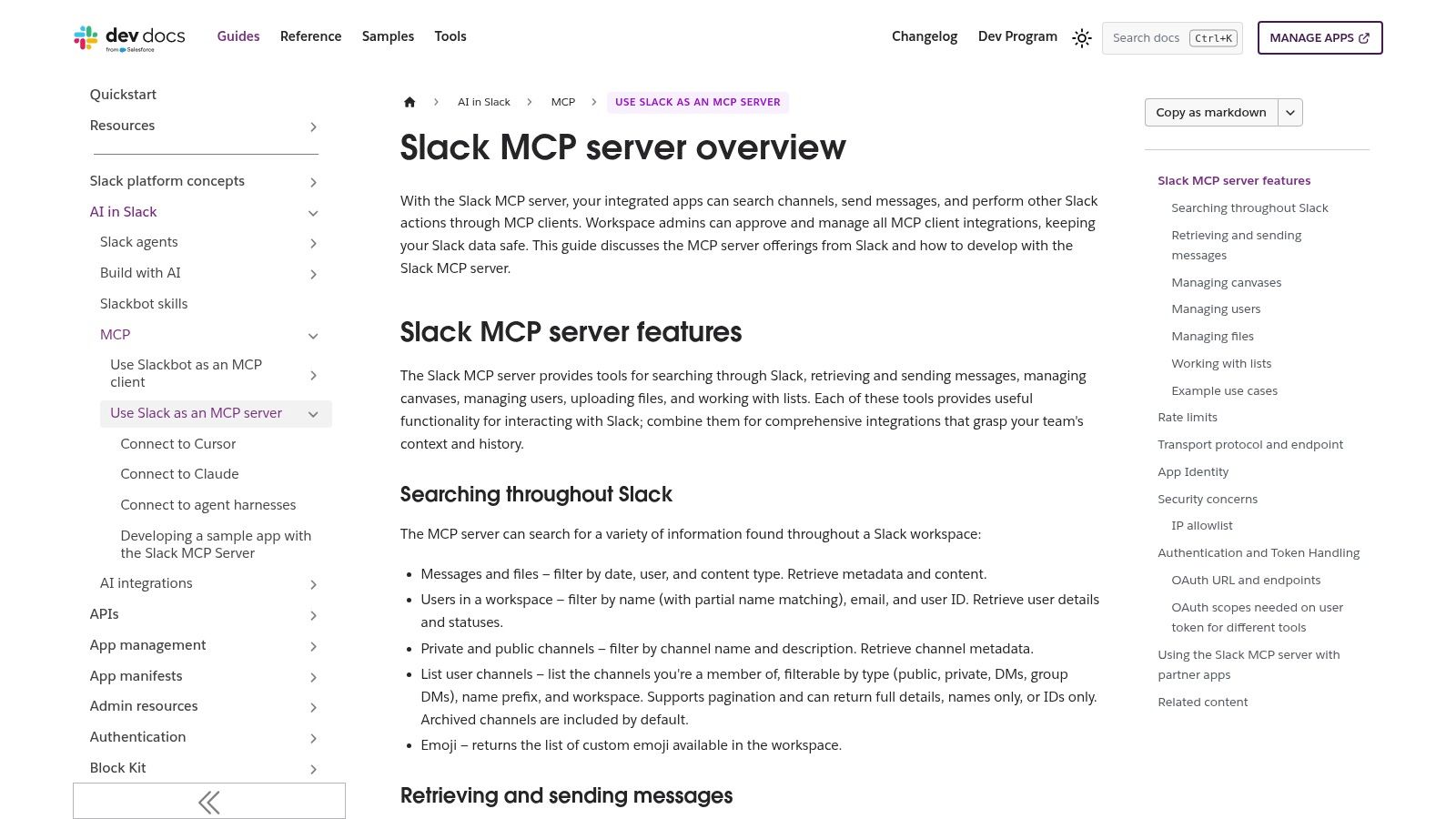
Slack's MCP server lets a compatible assistant search workspace content and take actions in Slack as the user. For a media team, the useful part is usually the thread where someone already decided the offer, the geo, or the "don't touch this campaign" rule. First-party docs spell out permissions and limits, which is more than most community chat servers bother to do.
Slack's Web API rate limits still apply, and search only returns what that user or app can see. A private channel you aren't in doesn't exist for the agent. Messages also arrive without the meeting that produced them, so a one-line "pause it" can mean a single ad set or the whole account. I treat Slack hits as clues, then confirm the decision in the ads UI or the brief before any write tool runs.
Posting is the sharp edge. An agent that can reply in a client channel can apologize, promise a discount, or paste internal CPA into the wrong thread. Leave post and reaction tools off until search has earned trust. Catalog size won't save you here. DreamFactory's 2025 ecosystem estimate put published servers at 6,878 by November 2025, up from 3 implementations in October 2024. Most of those will never see your Slack workspace, and they shouldn't.
10. Exa MCP Server
Exa's MCP server is a research tool, not an account tool. It gives clients web search aimed at AI workflows, including code samples and official docs, through Exa's own endpoint. I use that when a policy citation, a platform changelog, or a competitor landing page isn't inside Ads, GA4, or Notion.
It doesn't replace a live integration. Search can't tell you today's cost per lead, and it shouldn't draft a budget change from a blog post. Results still need a human to open the source. Usage caps and price follow whatever Exa plan and API terms are current, so read those before you let an agent fan out dozens of queries per brief.
Directory hype makes this distinction sharper. One 2025 measurement study collected 17,630 raw entries over 14 days and, after validation, analyzed 8,401 projects: 8,060 servers and 341 clients. Fewer than half of the raw entries survived. A giant list of "best MCP servers" that sorts by stars will mix prototypes, duplicates, and abandoned repos with the few connectors you'd allow near billing data. Exa can help you find the official docs. It can't govern the write.
How the leading MCP servers differ on coverage, setup, and write controls
| Item | Primary Scope | Setup Path | Write Controls | Best For |
|---|---|---|---|---|
| NotFair | Ads, analytics, search, CRM, and WordPress operations | Hosted connectors; authorize platforms in a compatible AI client | Proposed edits require approval; supported changes are logged and can be undone | Marketing teams seeking cross-platform insights and reviewed campaign edits |
| Google Ads MCP Server | Google Ads reporting and account operations | Run locally or over Streamable HTTP; requires Google Ads API credentials | Guarded changes for supported actions | Google Ads reporting, exploration, and supported account changes |
| Meta Ads MCP | Meta advertising data and operations | Hosted by Meta; sign in with a Meta account | Supported changes depend on rollout, account settings, and permissions | Teams using AI with Meta Ads accounts |
| Google Analytics MCP Server | GA4 reporting and property inspection | Connect a compatible AI client with appropriate Google account access | Read-only; cannot modify Analytics settings | GA4 analysis and diagnostics |
| Zapier MCP | Actions across apps in Zapier's integration catalog | Connect through Zapier using existing account and plan | Actions use connected account access; restrict permitted actions | Cross-app workflows without building separate connectors |
| GitHub MCP Server | GitHub repositories, issues, and collaboration workflows | Configure for a compatible client and environment | Actions depend on credentials and permissions; scope write access | Software teams working with GitHub context |
| Playwright MCP | Browser automation, web tasks, and testing | Use with a compatible MCP client and Playwright setup | Logged-in sessions can perform consequential browser actions | Browser-based tasks and web testing |
| Notion MCP | Notion pages, databases, and workspace content | Connect a compatible AI client to a Notion workspace | Can read and write within the connected user's permissions | Teams using Notion as a knowledge base or source of record |
| Slack MCP Server | Slack workspace search and actions | Connect a compatible AI assistant to a Slack workspace | Actions depend on access and API limits | Finding conversation context and decisions in Slack |
| Exa MCP Server | Web search and research | Configure the official Exa endpoint | Research-focused; no business-app write controls specified | Web research, source discovery, and technical documentation searches |
Match the Server to Your Risk Tolerance, Not Just Your Stack
Go back to that media buyer who wanted waste cut before lunch. The safe version of the request is a read across the ad account and GA4, a short list ranked by spend, and a diff that sits unsent until a person clicks approve. The unsafe version is a browser session or a broad Zapier action list with the same prompt and no undo.
Start the shortlist with read-only servers. Google's Analytics MCP server is the cleanest example, because it can't mutate the property. Use it to prove the agent fetches the right account, the right date range, and numbers you can match in the UI. Only then add a write-capable ads server, and only for the platforms you buy on.
What to verify before a write tool stays on
- Permission scope: the token should see only the relevant accounts, not the whole Business Manager or org.
- Approval flow: high-impact edits wait, and the proposed change is readable as a diff, not a vague "I'll optimize this."
- Log and undo: you can say who ran the tool, what changed, and how to reverse a supported edit.
- Plan math: task allotments, operation caps, and upstream rate limits are in the current docs, not in a screenshot from last quarter.
- Failure behavior: if the server times out mid-batch, you know whether it retries, stops, or leaves a partial change.
Vendor claims move. Rollout flags on Meta, guarded-action lists on Google Ads, Zapier task counting, and Exa plan terms should be re-read in the vendor's docs on the day you connect production. A hosted connector with OAuth and an approval gate is easier to defend in an agency review than a popular repo that might vanish between sprints. If you later give agent access to inbox, apply the same rule you used on ads. Read first, narrow the identity, and don't let a write ship itself.
Match the server to the blast radius you can live with on a Friday afternoon. Stack coverage is the second question.
We connect AI clients to live ad, analytics, search, and CRM accounts through hosted MCP servers, with approval before writes, a visible diff, and undo on supported edits. If you're comparing the best MCP servers for Google Ads and Meta rather than collecting one-off repos, start with a workspace you can govern. Visit NotFair and connect the accounts you already trust a teammate to touch.