
Madgicx alternatives worth comparing depend on which part of your ad workflow you want to replace: Meta Ads Manager is the direct native option, AdEspresso and Smartly.io focus on paid-social campaign workflows, Skai serves broader enterprise media management, Optmyzr is a Google Ads specialist, and NotFair connects AI clients to ad platforms through approval-gated agents. This list is for Meta and Google Ads managers, agencies, and growth teams; it compares each option on channel coverage, campaign execution, automation or creative workflow, implementation effort, and commercial model. These products are not feature-for-feature equivalents, so the best fit is the one that covers the job you actually need done.
- Channel coverage: Can it work in the ad accounts and platforms your team uses?
- Workflow replacement: Does it replace campaign setup, rules, creative production, analysis, or some combination?
- Control: Can your team review changes and understand what will happen before they are applied?
- Setup and cost: Does the product require an integration project, specialist support, or a particular pricing model?
Use the comparison as a shortlist, not a feature guarantee. Product scope and prices can change; confirm the current plan, channel support, and account requirements on the linked official pages before you commit. No first-hand product testing is implied here.
1. Meta Ads Manager
Best when you want to work directly in Meta
Meta Ads Manager is the most direct alternative if your team mainly needs to build, edit, monitor, and report on campaigns across Meta’s ad placements without adding another management layer. Meta describes Ads Manager as its tool for creating and managing ads; the official Ads Manager page is the starting point for its current scope. It replaces the basic campaign-management workflow, but not a separate third-party optimization layer’s additional rules, cross-account workflow, or creative testing interface.
That distinction matters when evaluating Madgicx. If the pain is switching tools to publish a campaign or check delivery, a native workflow may be enough. If the requirement is to run complex rules across many accounts, coordinate approvals, or apply one operating process across Meta and Google, Ads Manager alone may leave that work to your team.
Burden, cost, and poor fit
- Best for: Teams that want direct control over Meta campaigns and already have a repeatable in-platform process.
- Does not suit: Teams seeking a separate multi-account automation layer or a unified Meta-and-Google workflow.
- Implementation: Low software setup burden, but your team must define its own naming, review, reporting, and optimization routines.
- Commercial model: Ads Manager is Meta’s ad-management tool; ad spend is separate. Confirm any current account or product terms with Meta.
Choose it when the extra layer is not adding enough value to justify another tool. Do not assume a native interface will recreate a vendor’s automation rules or reporting views: list the exact rules and reports you depend on, then check whether your team can reproduce them in Meta’s workflow.
2. AdEspresso
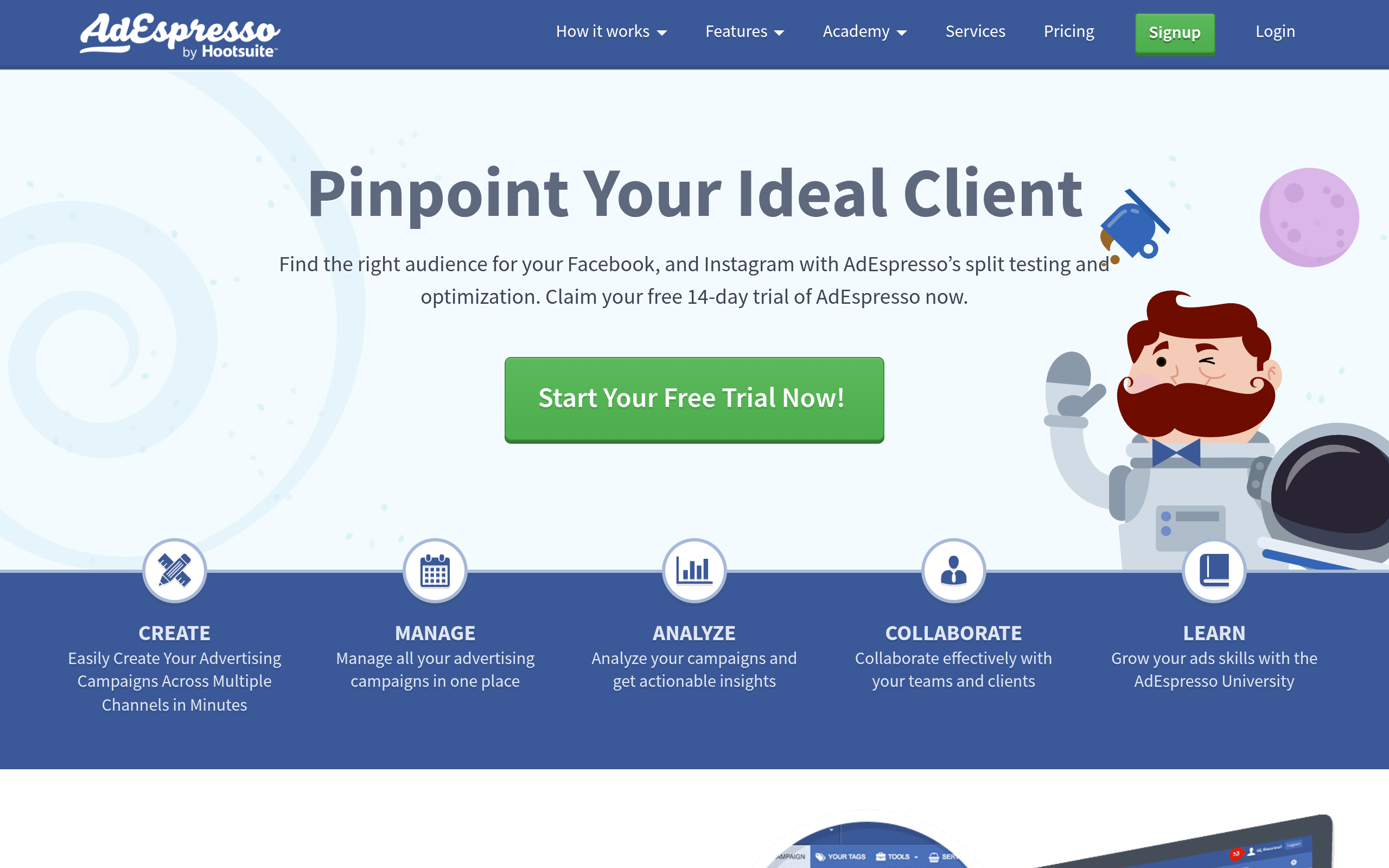
A guided campaign workflow for smaller teams
AdEspresso is a closer match when the job is to make social campaign creation and testing more approachable, rather than to build a custom automation system. Its official product site positions it around managing and optimizing social advertising; its pricing page is the place to check current plan availability and charges. That makes it a candidate for teams that value a guided interface over managing every task in the native platform.
It can replace parts of campaign setup and testing, but do not treat that as proof it reproduces every Madgicx feature. In particular, check whether the current product supports your required Meta and Google workflows, account structure, reporting exports, and automation triggers. A tool that makes campaign variants easier to launch is not automatically a substitute for rules that change budgets or pause ads under specific conditions.
Burden, cost, and poor fit
- Best for: Smaller teams or consultants who want a more guided campaign and testing workflow.
- Does not suit: Teams that need a highly customized, cross-channel automation layer or enterprise-wide governance.
- Implementation: Expect account connection, campaign conventions, and staff onboarding; the burden is usually in adapting processes, not building a bespoke integration.
- Commercial model: The official site publishes plan information; check the live pricing page for current tiers, limits, and billing terms.
Before migrating, choose one real campaign type and map the steps from build to reporting. Ask whether the tool supports each step in your account, then compare the manual work that remains. This prevents a polished setup experience from being mistaken for complete automation coverage.
3. Smartly.io
For scaled paid-social production and management
Smartly.io is a stronger candidate for organizations managing paid social at scale, especially where campaign operations and creative production need to work together. Its official site describes its advertising platform and creative capabilities. That is a different buying proposition from choosing a lightweight optimizer: the potential value is in coordinating large campaign workflows, not simply adding a few automated rules to one ad account.
It may replace parts of a Madgicx workflow involving campaign management and creative operations, but the match depends on your channels and implementation. Ask for a demonstration using a representative account structure and a creative-to-campaign process. Verify the exact platforms, permissions, reporting outputs, and automation actions included in the proposed scope; the homepage does not establish that every feature is included in every commercial arrangement.
Burden, cost, and poor fit
- Best for: Larger advertisers and agencies with substantial paid-social operations and repeatable creative production needs.
- Does not suit: A small team that only needs a simple rule builder or a low-overhead Meta reporting add-on.
- Implementation: Plan for process design, account configuration, stakeholder training, and coordination with creative teams.
- Commercial model: Treat it as a sales-led evaluation; request a current quote and confirm the modules, channels, onboarding, and support included.
Make the buying case measurable before procurement: identify which existing tasks will be consolidated, who will own the new workflow, and what evidence would show that the change reduced operational effort. If the main problem is a handful of budget rules, a broad platform may add more implementation work than it removes.
4. Skai
For enterprise teams managing multiple media channels
Skai is an enterprise paid-media platform to consider when your requirement extends beyond a single social account or a narrow Meta optimization task. Its official site presents a broader media platform. That breadth can make it relevant to larger advertisers who need a common operating environment, but it also means buyers should validate the exact product scope rather than assuming a named platform includes every channel or workflow.
Compared with Madgicx, Skai is most plausibly a replacement when the business problem is broader media coordination and enterprise operations. It is not a like-for-like pick for a small team looking only for a simpler Meta interface. Confirm whether the proposed configuration covers the specific campaign changes, reporting, and account permissions your team needs; ask the vendor to distinguish native integrations from work that requires additional configuration.
Burden, cost, and poor fit
Best for: Organizations with multiple media teams, complex account structures, or a need to evaluate a wider paid-media platform. Does not suit: Teams seeking a low-complexity, self-serve substitute for a focused Meta optimization workflow.
Implementation: Expect a structured enterprise evaluation involving stakeholders, data access, workflow mapping, and onboarding. Commercial model: Request a current quote and itemized scope; do not infer price or included modules from the product’s breadth.
For a useful evaluation, bring a concrete workflow: for example, how a team flags an underperforming campaign, reviews a proposed change, applies it, and records the result. If the platform cannot show how that sequence works in your account setup, general claims of channel coverage do not resolve the operational question.
5. Optmyzr

A Google Ads-focused alternative, not a Meta replacement
Optmyzr belongs on this list for teams whose Madgicx-related need is actually Google Ads optimization and management. It is a Google Ads specialist rather than a direct Meta campaign-management substitute. Its official site describes its paid-search tooling, and its pricing page provides the current place to review its plans. For a search team, that specialization may be more useful than buying a broad platform for features it will not use.
It can replace or support parts of a Google Ads workflow, but it does not replace Meta campaign operations. If your team runs both channels, treat Optmyzr as a channel-specific option and plan for separate Meta management. Before comparing it with an all-in-one tool, write down which Google Ads tasks matter: account review, optimization recommendations, rule-based changes, reporting, or bulk operations. Then verify each one against the current plan and product scope.
Burden, cost, and poor fit
- Best for: Paid-search specialists and agencies that want a dedicated Google Ads workflow.
- Does not suit: Teams looking for a single tool to manage Meta and Google Ads together.
- Implementation: Allow time to connect accounts, set permissions, and adapt existing search account processes to the tool.
- Commercial model: Optmyzr publishes pricing information; review the live page for current plan criteria and limits.
Keep a channel boundary in your evaluation scorecard. A tool can be an excellent alternative for Google Ads and still fail the requirement “replace my Meta automation.” If search is the priority, compare the cost and coverage against your current Google Ads process rather than against every feature in Madgicx.
6. NotFair
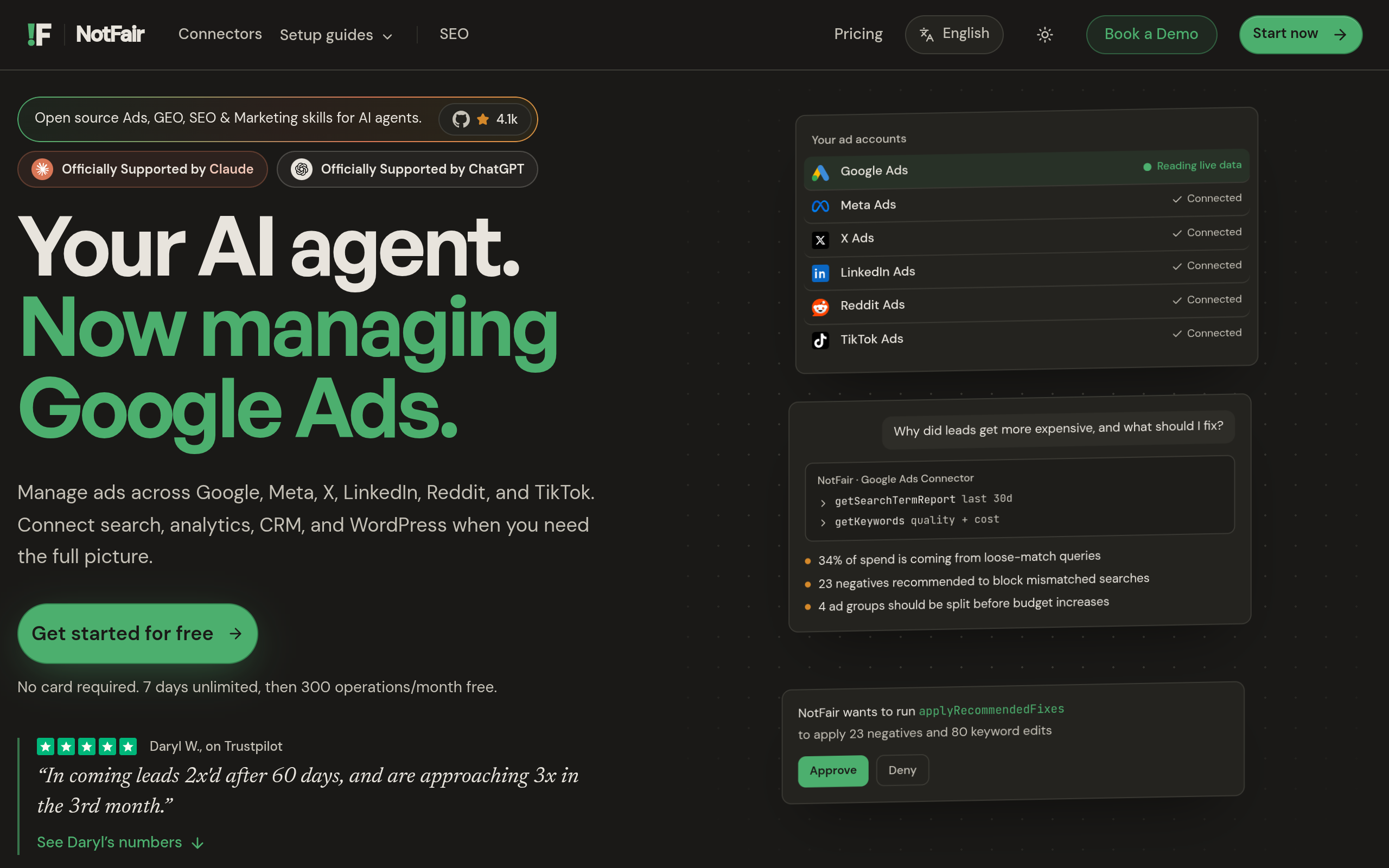
For current product details, see the official NotFair website.
For AI-assisted, approval-gated campaign operations
NotFair takes a different route: its hosted MCP servers connect AI clients such as Claude, Codex, Cursor, OpenClaw, and Hermes with advertising and analytics platforms, including Google Ads and Meta Ads. Its approval-gated AI agents are designed to diagnose performance issues, recommend fixes, and execute reversible campaign changes. This may suit technical marketing teams that want to work through an AI client rather than adopt another conventional dashboard. See the Google Ads MCP and Meta Ads MCP pages for the relevant platform context.
This is not a drop-in replacement for a complete ad-management suite. The supported workflow is AI-client access plus approval-gated actions; the supplied product evidence does not establish a full creative studio, a standard campaign-building interface, or a particular reporting package. Teams should define the tasks they want an agent to handle and verify that their client, permissions, and desired action are supported before designing a production workflow.
Burden, cost, and poor fit
- Best for: Marketers, agencies, and developers who want AI-assisted diagnosis and controlled campaign changes through an MCP-compatible client.
- Does not suit: Teams that require a conventional all-in-one ad dashboard, creative production suite, or a documented feature not confirmed for their workflow.
- Implementation: Requires choosing a compatible AI client, connecting the relevant platform workflow, and defining who approves changes.
- Commercial model: Current pricing is not established by the supplied business evidence; confirm availability and terms directly before planning a rollout.
The differentiator is the interaction model, not a claim that AI eliminates review. Keep approval authority with the people accountable for spend, and test proposed changes against your own account permissions and operating policy before relying on them in live campaigns.
Comparison
The table separates direct Meta management from channel-specific and enterprise alternatives. “Can replace” describes the likely workflow fit, not a guarantee that a product includes every capability in your required plan.
| Product | Best-fit workflow | Meta Ads fit | Google Ads fit | Implementation and commercial model |
|---|---|---|---|---|
| Meta Ads Manager | Native Meta campaign setup and management | Direct, native workflow | Not a Google Ads manager | Low added-tool burden; ad spend is separate |
| AdEspresso | Guided social campaign management and testing | Verify current account and feature scope | Verify current account and feature scope | Subscription plans; confirm current tiers and limits |
| Smartly.io | Scaled paid-social and creative operations | Evaluate against required channels and modules | Confirm exact scope in a vendor evaluation | Plan for onboarding; request a scoped quote |
| Skai | Broader enterprise paid-media operations | Confirm platform and module coverage | Confirm platform and module coverage | Enterprise implementation; request an itemized quote |
| Optmyzr | Google Ads optimization and management | Not a Meta replacement | Dedicated paid-search workflow | Published pricing page; check current plan criteria |
| NotFair | AI-client diagnosis and approved campaign changes | Available through the Meta Ads MCP workflow | Available through the Google Ads MCP workflow | Client and approval setup; pricing not established here |
How to choose
Match the tool to the workflow you need to keep
Before switching, list the Madgicx tasks your team actually uses. Separate them by channel and by action, because a product that improves one part of the job may not replace another. A practical inventory might include:
- Campaign operations: building, editing, publishing, and organizing campaigns.
- Optimization: identifying an issue, recommending a change, and applying or approving it.
- Creative workflow: producing variants, coordinating reviews, or connecting creative assets to campaigns.
- Reporting: assembling results for account owners, clients, or leadership.
- Governance: controlling permissions, approvals, and records of changes.
Score each shortlisted product against those tasks and mark “not confirmed” where the official material does not answer the question. That is more useful than comparing broad feature labels. For example, if a team needs Google Ads automation but only uses Madgicx for Meta reporting, Optmyzr may deserve a separate search-focused evaluation; it should not be scored as a full Meta replacement.
Use a workflow test, then assess the operating cost
Take one representative campaign scenario and ask the vendor or product team to show the whole sequence: how the issue is detected, what evidence supports the proposed action, who reviews it, how the change is applied, and where the result is recorded. For native Meta management, run the same exercise internally to see whether your current process is sufficient. For AI-assisted operations, explicitly check permissions and approval points.
Then compare the total operating burden, not just the software price. Include onboarding, account permissions, staff training, duplicated workflows, and any manual work left behind. Pricing pages and enterprise quotes can have different limits and scopes; verify those against your account needs before making a decision.
Recommendation: Choose Meta Ads Manager if you mainly need direct Meta control; AdEspresso for a guided social workflow; Smartly.io or Skai when scale and organizational complexity justify a broader platform; Optmyzr for a Google Ads-specific job; and NotFair when your priority is controlled AI-client access to ad operations. If approval-gated AI changes in Google Ads or Meta Ads are the specific workflow you want to explore, see NotFair.
Authored with NotFair SEO