

Co-founders
NotFair vs Skai: Compare Scope Before Price
Compare NotFair vs Skai for connected AI workflows and enterprise commerce media. Use a coverage worksheet, annual cost math, and a bounded pilot.
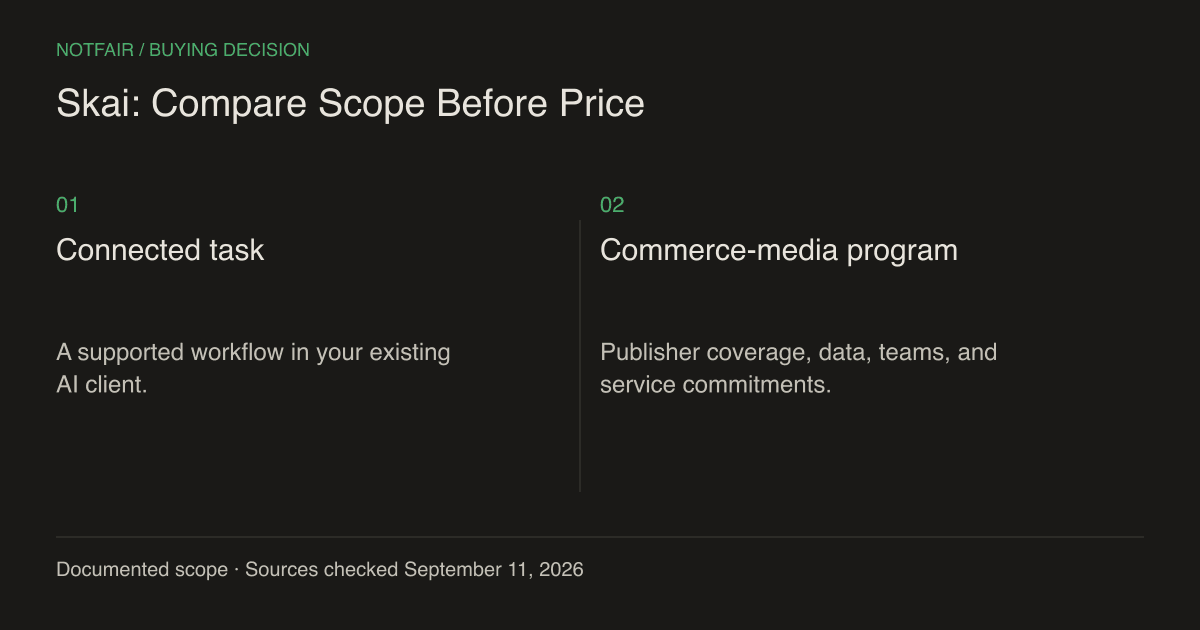
NotFair is a practical candidate for an operator who wants supported marketing-account actions through an AI client. Skai is a candidate for organizations evaluating an enterprise commerce-media platform across retail media, search, and social. The price difference is large, but the products do not establish equivalent coverage. Compare the required operating scope before treating one as a replacement for the other.
Published by NotFair, one of the products compared. We checked public vendor documentation and NotFair’s implementation on September 11, 2026. This is a documented capability comparison, not a head-to-head performance test. Worked examples are illustrative; prices and plan terms can change.
What the current Skai offer establishes
Skai’s official site describes retail media, search, social, data centralization, and Celeste AI. Its pricing page lists Standard at $114,000 per year for advertisers spending up to $4 million annually, including access to more than 120 publishers and client-success support. Advanced is listed at $276,000 per year for up to $10 million in annual ad spend. Confirm current contract scope and publisher-level capabilities directly.Skai commerce-media product scope (https://skai.io/).Skai published annual tiers and included scope (https://skai.io/pricing/).
A publisher count does not prove every read or write action is available in every account. It does establish that Skai is selling a substantially broader commerce-media environment than a narrow connector comparison would suggest. Enterprise buyers should inspect the exact publisher, geography, campaign format, data integration, and support commitment needed for their program.
| Requirement | NotFair fit to evaluate | Skai fit to evaluate |
|---|---|---|
| Existing AI-client tasks | Connected reporting and supported mutations | Inspect Celeste and integration workflows |
| Retailer advertising breadth | Not established in this comparison | Published commerce-media and publisher coverage |
| Owned-site marketing work | GA4, GSC, CRM and WordPress alongside ads | Verify the required product and integration |
| Organization-wide deployment | Test permissions and operating process | Evaluate contractual scope, support, and rollout |
Where NotFair provides a focused alternative
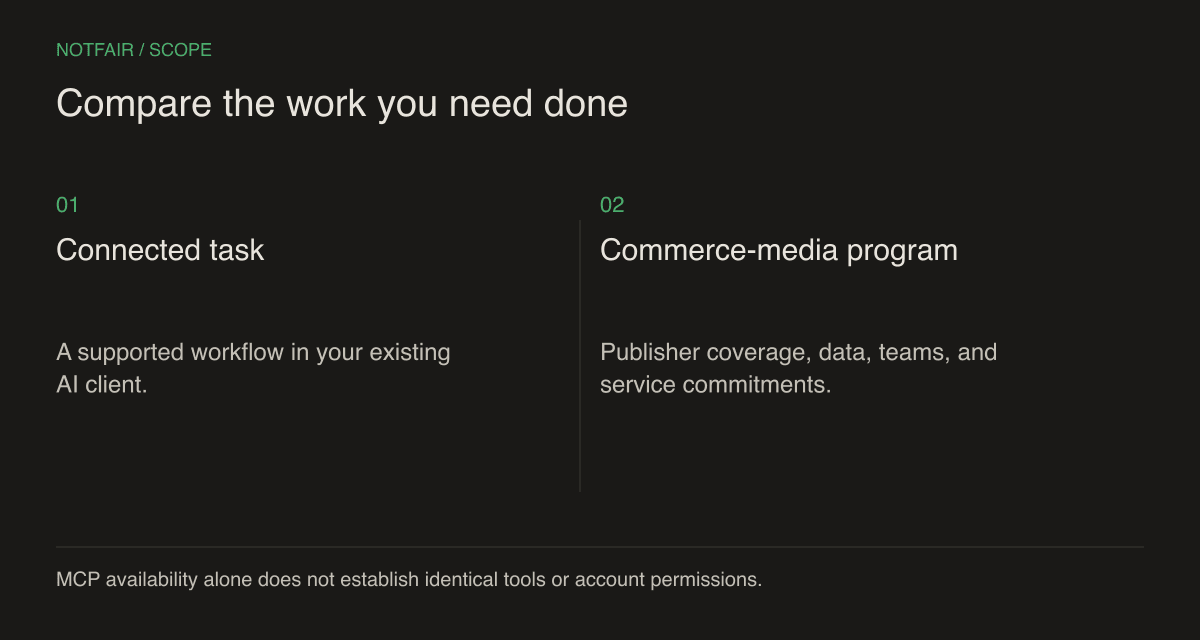
A smaller team may not need an enterprise media operating system. It may need to inspect Google Ads, compare Meta performance, reconcile an analytics question, and make one reviewed correction. NotFair’s hosted MCP workflow makes supported tools available inside a compatible AI assistant without requiring the team to build each platform integration itself.NotFair MCP setup and integrations.
Its implemented scope includes Google Ads, Meta Ads, X Ads, LinkedIn Ads, Reddit Ads, TikTok Ads, Search Console, GA4, GoHighLevel, and WordPress. Those integrations allow several kinds of work, but not identical actions everywhere. Website publishing, CRM changes, and campaign edits each have their own permissions and completion evidence. Test the exact task instead of treating ten integration names as a universal capability guarantee.
That focused approach can be an advantage when a founder or small marketing team already uses an AI assistant and wants to move from a question to a supported account action. It is not a claim that NotFair replaces retailer-specific campaign operations, an enterprise data model, or negotiated implementation services.
Show the annual arithmetic without claiming equivalence
NotFair’s published Growth annual option is $950 for the base plan; twelve monthly $99 payments total $1,188. Skai Standard’s published $114,000 annual price is equivalent to $9,500 per month when divided by twelve. These are arithmetic presentations of subscription terms, not evidence that the services are interchangeable.NotFair pricing and account limits.Skai annual pricing (https://skai.io/pricing/).
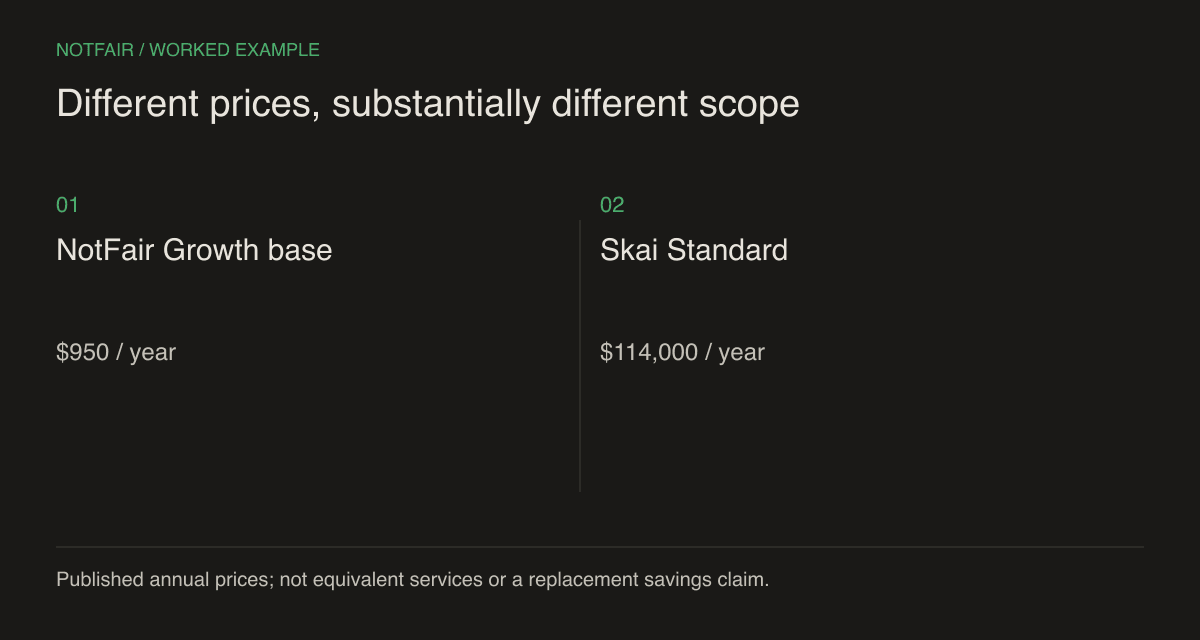
Do not subtract the prices and call the result ‘savings’ until the required work has a demonstrated replacement. If the organization still needs retailer operations, specialist support, or custom reporting, those costs remain. For NotFair, include additional ad-account spots, AI-client charges, scheduling infrastructure if used, and the people who review and maintain the workflow.
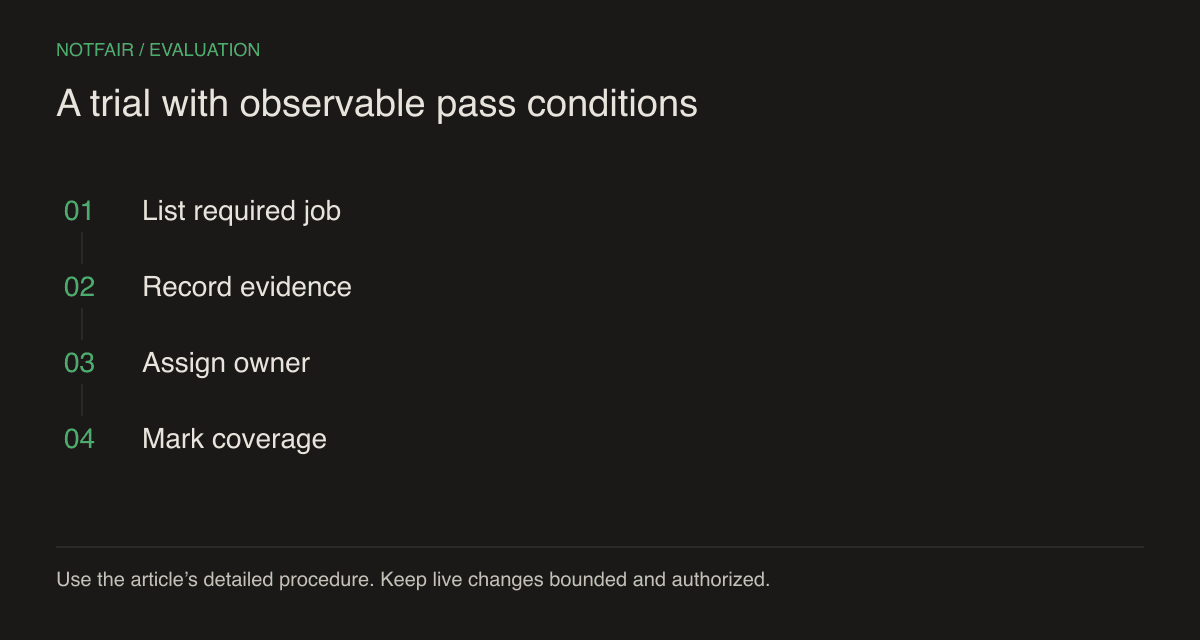
Build a worksheet with three columns: required job, verified replacement, and remaining cost. A required job without a verified replacement is a scope gap, not a zero-cost line item. This makes the business case more honest and often reveals that a focused supplemental tool is more sensible than a full migration.
Use a capability register for the buying decision
- Media coverage — enumerate the publishers, countries, campaign types, and object-level actions actually used.
- Data requirements — name the sources, freshness expectations, identifiers, and reconciliation rules for each report.
- People and permissions — list the teams that can read, approve, execute, and revoke access.
- Operational commitments — define schedule ownership, failure detection, support expectations, and handover responsibilities.
- Exit needs — identify the reports, configuration, and history that must remain available after a change of vendor.
Mark each row verified, missing, or not yet established. A sales statement belongs in the last category until the team has the evidence it requires. Depending on the job, that evidence may be product documentation, an account demonstration, a successful operation, or a contractual commitment. Do not use one kind of proof to stand in for another.
Pilot a bounded workflow before a broad rollout
Give the pilot an explicit exit condition. If a required publisher or permission model is missing, decide whether the tool remains a supplemental workflow or is removed from the replacement shortlist. If the pilot succeeds, expand one clearly defined account group at a time and retain the previous operating record. This staged approach produces evidence about the intended rollout rather than relying on a successful single-account demonstration to establish organization-wide suitability.
Choose one account group and one recurring decision, such as reviewing a supported campaign’s spend and preparing a specific correction. Define the reporting period and business constraints. Start with read-only access where available, then authorize a small action whose target and effect you can inspect. Keep unrelated automation from modifying that same target during the test.
Ask a second operator to repeat the workflow. This checks whether the process depends on a single expert’s private knowledge. Record errors, manual interventions, and ambiguous outputs. A system that works only in a carefully staged demonstration has not yet established reliable day-to-day operation for the team.
For NotFair, confirm the AI host’s approval settings and the specific read/write tool path. For an enterprise platform, verify the configured roles and workflow controls your organization intends to use. A product-level security statement is not a substitute for checking the permissions of the actual account connected during the pilot.
Make a decision that survives the first month
Choose NotFair when the required scope is supported, the operators prefer an AI-client workflow, and the pilot shows less work between investigation and verified action. Choose Skai when its broader commerce-media coverage and enterprise operating environment are central requirements. A combined approach can be valid when each product owns a distinct set of jobs.
Revisit the capability register after the first reporting cycle. Confirm that the expected jobs ran, the right people could review them, and the business outcomes use consistent definitions. The sound purchase is the one whose operating responsibilities remain clear after the initial excitement about AI or the headline subscription price has passed.
Test the workflow on your own connected account
Start with a read-only question, inspect the evidence, then review one supported action. Check the current plan and connection requirements.