

Co-founders
NotFair vs Optmyzr: Workflow or PPC Suite?
Compare NotFair vs Optmyzr for AI-client workflows, PPC automation, account costs, and reporting. Use a practical portfolio evaluation checklist.
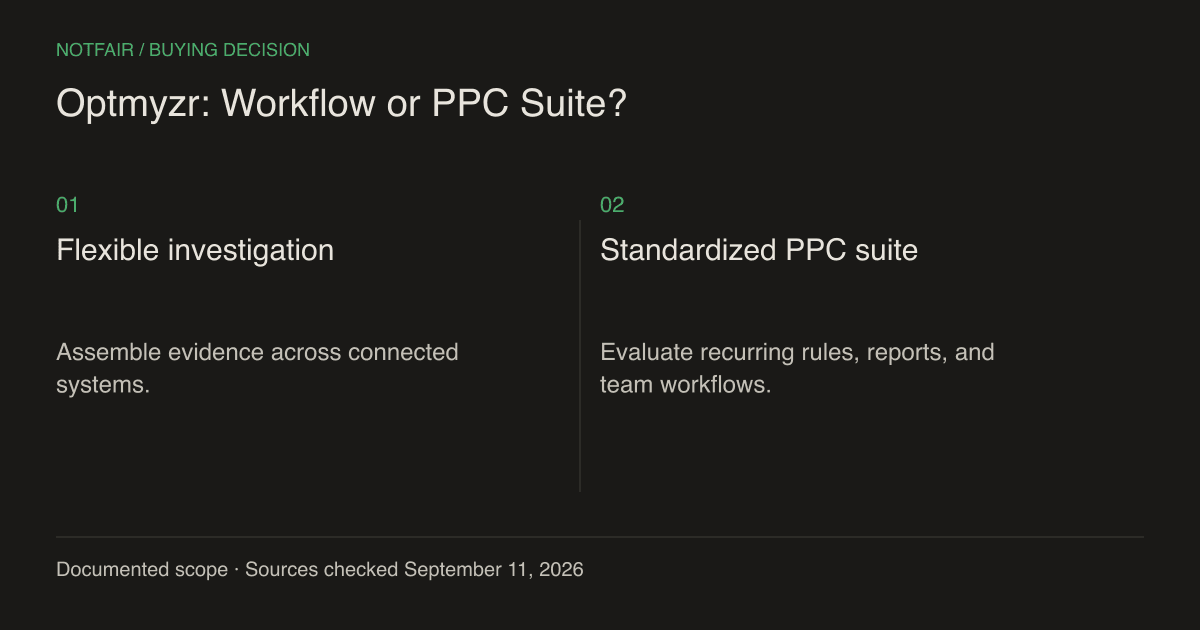
NotFair fits marketers who want to investigate live account data and make supported changes from their AI client. Optmyzr fits teams evaluating a dedicated PPC suite with dashboards, rule engines, reporting, and account-management workflows. Both can support execution. The decision is whether a flexible assistant-led investigation or a standardized PPC operating environment solves more of your team’s work.
Published by NotFair, one of the products compared. We checked public vendor documentation and NotFair’s implementation on September 11, 2026. This is a documented capability comparison, not a head-to-head performance test. Worked examples are illustrative; prices and plan terms can change.
What Optmyzr already does
Optmyzr’s current plan comparison lists Google Ads optimization, rule-engine automation, reports, and social-ad tools for Meta and LinkedIn. Some capabilities and execution frequencies differ by plan. Its pricing page also describes changes being pushed to advertising platforms. Calling it a dashboard that only recommends changes would misrepresent the product.Optmyzr plan and feature comparison (https://www.optmyzr.com/pricing/).
That matters when you have an established process. An account manager might need a repeatable morning queue, a specialist might need a shopping-feed workflow, and an agency director might need a consistent portfolio report. Replacing those jobs with an open-ended chat can add work if nobody defines the prompts, checks the outputs, or owns the schedule.
| Your requirement | Evaluate NotFair for | Evaluate Optmyzr for |
|---|---|---|
| An unusual performance question | Flexible investigation in your AI client | Available analyses and custom rules |
| Recurring portfolio work | Your agent’s schedule plus connected tools | Dedicated rule and reporting workflows |
| Beyond paid advertising | Search Console, GA4, CRM and WordPress tasks | Verify the specific product or integration needed |
| Software budget | Account spots and client costs | Managed-spend selection, plan, and billing term |
Where NotFair has a practical advantage
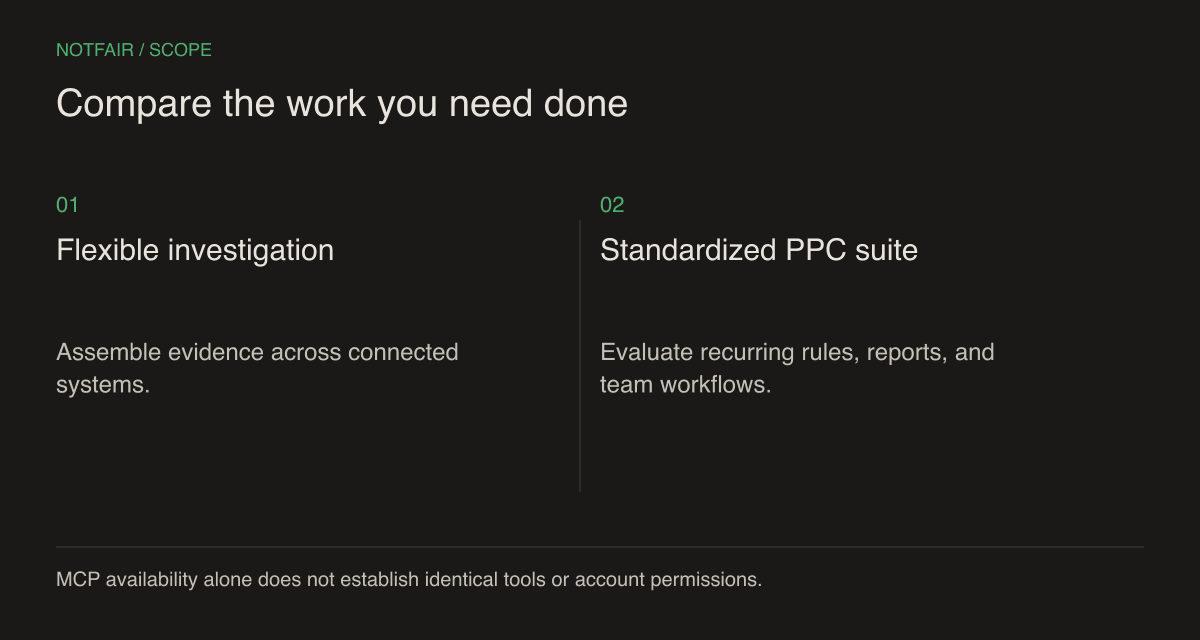
Consider a Google Ads lead campaign whose cost per conversion improved while the sales team reports weaker leads. A campaign-only explanation may be incomplete. NotFair provides connected Google Ads, GA4, Search Console, and GoHighLevel tools, allowing the same assistant to inspect the relevant reports and CRM records when those services are connected and accessible.NotFair MCP setup and integrations.
The potential advantage is fewer manual handoffs within a custom investigation; measure that in your trial. It is not a claim that NotFair contains a universal attribution database. You still need consistent dates, identifiers, and conversion definitions. If CRM records cannot be connected to the campaign reliably, the assistant should say so instead of presenting a precise-looking joined result.
A useful prompt names the question and the evidence: compare campaign spend with qualified leads over the same completed period; list the conversion actions included; identify landing pages that changed; and return proposed edits separately. That specification makes the resulting action reviewable. ‘Optimize everything’ does not tell an agent which business outcome to protect.
Normalize the price to the same portfolio
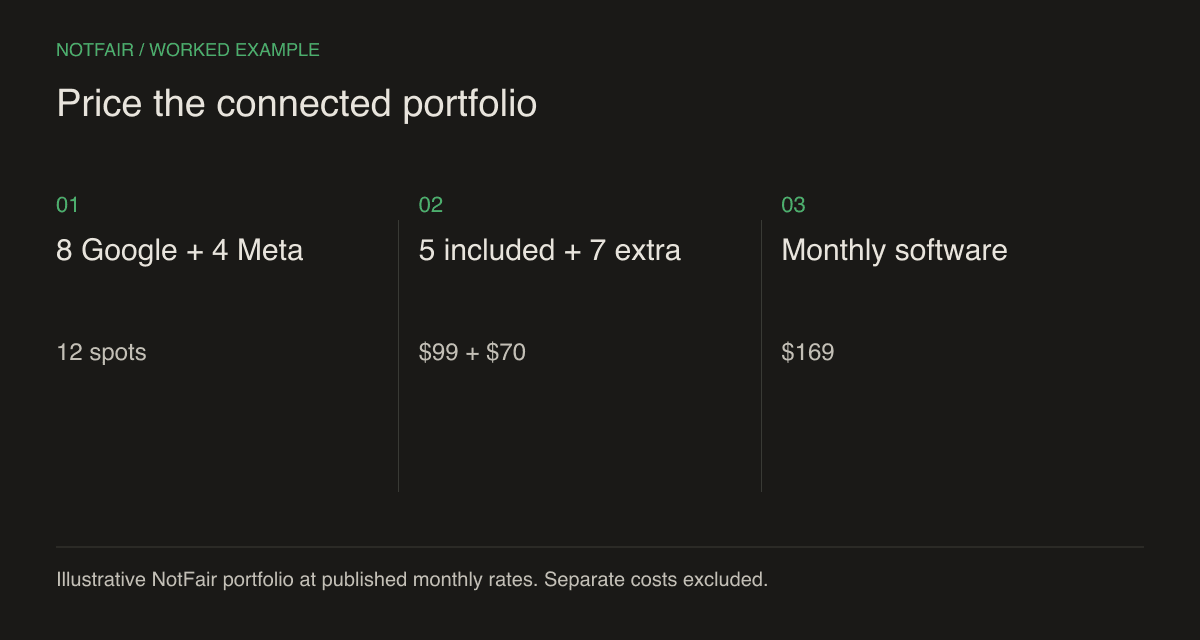
NotFair Growth’s published monthly rate is $99 with five shared ad-account spots, plus $10 monthly per extra spot. Its Free plan has 300 monthly operations after the seven-day unlimited trial. AI-client fees and media spend are additional. Optmyzr’s pricing selector uses monthly ad spend and plan choices, so request the exact current quote for your portfolio rather than copying an old entry price.NotFair pricing and account limits.Configure Optmyzr for your managed spend (https://www.optmyzr.com/pricing/).
Illustrative example: eight Google Ads accounts and four Meta accounts require twelve NotFair shared spots. The monthly software calculation is $99 + 7 × $10 = $169. If only five of those accounts need to be connected, the base monthly cost remains $99. Compare the scope you will really operate, not every historical account the agency has ever served.
Add labor to the worksheet, but label it as your estimate. If one workflow takes your team two hours a week and another takes one, use your actual loaded hourly cost and record how you timed the work. Do not turn that estimate into a public product claim without a repeatable study. A cheaper subscription can still be the more expensive operating choice.
Use an exception case to test both products
Begin with a problem your normal report cannot explain. For example, the average cost per lead may look stable while one campaign targets a location outside the service area. Ask both tools to identify the mismatch, explain the affected scope, and propose a narrowly targeted correction. Provide your service-area constraint explicitly; it may not exist in the advertising account.
Next, inspect how the correction interacts with the campaign’s bidding strategy and conversion settings. A keyword-level bid proposal can be irrelevant to a campaign using automated bidding. A suggested negative can block a commercially useful query when its match type is too broad. Evaluate the recommendation’s fit, rather than counting the number of issues found.
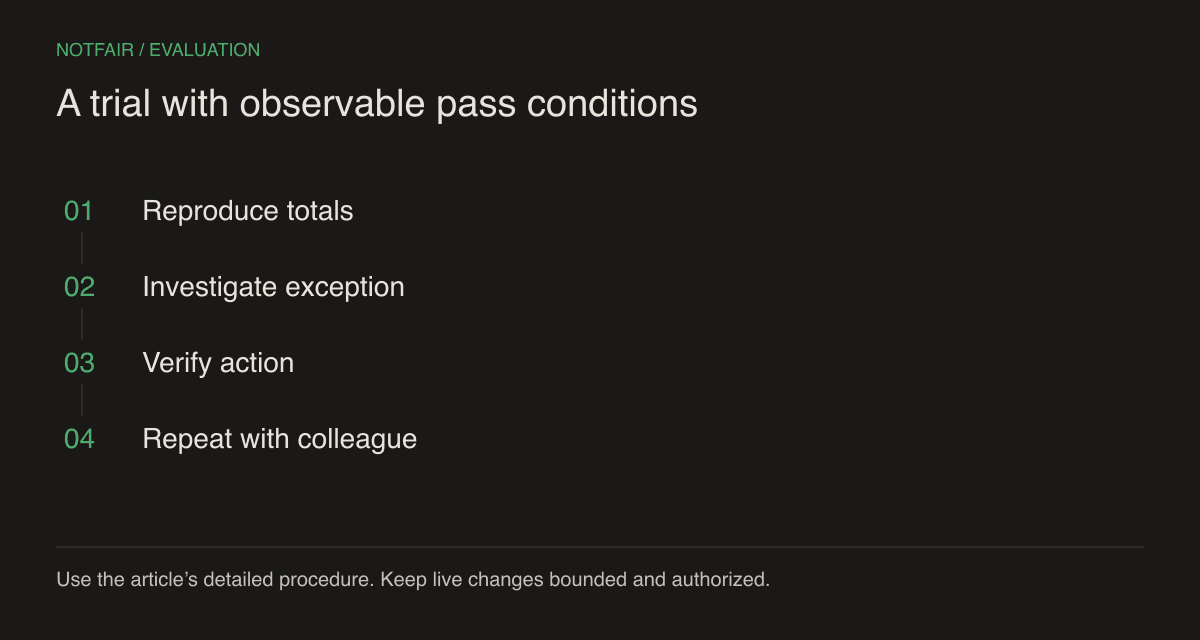
- Reproduction — use the same account, date range, time zone, and metric definition in both products.
- Reasoning — require source rows or object IDs for each recommended action.
- Execution — authorize a single supported change and check the provider result.
- Team usability — have the person who will do the weekly work repeat the task without the original author’s help.
Decide what you must preserve before switching
Include a reporting exception in the handover: one client who requires a different conversion definition, one seasonal campaign, or one account whose time zone differs from the rest. Ask a colleague to locate that exception and produce the right report. This reveals whether the process preserves business context across operators. Also record the source and retrieval date beside exported metrics. A spreadsheet copied from a previous week can look complete while being stale. Prefer a repeatable report specification over a collection of screenshots that nobody can regenerate when a client questions a total.
Inventory the rules, reports, naming conventions, and client commitments you already depend on. A replacement needs either an equivalent implementation or an explicit decision to retire that job. Keep an export of the relevant history. Removing access before verifying the replacement can turn an otherwise sensible migration into a week of manual reporting.
During evaluation, assign one writer to each campaign. You can compare read-only outputs side by side, but overlapping budget or status automation makes it difficult to identify which system caused a change. Document the handover time, the owner of the active schedule, and how to stop it. These operational details affect reliability more than a feature-count headline.
Retain Optmyzr if its specialized suite is central to how your team works and the replacement would require rebuilding that system. Choose NotFair when the team already uses AI clients, needs flexible cross-system work, and can verify the required actions with less process overhead. The best answer may be a small NotFair pilot for investigations while the existing suite continues its proven recurring jobs.
Test the workflow on your own connected account
Start with a read-only question, inspect the evidence, then review one supported action. Check the current plan and connection requirements.