

Co-founders
NotFair vs AdCreative.ai: Assets or Account Actions?
Compare NotFair vs AdCreative.ai on creative production, account operations, pricing units, and evaluation. Follow one asset from brief to live ad.
AdCreative.ai is the more relevant candidate when you need to generate and evaluate advertising assets. NotFair is the more relevant candidate when you want an AI assistant to investigate connected accounts and execute supported changes. They can work together. Choosing between them as though both sell the same output confuses creative production with campaign operations.
Published by NotFair, one of the products compared. We checked public vendor documentation and NotFair’s implementation on September 11, 2026. This is a documented capability comparison, not a head-to-head performance test. Worked examples are illustrative; prices and plan terms can change.
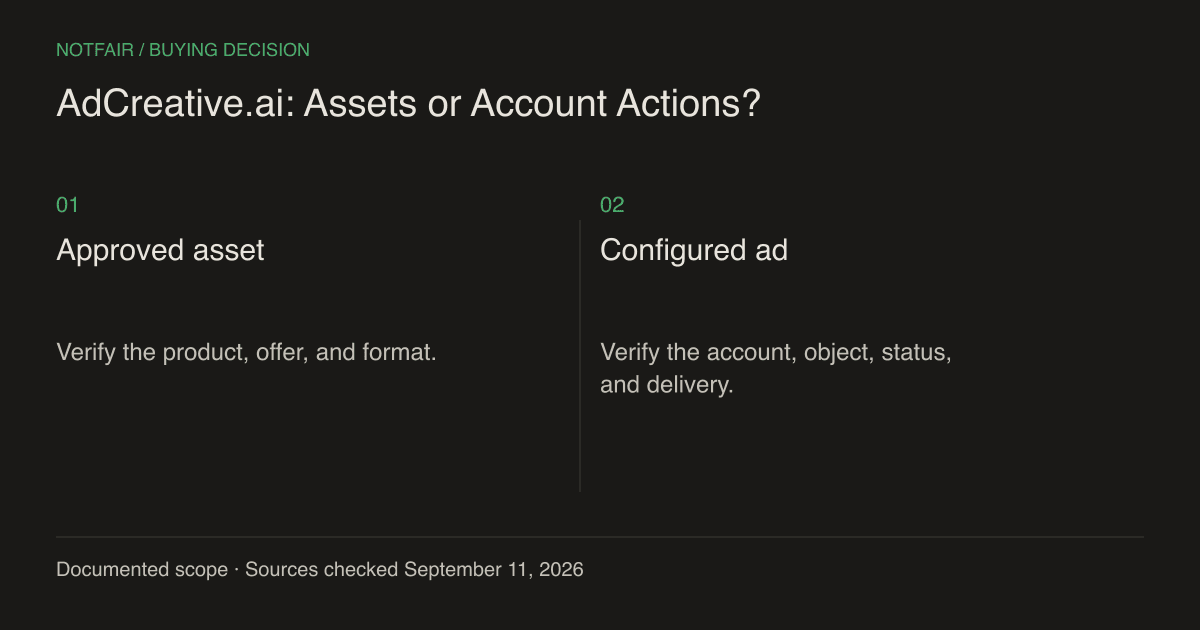
Define the deliverable before comparing the subscription
A creative brief asks for a usable asset: a product image, video, headline, or variation that meets the brand and placement requirements. An account task asks for a state change: create a supported creative object, adjust a budget, or pause an ad. An analytics task asks for an explanation of observed performance. These are separate deliverables even when one conversation coordinates them.
AdCreative.ai’s official site describes image and video generation, ad copy, creative insights, and scoring. Its displayed monthly Starter option is $39 with ten credits and one brand, while other billing options and tiers vary. Check the exact credit rules and export entitlements before purchase; unlimited generations should not be interpreted as unlimited usable deliverables.AdCreative.ai features and current plan selector (https://www.adcreative.ai/).
| Need | Primary evaluation |
|---|---|
| Generate a new visual | AdCreative.ai output quality, formats, and commercial terms |
| Investigate a campaign | NotFair’s connected reports and the assistant’s reasoning |
| Create or change an ad object | NotFair’s exact supported operation and provider permissions |
| Know whether the asset works | A suitable delivery test and business-outcome measurement |
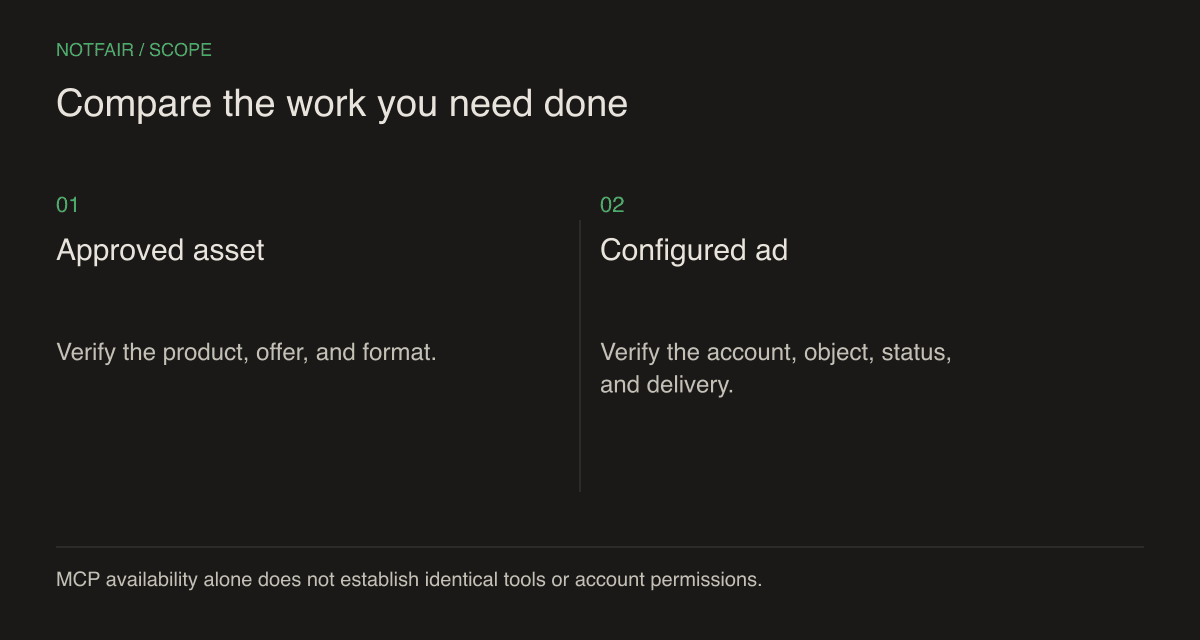
What NotFair adds after a creative is approved
NotFair’s supported advertising tools can work with supplied assets and campaign objects. For example, its Meta workflow includes uploading supplied images, creating a creative with the required Page context, and creating an ad. Google Ads asset workflows can use supplied image files and supported asset relationships. These are concrete account operations, subject to the selected account’s access and provider rules.NotFair MCP setup and integrations.NotFair Google Ads tools and workflow (/google-ads-mcp).
Treat each operation as a separate checkpoint. An uploaded file is not a creative; a creative is not necessarily attached to an ad; an ad can exist while paused or under review. If the task is to prepare an ad for review, paused status can be the correct result. If the task is to activate it, verify the actual status and any provider rejection rather than assuming creation completed the job.
The broader advantage is that an AI client can connect the creative task to performance evidence. It can inspect which ads need attention, explain the business constraint, and prepare a supported replacement using approved assets. That does not mean NotFair supplies every asset-generation or video-editing capability offered by a specialized creative product.
Calculate the cost per usable output
Illustrative production batch: you export ten candidate assets, reject three for factual or brand errors, and keep seven. At a hypothetical $39 allocated software cost for that batch, cost per exported candidate is $3.90, but cost per accepted asset is $39 ÷ 7 ≈ $5.57. This example assumes the batch cost and does not assert that every AdCreative.ai credit equals one asset of every format.
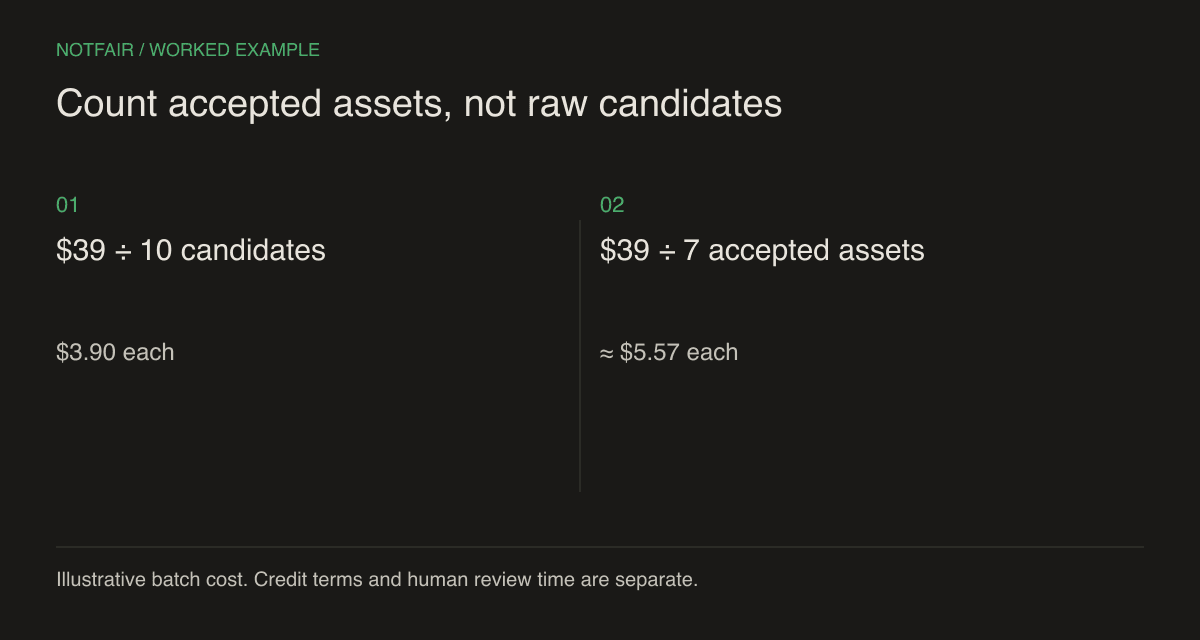
Add human review and correction time. If a product photo invents a feature, shows the wrong packaging, or obscures a required detail, it is not a usable ad merely because it looks polished. For a real purchase decision, record the number of accepted outputs and the time spent getting them ready for the account.
NotFair Growth’s $99 monthly subscription buys connected-tool capacity and five shared ad-account spots, with extra spots at $10 each. It is not an equivalent creative-download bundle. A combined workflow might incur both subscriptions, an AI-client fee, review labor, and media spend. Compare the complete set of outputs that those expenses produce.NotFair pricing and account limits.
Use a brief that can reveal product mistakes
Choose one actual product with a current price, visible packaging, and a specific offer. Supply an approved source image and a short list of claims that are allowed. Also name claims that are false or prohibited by your own brand rules. This gives the reviewer a factual reference instead of asking whether the output merely looks good.
- Product accuracy — check the item, dimensions, packaging, included accessories, and any before-and-after implication.
- Offer accuracy — confirm the price, discount condition, expiry, availability, and destination page.
- Format suitability — verify aspect ratio, legibility, cropping, and placement-specific requirements.
- Claim evidence — require a source for statistics or results; remove invented testimonials and unsupported guarantees.
Have a person who did not write the prompt review the outputs against that brief. They should be able to explain why an asset passes without referring to the generation tool’s score. If a correction is needed, record whether the tool can make it precisely or regenerates the entire asset with new errors. That is a practical maintenance difference.
Test the handoff into the advertising account
Maintain an asset register for the batch with the source file, approved offer, review date, destination, and resulting platform object ID. This is especially helpful when several nearly identical variants exist. If an offer expires, the operator needs to locate the actual serving objects that use it. A filename alone may not provide that link after upload. The register should let another person trace a live ad back to the approved creative without searching through private generation conversations.
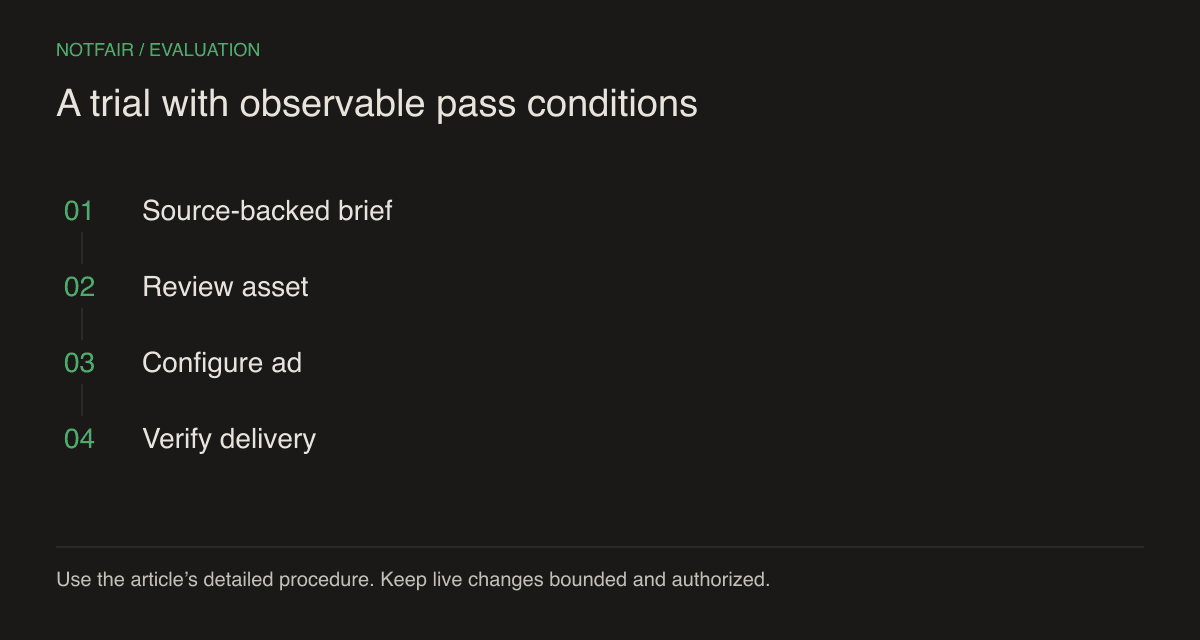
For a NotFair test, provide one accepted asset and name the exact intended account and destination. Ask for a proposal identifying the campaign, ad set or ad group, and current status. Authorize only the bounded operation you want. Retain the returned object IDs and inspect the platform result before continuing to activation.
Keep creative and audience changes separate when you want to understand a result. If you replace the image, change the offer, expand targeting, and increase the budget together, later performance does not isolate the image’s effect. Plan the evaluation around the actual question, and allow for enough delivery and conversion reporting to make the comparison meaningful.
Choose the tool around the missing job
If your team already has reliable assets but struggles to investigate and implement account changes, NotFair addresses a different bottleneck than another creative generator. If the team lacks usable images or videos, test a specialist such as AdCreative.ai on production quality and cost per accepted output. Neither tool removes the need for a clear offer and a reviewer.
Use both when each earns its place: the creative product produces accepted assets, and the connected AI workflow handles the supported account actions and subsequent investigation. Keep the handoff explicit, because most confusion happens between ‘the file is ready,’ ‘the ad exists,’ and ‘the ad is serving with measured outcomes.’
Test the workflow on your own connected account
Start with a read-only question, inspect the evidence, then review one supported action. Check the current plan and connection requirements.