

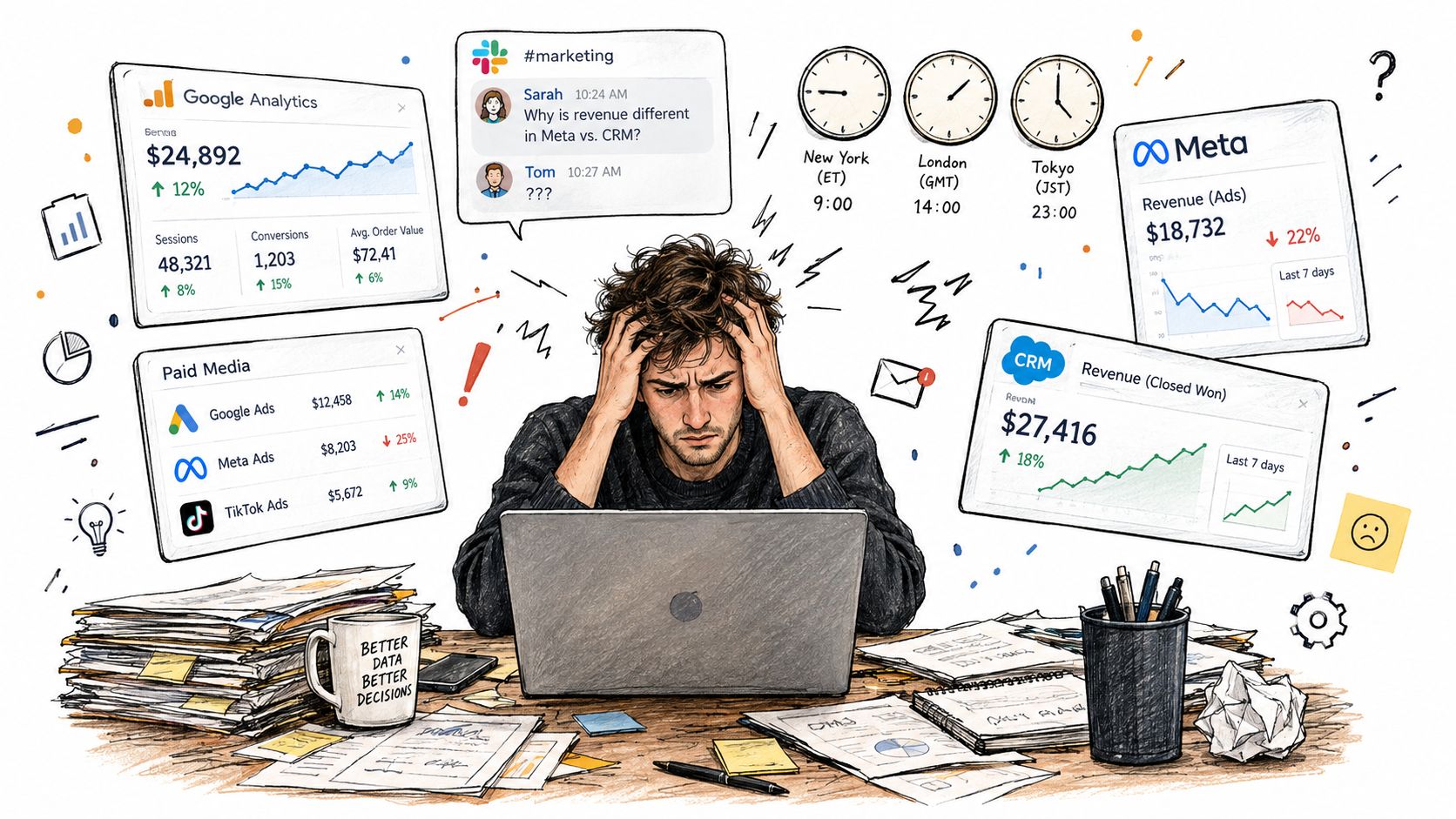
It's reporting week. Meta says the campaigns drove revenue, the CRM shows a different total, and the GA4 view doesn't line up with either. The numbers also come from different time zones, and a Slack thread wants an explanation before anyone's checked whether the reports use the same attribution settings. That's not a dashboard problem. It's a reporting workflow problem.
A useful FB ads report must answer three separate questions: What did we spend? What happened after the ads ran? Which outcomes were incremental? A spreadsheet that can't distinguish those answers may look polished, but it can't tell you whether to scale, fix tracking, or question the platform's attribution.
If you've been patching the same workbook every reporting cycle, don't add another tab yet. First decide which data belongs in the report, how systems will be reconciled, and what evidence would show that advertising caused a result rather than merely receiving credit for it. That distinction is central to identifying Meta ads spend at risk.
Table of Contents
- Why Most FB Ads Reports Break Before the Data Even Loads
- Building the Report Inside Meta Ads Manager
- The Metrics That Actually Deserve a Spot in Your Report
- Segmentation That Mirrors How Buyers Actually Move
- Tying the Report Back to Conversions You Can Trust
- When Attribution Lies and Incrementality Saves the Budget
- Automating Diagnostics and Fixes Without Losing Control
Why Most FB Ads Reports Break Before the Data Even Loads
Reports often go wrong before anyone opens the export. A team pulls campaign data in one time zone, CRM revenue in another, and analytics events over a different date range. Someone compares a Meta-attributed purchase total with backend orders, then treats the gap as proof that one system is wrong. Usually, the systems are answering different questions.
Meta's reporting is still essential context. The company reported $164.50 billion in total revenue for 2024, up 22% from 2023, with $48.39 billion in fourth-quarter revenue, up 21% year over year. Advertising accounted for approximately $160.63 billion, or roughly 97.6%, of annual revenue. Those figures describe advertising across Meta's family of apps, not Facebook alone, but they underscore the scale of the system that campaign reports sit inside. Meta's 2024 results also help explain why auction competition, creative quality, audience demand, and budget allocation can shape delivery differently across markets.
The report should make three layers visible without blending them together:
- Spend and delivery: what Meta charged and where impressions were served.
- Observed outcomes: what Meta, analytics, the CRM, and the backend recorded.
- Incremental impact: which outcomes were more likely because the ads ran.
That last layer is the one most account summaries omit. Meta-attributed conversions can be useful for operating campaigns, but attribution isn't the same as proof of causality. A platform report may include conversions after an ad click or view, while another system credits organic search, email, direct traffic, or a different paid channel.
Practical rule: If the team can't state the conversion definition, date range, attribution window, and timezone behind a headline result, don't use it to justify a budget decision.
You don't need a larger dashboard to solve that. You need a reporting grain everyone agrees on, explicit data definitions, and enough context to explain discrepancies rather than hiding them in an average.
Building the Report Inside Meta Ads Manager
Start in Ads Manager by choosing the reporting level you need: campaign for allocation decisions, ad set for audience and delivery decisions, or ad for creative decisions. Set a consistent date range, then build a custom column view that includes spend, impressions, reach, frequency, clicks, the relevant conversion event, cost per result, and purchase conversion value when applicable.
The Results column follows the campaign objective and can change what it emphasizes. Actions surfaces specific events, such as purchases or leads. Don't assume those columns are interchangeable. Confirm that the event you're reading matches the business outcome the team is trying to improve, and check Event Manager configuration before interpreting conversion totals.
Save the custom view and use breakdowns selectively. Time breakdowns help reveal when a change began; placement and device breakdowns help diagnose delivery or conversion differences. Don't export every breakdown at once. A sprawling file makes it harder to find a real issue and easier to compare rows with different meanings.
Before exporting, check the attribution setting and timezone. Freeze both in the report specification so a later export does not change the comparison. Keep saved filters for recurring tasks, such as active campaigns, prospecting, or retargeting, but label the scope clearly so filtered totals are not mistaken for account totals.
The practical export method depends on how often the team needs fresh data and how many accounts it handles. A CSV is fine for an independent review; recurring portfolio reporting calls for a repeatable data pull, often through the Marketing API and Insights endpoint.
| Method | Best For | Refresh Cadence | Limits to Watch |
|---|---|---|---|
| CSV download | One-off audits and quick checks | Manual | Easy to vary date range, filters, or attribution settings between exports |
| Scheduled email export | A recurring snapshot for a small workflow | Scheduled | Fixed format may not support deeper reconciliation or segmentation |
| Marketing Insights API | Repeatable multi-account reporting | Automated, as configured | Requires careful field, date, and attribution consistency |
A saved view makes the export repeatable, not automatically correct. Use this video as a visual reference while building your workflow.
The Metrics That Actually Deserve a Spot in Your Report
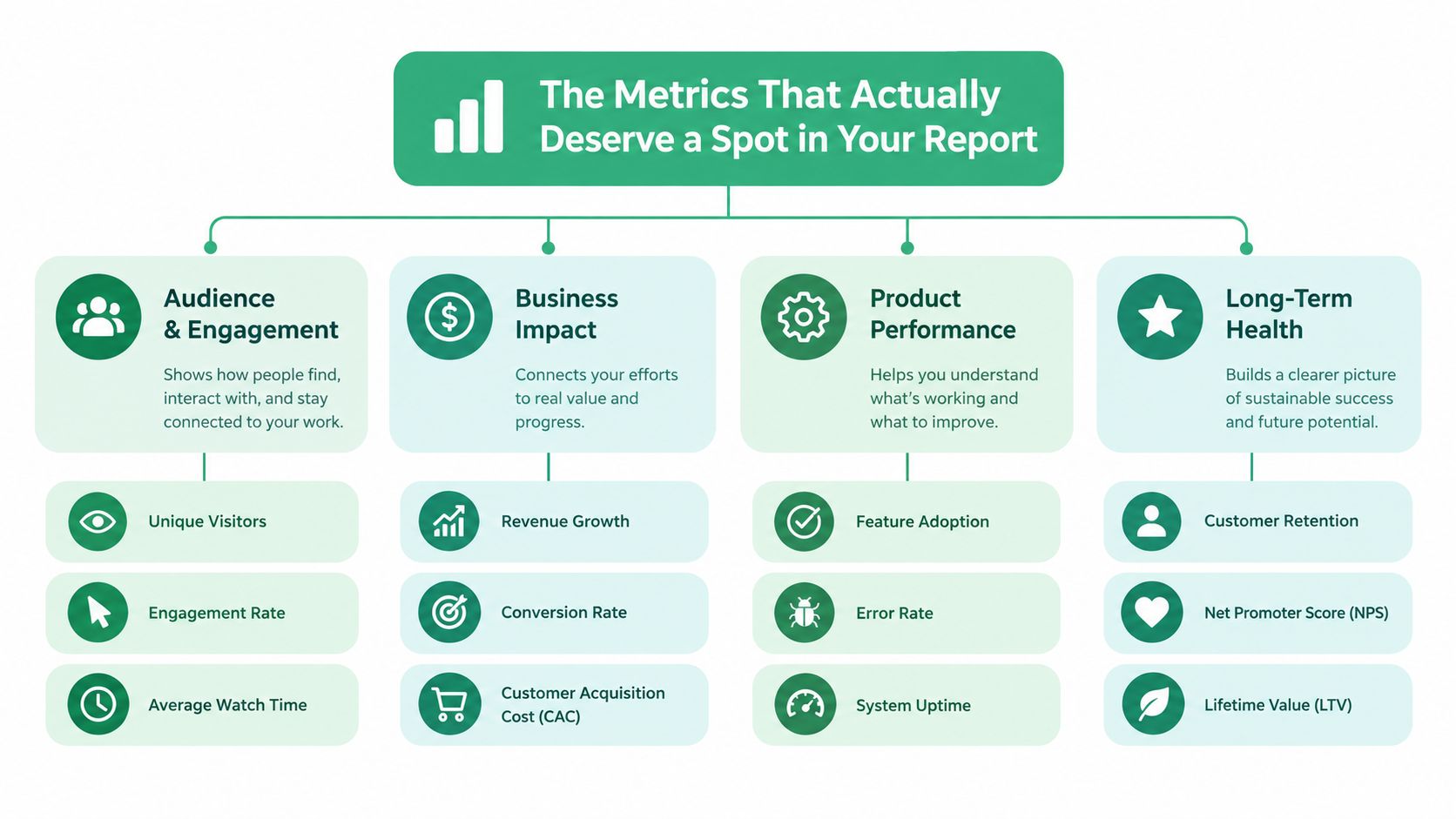
A good report doesn't reward the person who adds the most columns. It puts the business outcome first, then keeps enough supporting metrics to diagnose why that outcome moved.
Start with delivery and cost
Spend is the amount invested during the reporting period. Impressions count ad displays, while reach estimates the people reached. Frequency is impressions divided by reach, a useful signal for how repeatedly the reported audience saw the ads. None of these figures proves that people paid attention or converted.
CPM, or cost per thousand impressions, is spend divided by impressions, multiplied by one thousand. It helps diagnose delivery cost, but a lower CPM isn't automatically better if the campaign reaches less relevant people. CTR is clicks divided by impressions, and CPC is spend divided by clicks. These can help assess response and traffic cost, but they don't tell you whether a click became a qualified lead or a profitable order.
Put outcomes beside their diagnostics
CPA is spend divided by the selected conversions. State exactly which event counts as a conversion, or the figure is hard to compare. ROAS is attributed conversion value divided by spend. It's useful for platform optimization, but Meta-attributed ROAS and blended ROAS are different measures: the first uses Meta-attributed revenue; the second uses total observed revenue divided by total paid-media spend. Show them as separate lines, never as one averaged score.
Quality rankings can help diagnose whether an ad's perceived quality, engagement, or conversion performance compares poorly with ads competing for similar audiences. They're diagnostic context, not a business result or a direct replacement for conversion data.
For a local business, this hierarchy should also match the campaign goal. A restaurant promoting bookings shouldn't treat cheap traffic as success if it doesn't produce reservations; this guide to venue marketing ads for restaurants offers useful category context for thinking about audience and offer fit.
Use a separate diagnostic view for Meta ads creative fatigue, rather than letting frequency or quality rank become a verdict on its own.
Segmentation That Mirrors How Buyers Actually Move
A total account number can hide two campaigns doing opposite jobs. Prospecting introduces the offer to people who haven't engaged; retargeting reaches people who already know the brand. Roll those groups into one ROAS figure and a strong retargeting result can disguise weak new-customer acquisition.
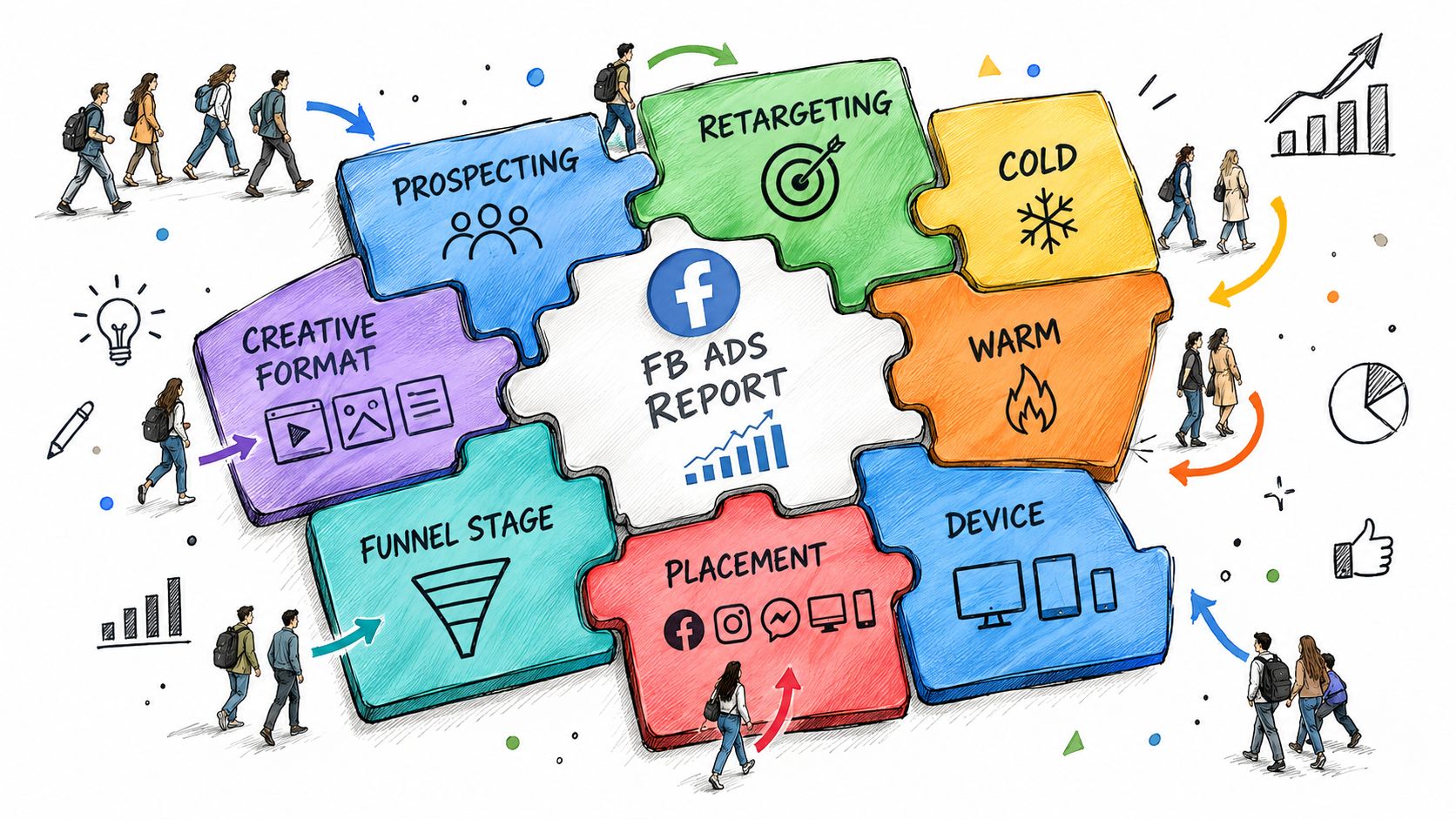
Build the report around buying behavior, then choose only a few cuts that can change a decision:
- Audience temperature: separate cold audiences from warm engagers and retargeting pools. This shows whether the account is finding new demand or harvesting existing intent.
- Creative format: compare video, static, carousel, and other formats where they're in use. A drop in response across several placements may point to creative fatigue; strong clicks with weak downstream conversion may instead indicate an offer or landing-page mismatch.
- Funnel stage: distinguish awareness, consideration, and conversion work. Don't judge an awareness campaign by the same immediate purchase measure used for a conversion campaign.
- Placement and device: use these cuts to spot delivery or experience differences. If clicks arrive but landing-page views or purchases lag on a device, investigate the post-click path before moving budget.
- Campaign structure: compare Advantage+ and manual campaigns only when their objectives, audiences, and measurement settings are meaningfully comparable.
The right breakdown depends on the decision in front of you. If the question is whether creative is tiring, start with format and audience. If the question is whether traffic quality changed, look at placement, device, and downstream conversion. If the question is budget allocation, keep prospecting and retargeting distinct.
Limit each recurring report to three to five useful segments. More cuts can be valuable during an audit, but an always-on report should stay readable. Add a breakdown because it helps explain a change or choose an action, not because Ads Manager makes it available.
Tying the Report Back to Conversions You Can Trust
Reconciliation starts with definitions, not a demand that every platform display the same number. Decide which event counts, which date controls the report, what attribution window applies, and which timezone governs the export. Then compare Meta, GA4, the CRM, and payment records over that same scope.
At each layer, inspect the conversion path. Meta can claim a conversion after an ad click or impression within its configured attribution window. Analytics may assign the visit to a different channel, the CRM may count qualified leads rather than raw form submissions, and the payment system may record completed orders after refunds or cancellations are considered. These totals can all be valid while answering different questions.
Use an audit sequence that makes the gap diagnosable:
- Align scope: document the conversion event, date range, attribution window, and timezone.
- Export comparable fields: include spend, delivery, clicks, landing-page views, purchases, revenue, and frequency where relevant.
- Reconcile event counts: compare Meta with GA4, CRM records, and backend orders using matched definitions.
- Check tracking: look for browser/server duplication, missing purchase values, currency mismatches, delayed offline uploads, and invalid event timestamps.
- Prioritize by spend at risk: fix the issues most likely to distort a material budget decision first.
A discrepancy above roughly 20% should trigger an investigation into event setup, server-side conversion configuration, and deduplication, rather than a shrug. That threshold is identified in guidance on Meta attribution's limitations. Treat it as an operational trigger, not proof that Meta or the backend is necessarily wrong.
Keep raw counts, deduplicated conversions, attributed revenue, and blended revenue visible. If the data is delayed or incomplete, label that plainly. The report's job isn't to force agreement between systems; it's to show what each system counted and which decision remains safe to make.
When Attribution Lies and Incrementality Saves the Budget
A conversion credited to an ad isn't automatically a conversion caused by an ad. A person searching for a brand they already know, a returning customer seeing a retargeting ad, or a shopper converting after an impression might have purchased anyway. When a report treats platform attribution as causal proof, it can overstate what the campaign added.
The concern isn't just theoretical. A study of 15 Facebook advertising experiments, involving approximately 500 million user-experiment observations and 1.6 billion impressions, found that commonly available observational approaches can fail to measure true advertising effects accurately. The study's reported findings are a reason to keep attributed performance separate from experimental evidence.
A randomized Conversion Lift or holdout test provides a practical countercheck. Eligible users are assigned to an ad-exposed test group or an unexposed control group. Compare their conversion rates to estimate the conversions associated with exposure beyond what would have happened without the ads. The test needs enough volume to produce a useful result; if it's too small or noisy, report the uncertainty instead of treating a directional signal as a verdict.
Don't confuse credit with cause. Keep platform-attributed conversions, backend conversions, and experimentally estimated incremental conversions as separate lines in the report.
This also changes how teams interpret last touch, especially when a branded search or high-intent audience appears to close the sale. For more context on that specific reporting trap, see why last-touch attribution misleads SaaS. A lower platform ROAS can still reflect stronger causal performance if the campaign creates demand that other channels later capture.
Automating Diagnostics and Fixes Without Losing Control
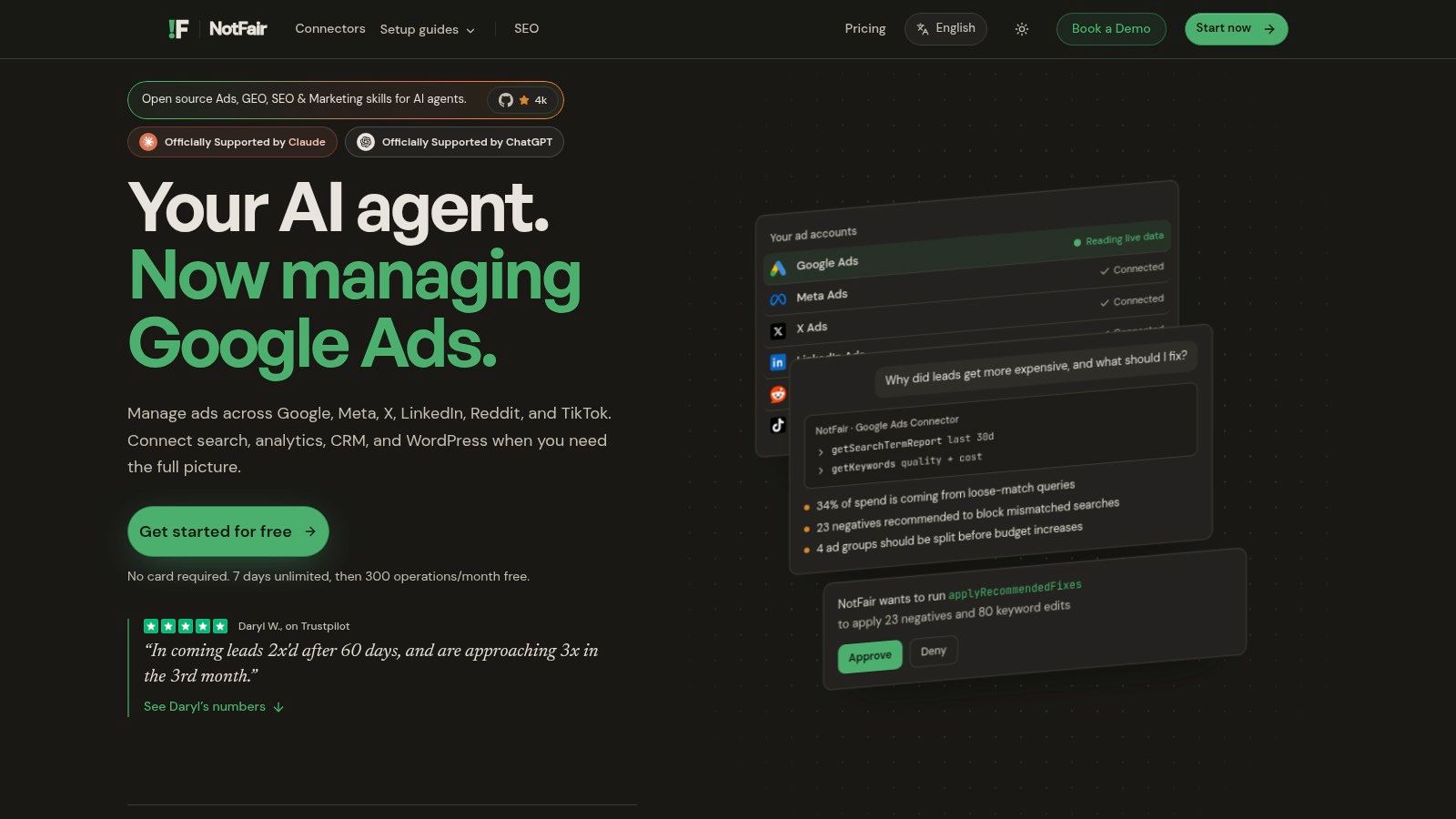
Automation should shorten the route from a suspicious number to a reviewed decision. It shouldn't turn a report into an unreviewed budget change. A hosted MCP layer can give an AI agent live reads of Meta and analytics data, then help surface findings in an ordered list rather than asking a buyer to hunt across dashboards.
A practical workflow looks like this:
- Query current spend and results at the campaign or ad-set level.
- Flag an ad set where ROAS is declining, then check whether the change aligns with delivery, audience, placement, or conversion data.
- Draft a budget move or pause with an explicit before-and-after diff.
- Require a human to approve the change before it reaches the ad account.
- Keep the change log and a reliable undo path available.
The useful output isn't “performance is down.” It's a diagnosis tied to spend at risk, the evidence behind it, the proposed action, and the uncertainty that remains. NotFair provides hosted MCP servers that let AI clients read Meta campaign performance and prepare approval-gated pauses or budget moves with explicit diffs, change history, and one-call undo. Teams weighing allocation changes can also review its Meta ads budget-shift workflow.
Set guardrails before connecting an agent: restrict write access to approved operations, require a named approver, preserve logs, and test undo before relying on automation. Live reads can make diagnosis more timely than static exports, but they don't replace a conversion definition, reconciliation, or incrementality testing.
For the next reporting cycle, rebuild around a consistent export, reconcile it against business records, show attribution separately from incremental impact, and turn the resulting diagnostics into reviewed actions. That's how an FB ads report becomes an operating tool instead of another screenshot deck.
NotFair connects AI clients to live Meta Ads data and supports approval-gated campaign operations with explicit diffs and change history. If you want to move from recurring exports to reviewed, actionable diagnostics, visit NotFair to explore its hosted MCP workflows.