
NotFair for ChatGPT · Meta Ads
Use Meta Ads in ChatGPT.
Work with your live Meta Ads data in the chat you already use. Find what matters, review the evidence, and approve supported changes before they run.
Opens the NotFair Ads app listing. Install it, connect Meta Ads, then start a chat. Already connected? Open the same app to continue.
Free to start. No credit card required.
From install to your first result
1
Install in ChatGPT
Open the app listing and select Install plugin. Follow ChatGPT’s prompts to connect NotFair.
2
Connect Meta Ads
Sign in to NotFair, choose your workspace if asked, and authorize the connection. Reuse an existing connection when available.
3
Return to ChatGPT and ask
Finish the connection prompts, select NotFair Ads in a new chat, and paste your first question. Review any proposed changes before approving.
Need help installing or connecting?
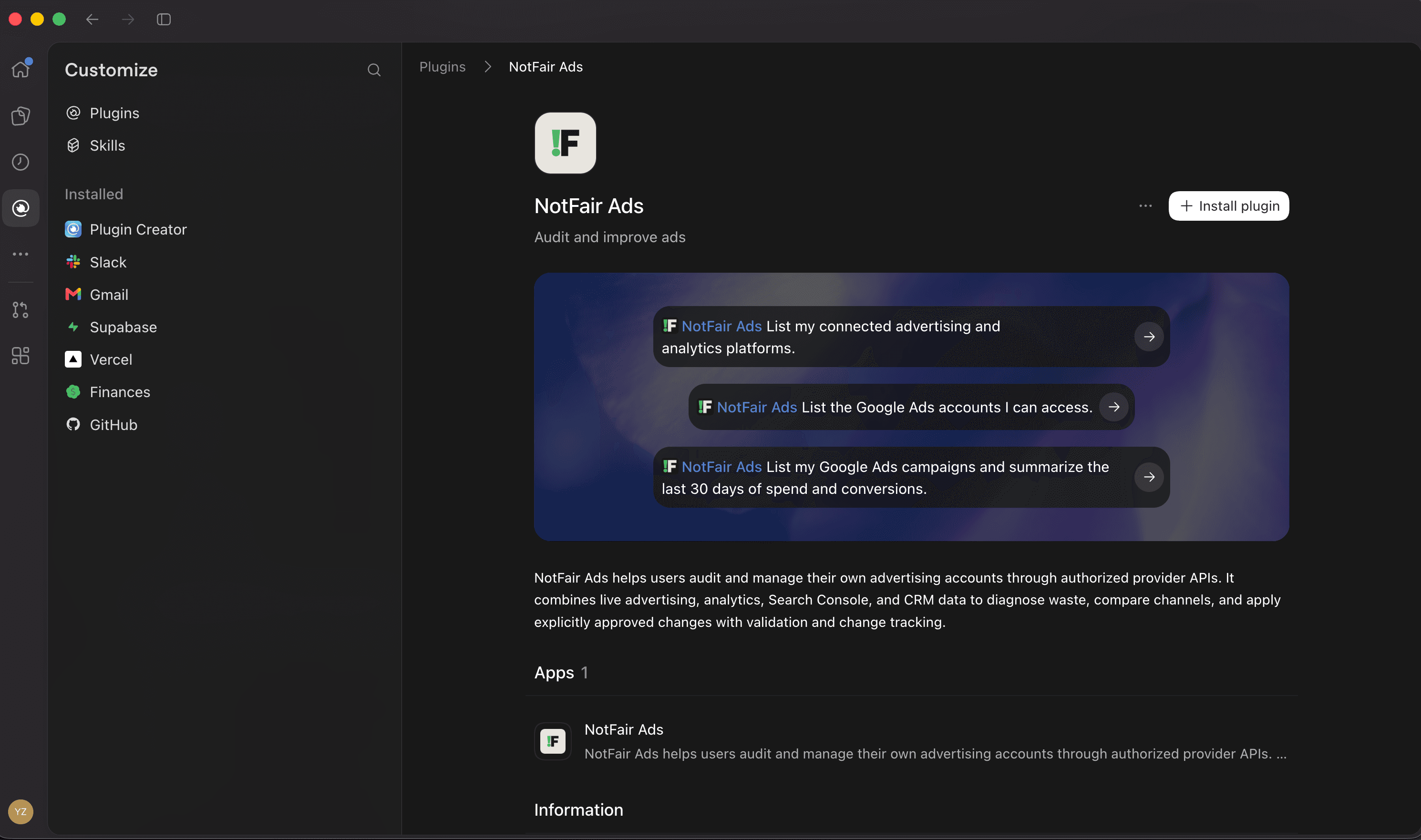
Look for the Install plugin button on the NotFair Ads listing. Availability depends on your ChatGPT account and workspace settings.
If you cannot find your data, check that you signed in to the correct NotFair workspace and selected the right accounts or properties. Then ask NotFair to list your connected platforms.
If clipboard access is blocked, select and copy the prompt text manually. You can keep this page open while you finish setup in ChatGPT.
Get connection helpFacebook and Instagram, with Meta's real write contract
Live diagnosis
Ask what is wrong. The client reads Campaigns, ad sets, ads, spend, frequency, CPM, CTR, conversions, and audience overlap across Facebook and Instagram.
Platform-true writes
Preview the target and intended change, wait for explicit approval, then record operation provenance. NotFair does not expose Google Ads-style impact snapshots or undo on Meta.
Hosted OAuth
NotFair hosts the Meta Marketing API app. You authorize existing ad accounts through OAuth; you do not create a Meta developer app.
Honest limits
createAdImage uploads supplied PNG/JPEG assets. uploadAdVideo uploads a bounded MP4 (base64 or public HTTPS URL) to the ad-account video library; it does not create a creative or ad. Meta publishes an official Ads MCP with paused-by-default writes.
Supported tools and approval limits
Preview the target and intended change, wait for explicit approval, then record operation provenance. NotFair does not expose Google Ads-style impact snapshots or undo on Meta. createAdImage uploads supplied PNG/JPEG assets. uploadAdVideo uploads a bounded MP4 (base64 or public HTTPS URL) to the ad-account video library; it does not create a creative or ad.
Explore Meta Ads toolsMeta Ads + ChatGPT FAQ
Installing NotFair Ads and using live Meta Ads data in ChatGPT.
Install NotFair Ads from the ChatGPT plugin store, sign in to NotFair, and connect Meta Ads in your workspace. Start a new chat and ask NotFair Ads to list your connected accounts before requesting a report.
Use the NotFair Ads plugin install path. You do not need to create a custom MCP app or route ChatGPT through Codex. Plugin access depends on your OpenAI account and workspace settings.
Preview the target and intended change, wait for explicit approval, then record operation provenance. NotFair does not expose Google Ads-style impact snapshots or undo on Meta. createAdImage uploads supplied PNG/JPEG assets. uploadAdVideo uploads a bounded MP4 (base64 or public HTTPS URL) to the ad-account video library; it does not create a creative or ad. Review the account, target, and proposed edit before approving a supported action.
Meta publishes an official Ads MCP with paused-by-default writes.
Yes. NotFair Ads uses one NotFair workspace for Google Ads, Meta Ads, X Ads, LinkedIn Ads, Reddit Ads, TikTok Ads, Search Console, GA4, GoHighLevel, and WordPress. Available accounts and actions depend on the integrations you connect.
Ready to work with Meta Ads?
The same NotFair app can also connect your advertising, search, analytics, WordPress and CRM integrations. Add them when you need them.
Explore other ChatGPT integrations