

Meta ads sizes depend on the placement, but the practical starting set is simple: prepare 1:1 creative at 1080 × 1080 px for Feed and carousel use, 4:5 creative at 1080 × 1350 px for more vertical Feed coverage, and 9:16 creative at 1080 × 1920 px for Stories and Reels. The decision this guide helps you make is whether one adaptable master asset is sufficient or whether your campaign needs separate placement-native versions. Use Meta’s current Ads Guide to validate placement-specific requirements before publishing, because accepted ratios, text limits, and cropping behavior can change.
That distinction matters to account managers and agencies. A design can technically upload while still losing attention to awkward crops, unreadable subtitles, or a product demonstration that starts below the safe area. The right workflow is therefore not “export one image at the biggest size.” It is map the asset to the placement, preserve the conversion message, and create a reviewable fallback when a format is unavailable.
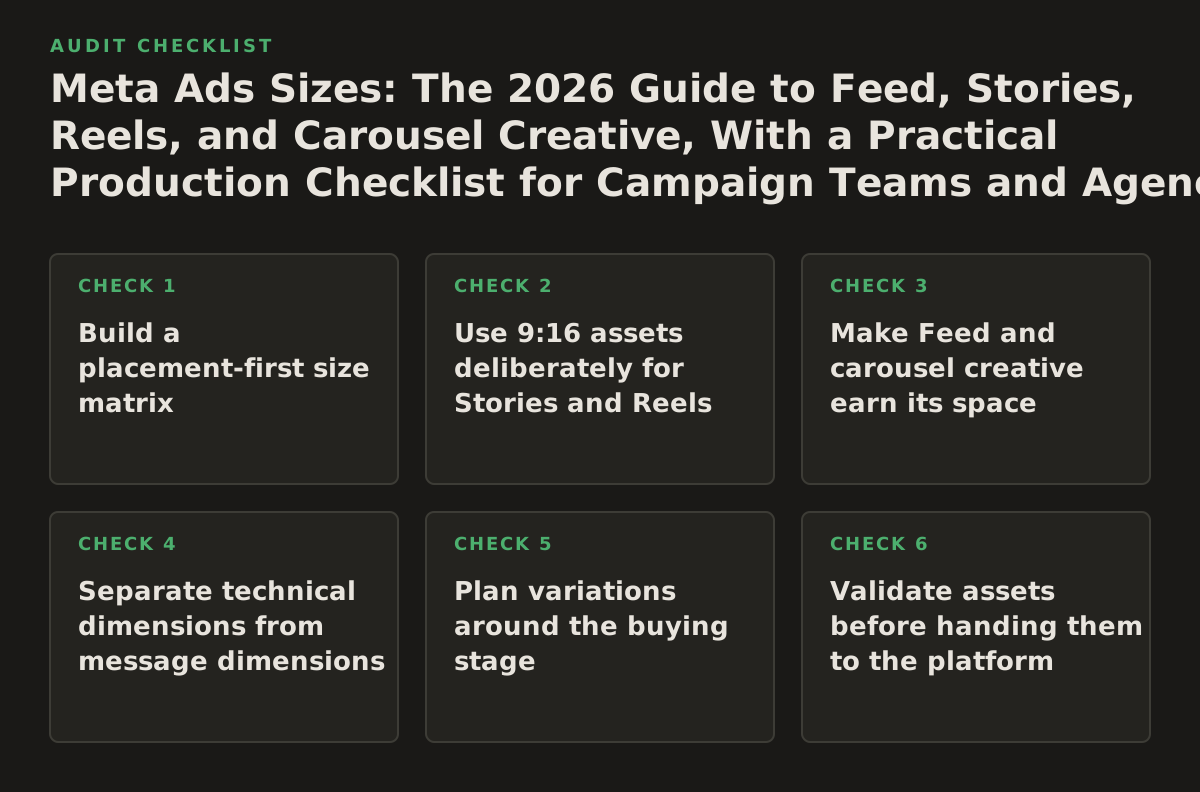
1. Build a placement-first size matrix
When it applies: Use this principle whenever an ad set contains multiple placements or Advantage+ placements. It is especially important for ecommerce catalogs, lead-generation campaigns, and agencies repurposing a client’s existing video library.
Why it works: The same offer has different visual jobs in Feed, Stories, and Reels. Feed creative competes with posts and can support a more deliberate product explanation. Stories and Reels are vertical, immersive environments where the first frame and the opening seconds do more of the selling. A placement matrix makes those differences explicit before a designer starts exporting.
| Placement or use case | Starting canvas | Best asset type | Production priority | Main check before launch |
|---|---|---|---|---|
| Facebook and Instagram Feed | 1080 × 1080 px, or 1080 × 1350 px for vertical Feed | Single image, short video, or carousel | High for prospecting and retargeting | Headline and product remain legible after thumbnail reduction |
| Stories | 1080 × 1920 px | Vertical video or static story card | High when reach or low-friction response matters | Brand and offer avoid the top and bottom interface areas |
| Reels | 1080 × 1920 px | Vertical video with an immediate hook | High for creator-style or demonstration creative | First frame works without relying on tiny captions |
| Carousel | 1080 × 1080 px as a dependable starting point | Sequential images or videos | High for multiple products or a step-by-step argument | Every card works alone and the sequence has a clear next step |
| Retargeting variation | Match the placement rather than using a separate universal size | Proof, objection handling, or product reminder | Prioritize after prospecting coverage | Message reflects the user’s previous action |
Failure mode: Treating “automatic placements” as permission to use a single square asset everywhere. Automation can distribute delivery, but it cannot repair a cropped testimonial or move a logo away from a button overlay.
Implementation example: For a software trial campaign, create three linked rows in the creative brief: a 4:5 Feed card showing the workflow, a 9:16 Reel demonstrating the first setup step, and a square carousel explaining three use cases. Give each row the same offer and proof point, but a placement-specific opening.
2. Use 9:16 assets deliberately for Stories and Reels
When it applies: Choose a dedicated vertical asset when Stories or Reels represent a meaningful part of delivery, when the campaign uses video, or when the offer depends on a demonstration. Do not assume a horizontal webinar recording can become effective vertical creative through cropping alone.
Why it works: A 9:16 frame gives the creative enough height to show a person, product, interface, and call to action without shrinking everything into the center. It also gives editors room to build a visual sequence: hook, evidence, explanation, and next step. The important constraint is not only the canvas; it is the safe content zone.
Design the safe zone as a system
Keep essential copy, faces, product controls, and prices away from the top and bottom edges. Platform interface elements can overlap those areas, and a viewer may see only part of the message on a smaller screen. Meta’s business guidance and Ads Guide are the appropriate final references for current placement presentation and creative requirements, rather than an old agency template copied from a previous account.
- Put the hook in the upper-middle area, not flush against the top edge.
- Keep the primary proof point near the visual subject.
- Place subtitles where they do not cover product controls or a speaker’s face.
- Leave the lowest portion available for platform controls and the call to action.
- Review the exported file on an actual phone before approval.
Failure mode: Designing a 9:16 video like a poster. A static headline may fit the dimensions but fail to earn attention because nothing changes in the first second. Vertical video needs an observable action, a clear spoken or written hook, or a product result early in the sequence.
Implementation example: For a lead-generation ad promoting an audit, open with a screen recording that highlights one reporting error, then show the corrected view, then display the qualification condition. Use large captions, but keep the form promise and brand mark inside the central safe area. Export a version with captions burned in and a clean version if the account’s workflow adds captions separately.
3. Make Feed and carousel creative earn its space
When it applies: Use square or 4:5 creative for Feed when the audience needs to inspect a product, compare options, or understand a claim before clicking. Use a carousel when the argument has a meaningful sequence rather than merely because several images are available.
Why it works: A vertical Feed asset can occupy more screen height than a square asset, while a carousel can distribute cognitive load across cards. The format should follow the job: one strong promise for a single image, a progression for a carousel, and a visual demonstration for video. Meta’s official Ads Guide provides the current placement and format reference; treat third-party size charts as planning aids, not launch authority.
Choose a carousel structure
- Problem to consequence: card one names the operational problem, and later cards show its cost and remedy.
- Feature to outcome: each card explains one capability and ties it to a customer result.
- Collection: each card presents a product or service variant, with consistent pricing and visual hierarchy.
- Process: the cards show a repeatable workflow from diagnosis through action.
Failure mode: Making card one a generic logo card. Many users never advance, so the first card must carry the campaign’s core promise. Another common failure is making each card depend on the previous one while the platform or user behavior makes the sequence less predictable than expected.
Implementation example: An agency promoting paid-search services can use a five-card carousel: “wasted spend,” search-term review, landing-page mismatch, tracking check, and a qualified consultation. Each card uses the same 1:1 canvas, but card one states the consequence and the last card states exactly who should inquire.
4. Separate technical dimensions from message dimensions
When it applies: Apply this principle when stakeholders ask for “the right size” but the actual problem is poor readability, weak hierarchy, or a mismatch between the ad and landing page. It is also useful when an AI workflow is generating or resizing creative automatically.
Why it works: Pixels determine whether an asset fits a slot; they do not determine whether the viewer can understand it. A 1080 × 1920 video can still fail if the headline is six lines long, the product is too small, or the call to action appears after the viewer has already scrolled. Treat canvas size, message hierarchy, and delivery context as separate acceptance criteria.
Use a three-layer creative brief
- Technical layer: canvas, file type, duration, aspect ratio, audio treatment, and destination URL.
- Message layer: audience problem, promise, proof, qualification, and call to action.
- Context layer: placement, funnel stage, prior user action, and likely viewing behavior.
For example, “1080 × 1350 JPG” is only a technical instruction. A useful brief says: “For warm visitors who viewed pricing, show the implementation timeline, one customer-proof detail, and the consultation qualification in a 4:5 Feed card.” The second version gives a designer, copywriter, or AI agent enough context to make a defensible variation.
Failure mode: Resizing text and logos proportionally without rewriting the message. A Feed headline that works in four lines can become unreadable in a vertical video. Resize the composition, but also shorten the copy and change the order of information.
Implementation example: Store each creative request as structured fields: placement, ratio, hook, proof, CTA, safe-zone status, and destination. An approval gate should reject an asset with a missing destination or a hook that is not visible in the opening frame, even if the file dimensions are correct.
5. Plan variations around the buying stage
When it applies: Use this approach when the account has enough spend or traffic to support multiple messages, or when one creative is being asked to serve prospecting, retargeting, and existing-customer objectives simultaneously.
Why it works: Creative size solves presentation; variation solves relevance. A cold prospect may need a category explanation, while a pricing-page visitor may need implementation proof or an objection answered. Build variations by audience state before building dozens of cosmetic color changes.
- Prospecting: lead with the problem, category, or recognizable outcome.
- Consideration: show mechanism, comparison, proof, or a useful demonstration.
- Retargeting: answer the likely objection and restate the next step.
- Existing customers: promote expansion, repeat purchase, or a complementary service.
Failure mode: Changing too many variables at once. If the team changes ratio, hook, offer, landing page, and audience together, the resulting performance signal is hard to interpret. Keep a naming convention that records the placement, stage, angle, and version.
Implementation example: Name assets using a pattern such as TRIAL_PROSPECTING_REEL_HOOK-A_V02 and TRIAL_RETARGETING_FEED_PROOF-B_V01. For an agency account, require the brief to identify one hypothesis per variation: “A setup-time proof point will qualify more high-intent leads than a broad efficiency claim.”
When creative must be created or updated alongside campaign changes, a connected operations layer can reduce copy-and-paste errors. For example, a marketer using a Meta Ads MCP can keep campaign inspection and approved change requests in the same workflow, while still treating creative review as a human decision rather than an automatic publish step.
6. Validate assets before handing them to the platform
When it applies: Use a preflight checklist for every production batch, especially when multiple clients, designers, or AI tools contribute assets. It is essential for agencies where a technically valid file can still point to the wrong offer or account.
Why it works: Preflight separates avoidable production defects from genuine performance learning. Meta’s Marketing API documentation describes ad creative as a structured object with fields and relationships that must be supplied correctly when teams automate campaign operations; that is a reason to validate structured metadata before an API request, not evidence that automation can judge the quality of the creative itself. See the official Marketing API ad creative reference for the current technical model.
Use an approval gate with explicit checks
- Canvas and aspect ratio match the requested placement.
- File opens correctly and has no unexpected compression, borders, or black bars.
- Brand, offer, price, disclaimer, and destination agree with the campaign brief.
- Text remains readable in a reduced-size mobile preview.
- Important elements avoid likely interface overlays.
- Video has a usable opening frame and captions where the message depends on audio.
- Tracking parameters and landing-page behavior are correct.
- Owner, version, expiry date, and approval status are recorded.
Failure mode: Approving only the file and not the assembled ad. The final ad may add primary text, headline, link description, or a call-to-action treatment that changes the visual balance. Review the asset inside the intended placement preview and inspect the destination from a clean mobile session.
Implementation example: Have an AI assistant produce a preflight report with pass, fail, and “needs human review” states. It can detect a missing 9:16 export, compare campaign names with destination URLs, and flag a stale offer. It should not publish a replacement asset or edit a live campaign until a named approver confirms the change.
7. Coordinate Meta dimensions with the wider paid-media system
When it applies: Apply this principle when the same offer runs across Meta, Google Ads, LinkedIn Ads, or search campaigns. A shared message architecture is valuable, but a shared canvas is not.
Why it works: Cross-channel consistency should mean consistent promise, proof, and measurement—not identical files. Google’s official guidance for responsive display ads explains that advertisers provide multiple asset types for automated combinations, which is a different production model from preparing placement-specific Meta exports; consult Google Ads’ responsive display guidance when adapting the same campaign concept.
LinkedIn has its own ad-format requirements and specifications, documented in its official Campaign Manager advertising specifications. This is why a master creative library should store the campaign angle separately from each channel’s file variants.
Failure mode: Copying Meta creative into another channel and judging the channel unfairly when the asset was never native to its environment. A vertical Reel, a search headline, and a LinkedIn single-image ad can share a proposition while requiring different evidence and dimensions.
Implementation example: Create one campaign record with fields for offer, audience, proof, landing page, and measurement event. Attach separate Meta Feed, Meta vertical, Google asset, and LinkedIn exports. Report performance by both channel and creative angle so the team learns whether the promise worked, not merely whether one file happened to receive cheaper delivery.
Implement the workflow in sequence
- Inventory placements: list the placements enabled in each ad set and mark which ones require dedicated exports.
- Choose starting canvases: use 1:1 or 4:5 for Feed, 9:16 for Stories and Reels, and a consistent square system for carousel cards unless the current Ads Guide indicates otherwise.
- Write the message brief: define the audience state, hook, proof, qualification, CTA, destination, and one falsifiable creative hypothesis.
- Produce the minimum viable set: start with one strong Feed version and one vertical version per important angle rather than producing many weak permutations.
- Preflight the assembled ads: inspect mobile readability, safe areas, destination behavior, tracking, naming, and account alignment.
- Launch with an approval record: record who approved each asset, what changed, and which campaign or ad set received it.
- Review by placement and angle: separate delivery problems from message problems before replacing creative. Refresh the weakest constraint first.
- Reuse the learning: convert winning hooks into the next ratio or funnel-stage variant, while retiring expired offers and stale proof.
For teams managing both advertising changes and analytics checks, NotFair’s approval-gated connectors can help keep diagnosis, recommendations, and reversible execution together; the relevant starting point is NotFair, especially when a marketer needs AI assistance without removing human approval from publishing decisions.
Authored with NotFair SEO