

Google Ads MCP vs REST API is not an either-or choice: the Google Ads API is the underlying programmatic interface, while MCP is a way for an AI client to discover and call tools that can use that interface. For marketers who want an agent to inspect accounts and propose or make changes, compare the six options below by implementation effort, control over changes, and ongoing cost: use the API for custom products, Scripts for scheduled account automation, workflow builders for visual integrations, or an MCP server when an AI client is central to the job.
This comparison is for paid-search managers, agencies, and growth teams deciding how to automate Google Ads—not for choosing an ad platform. It covers different implementation categories because they solve adjacent parts of the same job: getting reliable data and approved actions into an automated workflow. The options are evaluated on four criteria:
- Access: can the approach read and change the account data needed for your task?
- Implementation: who builds, tests, and maintains the connection?
- Change control: can a human review proposed edits before they affect delivery?
- Commercial model: what platform, infrastructure, or service costs should you verify?
Product capabilities, plan limits, and prices can change. Claims below are grounded in the linked official documentation where available; check current documentation and terms before committing. A REST API is an interface style, not a complete safety policy, and MCP does not automatically make an agent’s actions safe.
1. Google Ads API
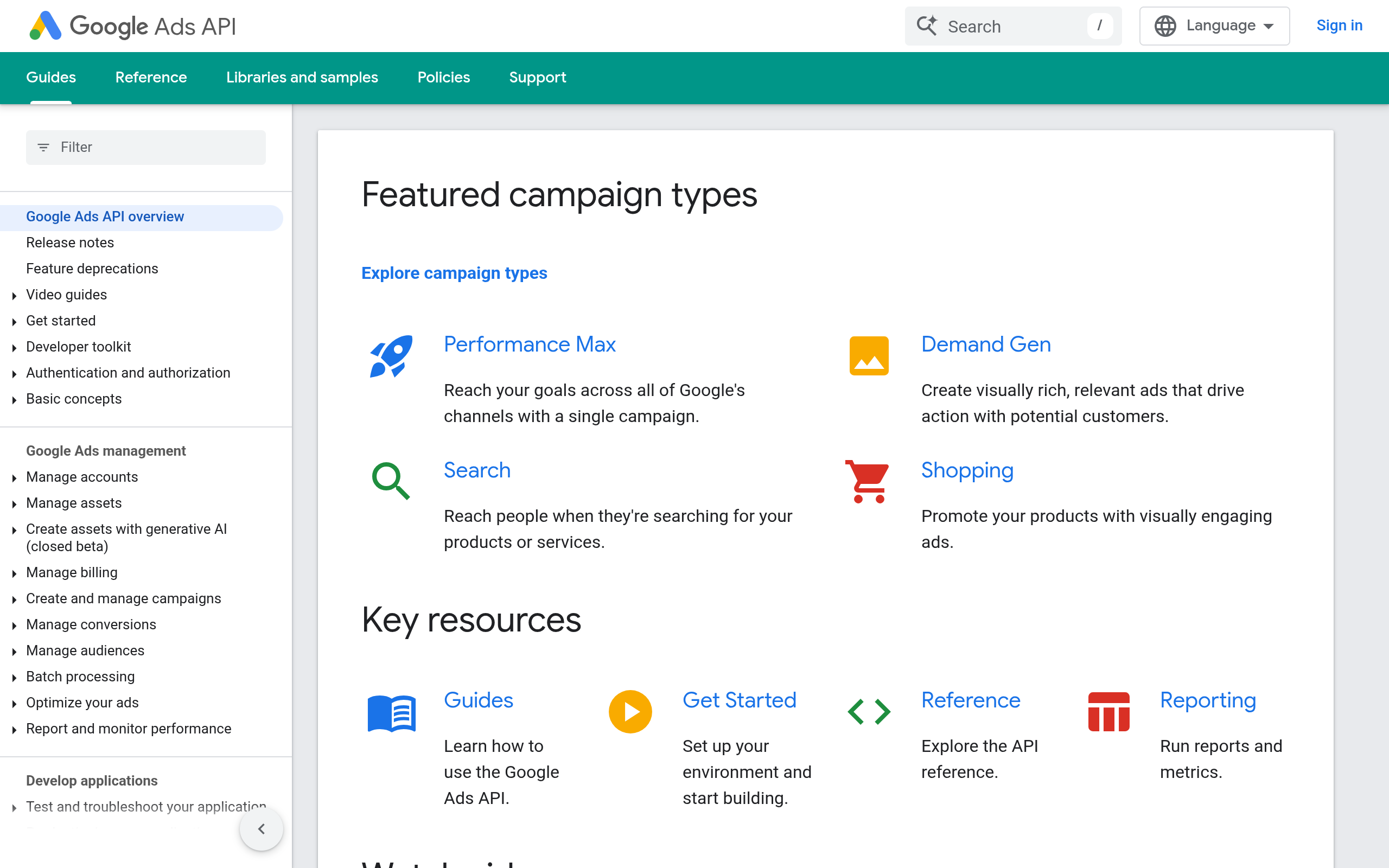
Best when you need a custom integration
The Google Ads API is Google’s programmatic interface for managing Ads accounts. A development team can use it to build a reporting service, internal application, or purpose-built agent integration. This is the most direct choice when you need control over query logic, account selection, validation, and how proposed operations become API requests. Google documents its API access and client-library setup in its getting-started guide.
For example, an agency could build a process that reads search-term and campaign data, flags a sudden spend change, and prepares a negative-keyword proposal. The API provides the building blocks; your application still has to decide which data to fetch, how to interpret it, and whether changes require approval. That work is the difference between an API connection and a dependable marketing workflow.
Implementation and fit
- Best for: engineering teams building a tailored integration or product.
- Does not suit: a marketer who wants a working agent without developer ownership.
- Standout: control over request logic and application-specific validation.
- Burden and commercial model: highest engineering and maintenance burden in this list; Google publishes access requirements and usage limits, while development, hosting, and support costs depend on your implementation. Verify current API requirements and any applicable account or platform costs.
2. Google Ads Scripts
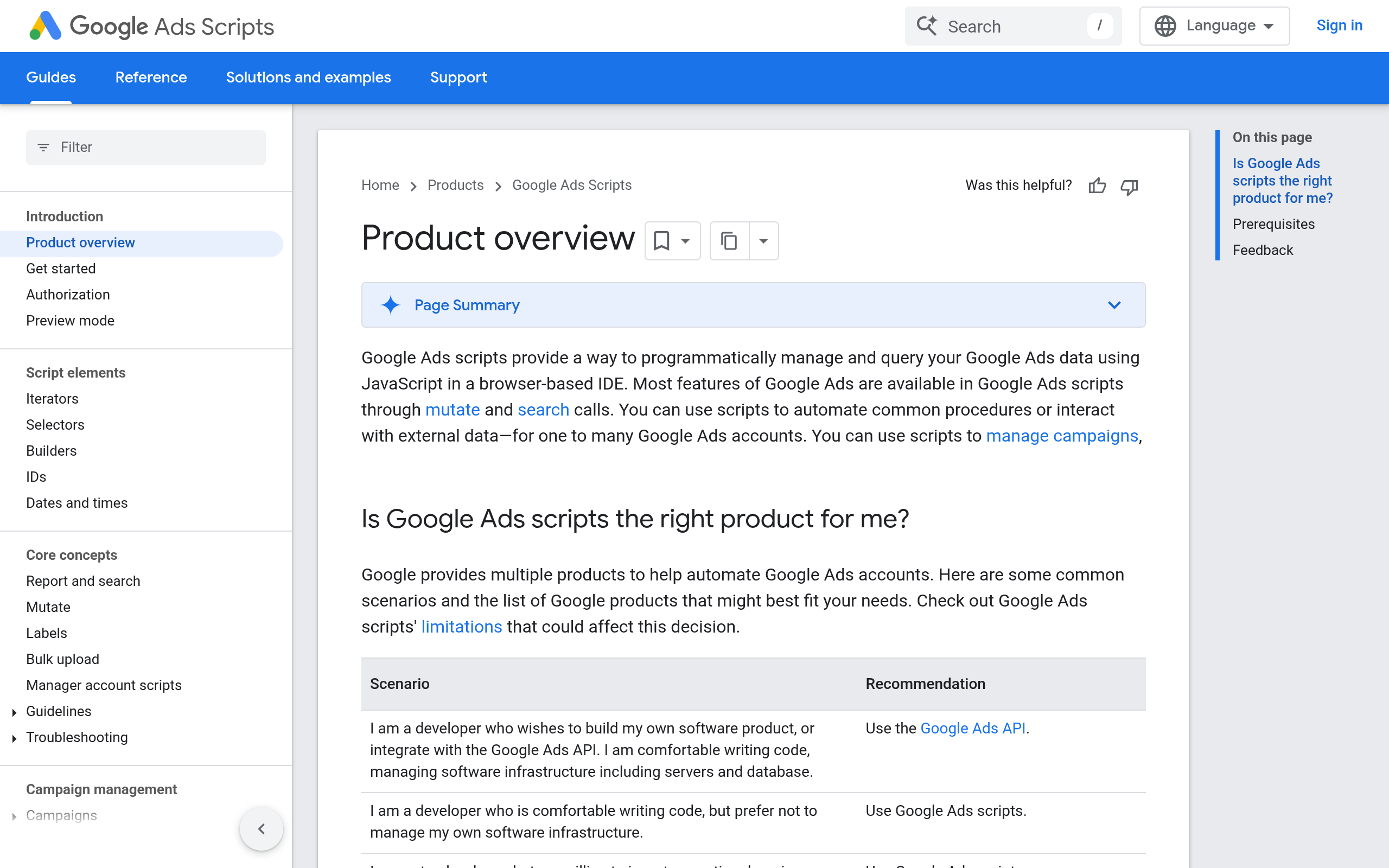
Best when the task is scheduled and account-native
Google Ads Scripts lets advertisers automate account tasks with JavaScript-style scripts that run in the Google Ads environment. Google’s Scripts overview describes how scripts work and points to the documentation for execution and account access. This can suit recurring checks—such as reporting on campaigns that meet a rule—without building a separate service around the API.
Scripts are not equivalent to an MCP server. They do not, by themselves, give Claude, Cursor, or another AI client a general tool interface. You can use an AI assistant to help draft or review script logic, but scheduling, permissions, testing, and the consequences of execution still need deliberate handling.
Implementation and fit
- Best for: account managers who need repeatable, scheduled operations and can review script code.
- Does not suit: teams that need an interactive agent to answer questions and take tool actions during a conversation.
- Standout: a Google Ads-focused automation route without maintaining a separate API application.
- Burden and commercial model: lower infrastructure burden than a custom API service, but someone must own code, testing, and schedule behavior. Confirm current account eligibility, script limits, and any associated costs in Google’s documentation.
3. Zapier
Best for straightforward event-to-action workflows
Zapier is a hosted automation platform for connecting apps in trigger-and-action workflows. Its Google Ads integration page is the place to check the currently supported events and actions. A simple use case might pass a lead event from another business system into a workflow, or route an alert to a team when an available trigger fires.
That convenience does not mean every Ads management operation is available as a ready-made action. Check the exact fields and actions you need before designing around it; an integration may not expose the reporting dimensions, targeting controls, or safeguards your process requires. For AI-assisted account diagnosis, also distinguish a standard app workflow from an AI client’s ability to call specific, permissioned tools.
Implementation and fit
- Best for: marketers linking supported Ads events to common business apps without writing a full integration.
- Does not suit: custom bulk analysis or intricate campaign operations unless the current integration exposes the required actions.
- Standout: a hosted visual workflow model for common cross-app handoffs.
- Burden and commercial model: setup is generally visual, but workflows still need testing and monitoring. Zapier offers plans whose features and limits can change; check its current pricing and task allowances for your expected volume.
4. Make
Best for visual workflows with branching logic
Make is a visual automation platform. Use its official Google Ads integration listing to verify which modules are currently available, rather than assuming it covers every operation in the Ads API. A team might use a visual scenario to route an alert through several checks before notifying an account owner or updating another system.
The practical question is whether the connector can perform the exact account read or change you need. If the workflow depends on a missing field or an unsupported operation, a visual builder may still require an API call or a different implementation. Map the workflow with a read-only or notification step first; add write actions only after validating the data and failure behavior.
Implementation and fit
- Best for: teams comfortable designing and maintaining visual scenarios with multiple steps.
- Does not suit: teams that need a complete AI-operated Ads control plane or a connector with guaranteed coverage of every API feature.
- Standout: a visual approach to routing, filtering, and branching between supported modules.
- Burden and commercial model: less custom application code than a direct API build, but scenario design and monitoring remain your responsibility. Plans, operation allowances, and connector details can change; verify current Make pricing and module documentation.
5. n8n
Best for teams that want workflow control
n8n is a workflow automation platform used to connect services and execute multi-step processes. Its Google Ads integration page provides a starting point for checking the current integration. For a growth team, a workflow could collect a report, apply a threshold chosen by the team, and send a review task to an analyst rather than making an immediate campaign edit.
Do not confuse workflow flexibility with automatic account coverage: verify the node’s supported operations and the authentication method you will use. If your design needs unsupported Google Ads functionality, expect to investigate an alternative node, an HTTP/API step, or custom code. That can make n8n powerful for technical operators but less turnkey for a media buyer.
Implementation and fit
- Best for: technical marketing operations teams that want to compose and manage multi-step workflows.
- Does not suit: teams seeking a no-maintenance, marketer-only solution for every Ads operation.
- Standout: workflow-level control over how data moves between steps.
- Burden and commercial model: expect configuration, credential management, and ongoing workflow ownership; deployment and plan choice affect the operational and commercial model. Check current n8n hosting options, pricing, and Google Ads node coverage before selecting it.
6. NotFair
Best when the AI client is part of the daily workflow
NotFair provides hosted MCP servers that connect AI clients—including Claude, Codex, Cursor, OpenClaw, and Hermes—with Google Ads and other marketing platforms. Its Google Ads MCP is relevant when the goal is for an AI client to inspect account information, help diagnose performance, and propose or execute campaign changes through an MCP connection. That is a different job from buying a workflow builder or writing a raw API client: the AI client becomes the operator’s interface to available tools.
For campaign edits, the important distinction is not “AI versus API”; it is the boundary between a recommendation and a live change. NotFair’s approval-gated agents are designed to require approval for actions, with reversible campaign changes as part of the product context. Confirm which tools, permissions, approval steps, and current plan terms apply to your intended workflow before connecting a production account.
Implementation, limits, and fit
Best for: marketers and agencies who want to work through an MCP-compatible AI client rather than build and host the connector themselves. Does not suit: teams that do not want an AI-mediated workflow, need full control of their own API implementation, or require a capability not currently exposed by the service. Implementation and commercial model: hosted connection reduces the need to maintain the MCP server infrastructure, but users still need to configure access and define review practices; check NotFair’s current service scope and pricing. Standout: an approval-oriented path from AI diagnosis to controlled campaign actions.
Comparison
The table compares the same practical factors across all six approaches. “Change control” describes the implementation pattern, not a guarantee: the operator must configure and verify permissions and approvals.
| Option | Access pattern | Implementation burden | Change control | Commercial model to verify |
|---|---|---|---|---|
| Google Ads API | Direct programmatic interface | High; build and maintain an application | Defined in your code and operating process | Development, hosting, and current Google requirements |
| Google Ads Scripts | Scheduled scripts in Google Ads | Low to medium; code and test scripts | Script logic and execution schedule | Verify current Ads account and script terms |
| Zapier | Hosted trigger-and-action workflows | Low for supported actions | Workflow steps and available actions | Current plan, task limits, and usage |
| Make | Hosted visual scenarios | Low to medium; design and monitor scenarios | Scenario logic and available modules | Current plan and operation allowances |
| n8n | Composable automation workflows | Medium; configure and operate workflows | Workflow logic and deployment controls | Current hosting and plan choice |
| NotFair | Hosted MCP server for AI clients | Lower connector-maintenance burden; configure access and process | Approval-gated agent actions; verify current scope | Current service scope and pricing |
How to choose for your Ads workflow
Choose the interface that matches the owner of the work
Start with who will maintain the automation and what must happen after a finding. If a developer owns a custom reporting or optimization application, the Google Ads API is the flexible foundation. If an account manager needs a predictable scheduled check, consider Google Ads Scripts. If the job is a supported event handoff to another system, compare Zapier, Make, and n8n on the exact connector actions and operational model—not on a general claim that they “integrate with Google Ads.”
If the user’s working surface is an AI client, an MCP server is the more direct fit than asking a marketer to operate a separate workflow canvas. MCP changes how tools are presented to the AI client; it does not replace the underlying platform permissions, data validation, or business rules. For Meta campaign workflows, assess the platform separately rather than assuming a Google Ads connection carries over; see Meta Ads MCP.
Put a review boundary before the first write action
Before enabling any option to make changes, specify what the system may read, what it may propose, and what requires a person’s approval. A practical rollout can begin with a read-only report or alert, then add a narrowly scoped write action after someone verifies the inputs and resulting change. Treat that as a starting policy, not a universal benchmark; account structure, risk tolerance, and change reversibility differ by business.
- Choose one campaign task with a clear success condition, such as surfacing a spend anomaly for review.
- Check that the connector exposes the fields and operations the task needs.
- Document the approval owner, permitted scope, and rollback procedure before enabling edits.
- Review execution logs and failures so a stale credential or unexpected input does not silently undermine the workflow.
Recommendation: use the API when you need a custom system and can fund its engineering ownership; use Scripts or a workflow platform for bounded automation; choose MCP when an AI client is the intended operator and you want a managed connection rather than maintaining one yourself. NotFair offers hosted MCP connections and approval-gated agents for that last use case; review the current fit at NotFair before connecting a live account.
Authored with NotFair SEO