

A paid-media manager sees cost per lead climbing across the last week. They move between Google Ads, Meta Ads, GA4, CRM records, and spreadsheets, trying to find the cause. Then comes the uncomfortable question: which AI tool can help diagnose the problem without changing a live campaign?
That's the core challenge with ChatGPT for digital marketing. The best tool depends on the job. Copy generation, reporting, campaign diagnosis, and live account changes need different levels of data access and control. ChatGPT became a mainstream interface for these workflows after its public release on November 30, 2022, reaching an estimated 100 million monthly active users by January 2023 according to Reuters' coverage of its early adoption.
This roundup compares seven tools by the work they're best at, not by vendor hype. It also separates general chat assistants from platforms that read live accounts and stage approval-gated changes. For broader context, see this guide to AI-driven marketing for B2B.
Table of Contents
- 1. NotFair
- 2. OpenAI ChatGPT
- 3. Jasper
- 4. Copy.ai
- 5. Writesonic
- 6. Anyword
- 7. HubSpot AI
- ChatGPT for Digital Marketing: 7-Tool Comparison
- Matching Each Tool to the Job, Then Earning Write Access
1. NotFair
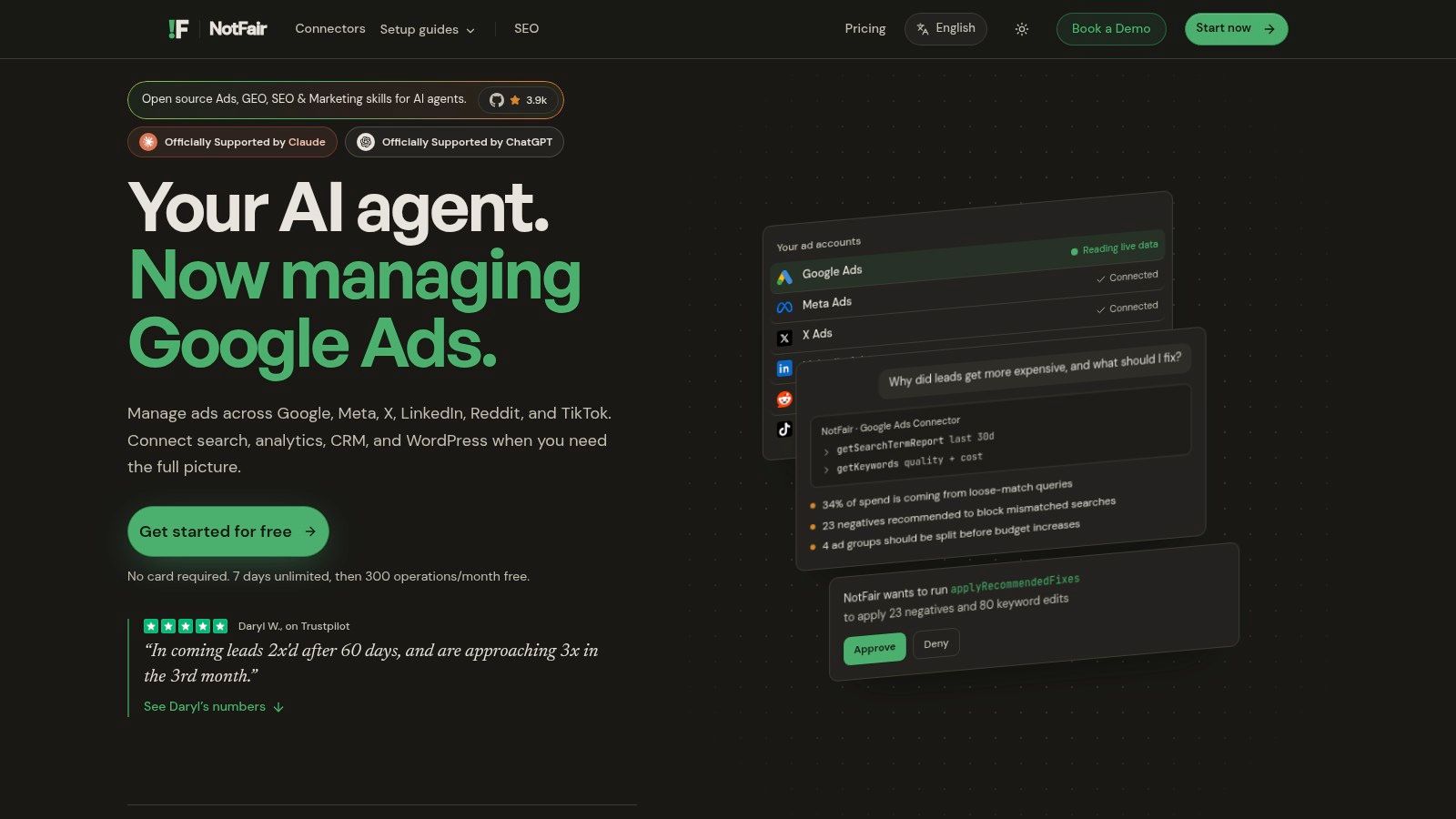
NotFair is designed for teams that need to diagnose and operate live advertising accounts. It connects AI clients such as ChatGPT, Claude, Codex, Cursor, OpenClaw, and Hermes with advertising, analytics, search, and CRM systems through hosted Model Context Protocol servers.
The key advantage is current account context. NotFair can query Google Ads, Meta Ads, X Ads, LinkedIn Ads, Reddit, TikTok, Search Console, GA4, and GoHighLevel data at the time of analysis. An agent can compare spend, search terms, conversions, landing-page outcomes, and CRM results, then rank findings by spend at risk. That gives a performance marketer a stronger starting point than a stale export pasted into a general chatbot.
The workflow can continue from diagnosis to controlled execution. NotFair can stage keyword negatives, bid adjustments, budget moves, and ad edits. Before anything is written, the system displays an explicit diff, records the change, and supports one-call undo. For Meta workflows, the Meta Ads MCP connection links conversational analysis with reviewed campaign operations.
Where NotFair earns its place
NotFair suits teams that want fewer dashboard handoffs while keeping approval with a human.
- For diagnosis: Compare paid media with organic queries, analytics, and CRM outcomes in one session.
- For execution: Prepare negatives, pauses, bid changes, and budget moves for review before applying them.
- For governance: Inspect diffs, keep a change history, enforce server-side limits, and reverse edits when required.
- For access control: Use hosted connectors and OAuth to reduce local credential handling and integration work.
Practical rule: Let AI identify and prioritize the problem. Approve the smallest useful change, then measure the result.
The trade-off is deliberate. NotFair supports supervised workflows, so teams seeking zero-touch campaign automation may find it restrictive. After the seven-day unlimited trial, the free plan includes 300 operations per month. The Growth plan costs $99/mo monthly, or $950/yr (~$79/mo) annually, according to the product information provided for this comparison.
NotFair fits performance marketers, agencies, growth teams, and marketing operations leaders who need a controlled route from signal to action. A team focused only on headline writing will get more value from a general-purpose assistant.
2. OpenAI ChatGPT
A marketer can turn one positioning document into ad variants, landing-page outlines, email copy, social posts, and sales enablement material in a single working session. ChatGPT remains a flexible general-purpose option for copy, briefs, research, and lightweight analysis.
Its strength is range. Teams can create custom GPTs, use shared workspaces, connect supported services, and build workflows through the GPTs and Actions ecosystem. Higher organizational tiers add administrative controls, centralized billing, and stronger workspace management. That makes ChatGPT a practical starting point when one assistant must support several marketing jobs.
The boundary marketers need to understand
ChatGPT does not know what happened in an advertising account today unless a live data connection supplies that information. It can analyze an uploaded export, but that differs from reading current search terms, conversion events, or CRM stages. Live access requires an appropriate connector, custom action, or dedicated integration such as connecting Google Ads to ChatGPT.
Use ChatGPT for:
- Drafting: Generate message variations from a clear brief, then edit for accuracy and brand fit.
- Research support: Organize supplied evidence, identify open questions, and structure a research plan.
- Reporting: Turn clean exports into summaries, anomaly notes, and executive updates.
- Workflow design: Create reusable prompts, templates, and review procedures.
The main risk is false confidence. Fluent output can still rely on incomplete or outdated data. The American Marketing Association found that 62% of surveyed professional marketers used chatbots such as ChatGPT for content generation, while 85% of AI users reported a slight or significant productivity increase in its survey of more than 1,000 marketers. These findings describe perceived productivity, not conversion lift. Track review time, error rates, and downstream performance separately. The AMA findings on generative AI adoption among marketers provide the survey context.
ChatGPT covers the widest range of marketing jobs among the tools listed here, so it works as a default starting point. It still needs additional infrastructure to operate live campaigns.
3. Jasper
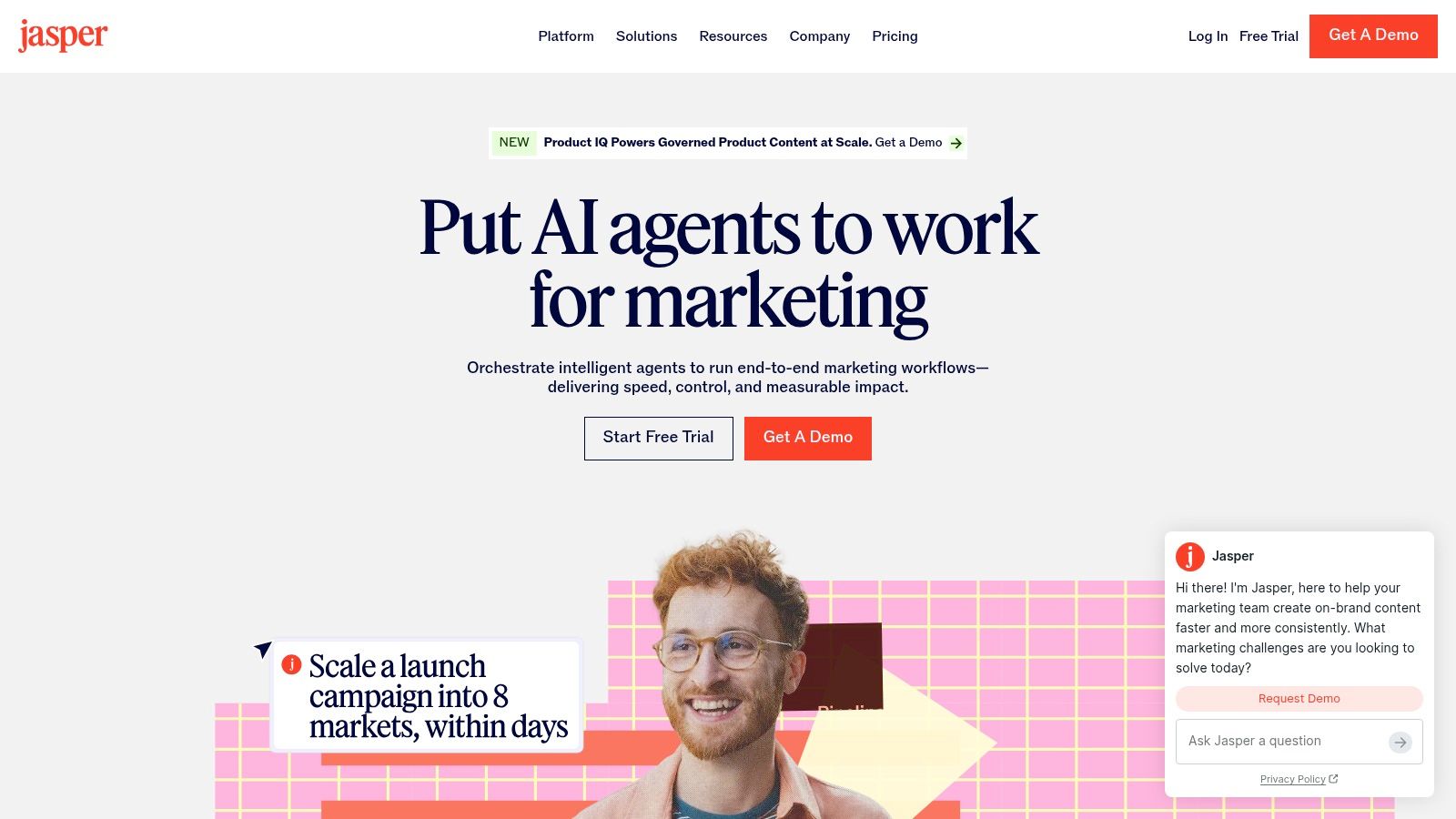
Jasper suits marketing teams that need consistent brand output at scale. Its strongest feature is the combination of Brand Voice, style controls, campaign templates, briefs, and collaboration features, rather than open-ended chat.
The workflow starts with approved messaging rules instead of a blank prompt. Writers can apply the same voice across ads, landing pages, emails, and blog content, while marketing leads review related work in one organized workspace.
Best use and main limitation
Jasper is most useful for repeatable content production. Provide a campaign brief, audience definition, offer, proof points, and channel constraints. Its templates can then turn that input into related assets while keeping tone more consistent.
Choose Jasper for:
- Brand teams: Centralize voice guidance and reusable messaging rules.
- Content operations: Turn briefs into drafts for specific channels.
- Agencies: Apply a repeatable production system across client projects.
- Non-technical marketers: Create content in a structured interface without building custom prompts.
Jasper can draft a performance report, but it does not replace a search platform, business-intelligence tool, or live ad-account connector. An integration must supply current account data before the tool can assess campaign performance. That boundary matters for diagnostics: Jasper helps produce the explanation, while another system must provide the evidence.
Review the credit model before buying. Usage accounting can make costs harder to predict during heavy production workflows, especially when teams create many related assets.
For a broader comparison of platforms that connect content workflows with paid-media work, see AI tools for Google Ads. Jasper fits teams whose main bottleneck is brand consistency, not campaign diagnosis.
Visit Jasper if your team needs governed content creation across multiple channels. Use it for messaging systems and collaboration, not approval-gated budget changes.
4. Copy.ai
A campaign launch often requires several related assets at once: an email sequence, paid-social variations, sales messages, and follow-up content. Copy.ai organizes that work around marketing and go-to-market workflows, using chat, playbooks, templates, and automations rather than an entirely open-ended workspace.
That structure suits teams that need repeatable production. Marketers choose a task, provide the audience, offer, proof points, and channel constraints, then revise the output. The workflow is easier to hand across content, demand-generation, and sales teams than a collection of individual prompts.
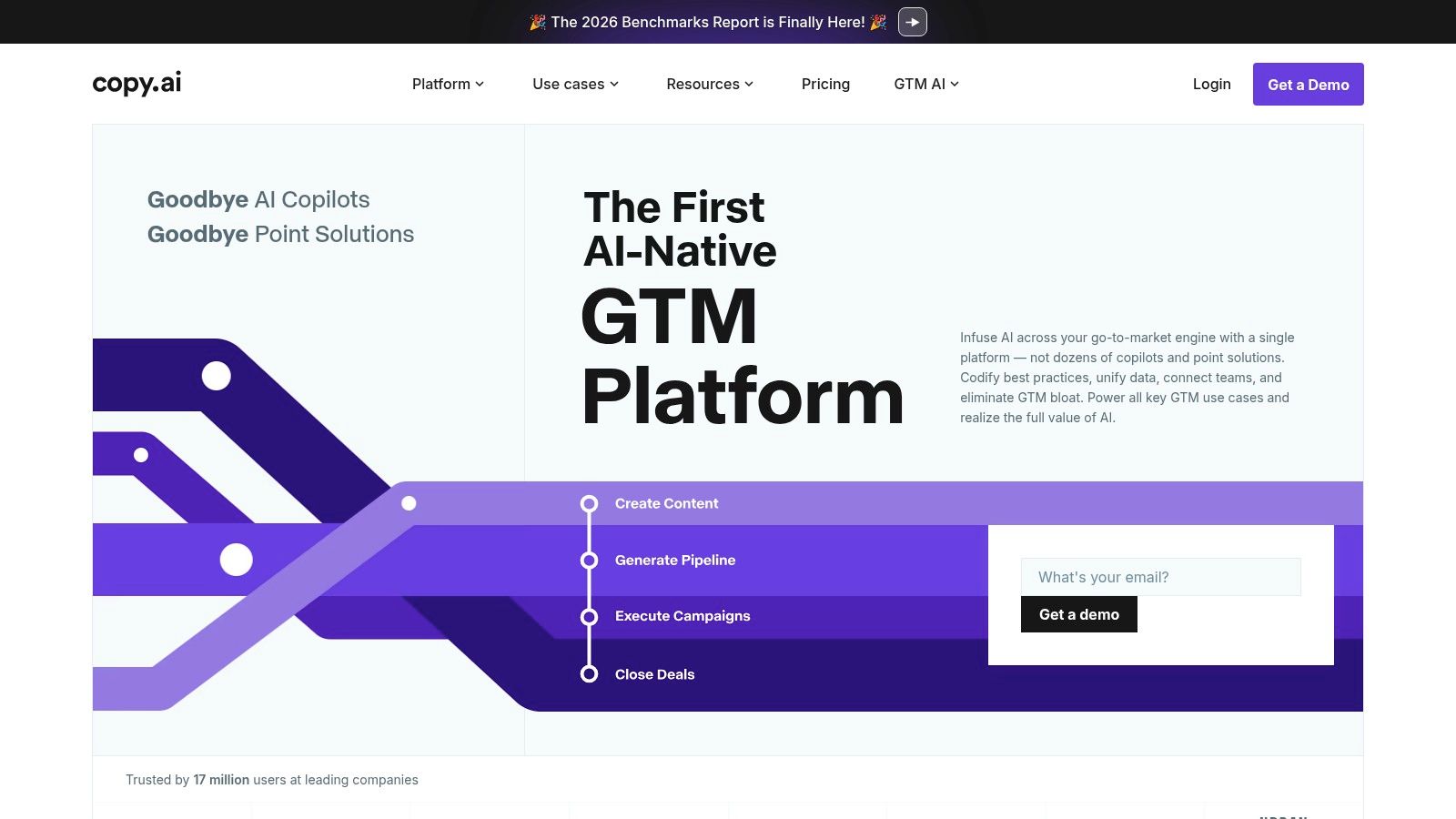
Copy.ai earns its place when the job is producing text at scale. It can turn product information into email sequences, social posts, ad concepts, and sales messages. Collaboration and administrative controls also help teams keep shared workflows consistent as usage expands.
The boundary appears in reporting and diagnostics. A polished campaign brief cannot explain a rise in cost per lead, whether the cause is search-term drift, tracking failure, lead-quality changes, or weak sales follow-up. Copy.ai needs current data and defined metrics from another system before it can support that analysis. It can explain findings, but it is not a live ad-account or business-intelligence layer.
Use a structured request:
- Audience: Define the segment and buying context.
- Offer: State the promise and limits.
- Evidence: Add approved features, proof points, and objections.
- Output: Set the channel, length, tone, and review status.
A subject-matter expert should check every factual claim before publication. Review the current offer and public features before committing the team, since they can change. Copy.ai fits content and go-to-market production, while approval-gated budget changes and live optimization belong in connected marketing systems.
5. Writesonic
A marketer planning an SEO article, landing page, and related ads can keep those assets in one content workflow with Writesonic. The platform combines chat and writing tools with long-form content, landing-page, brand-voice, and search-oriented features. Its role is content production, not direct control of an active advertising account.
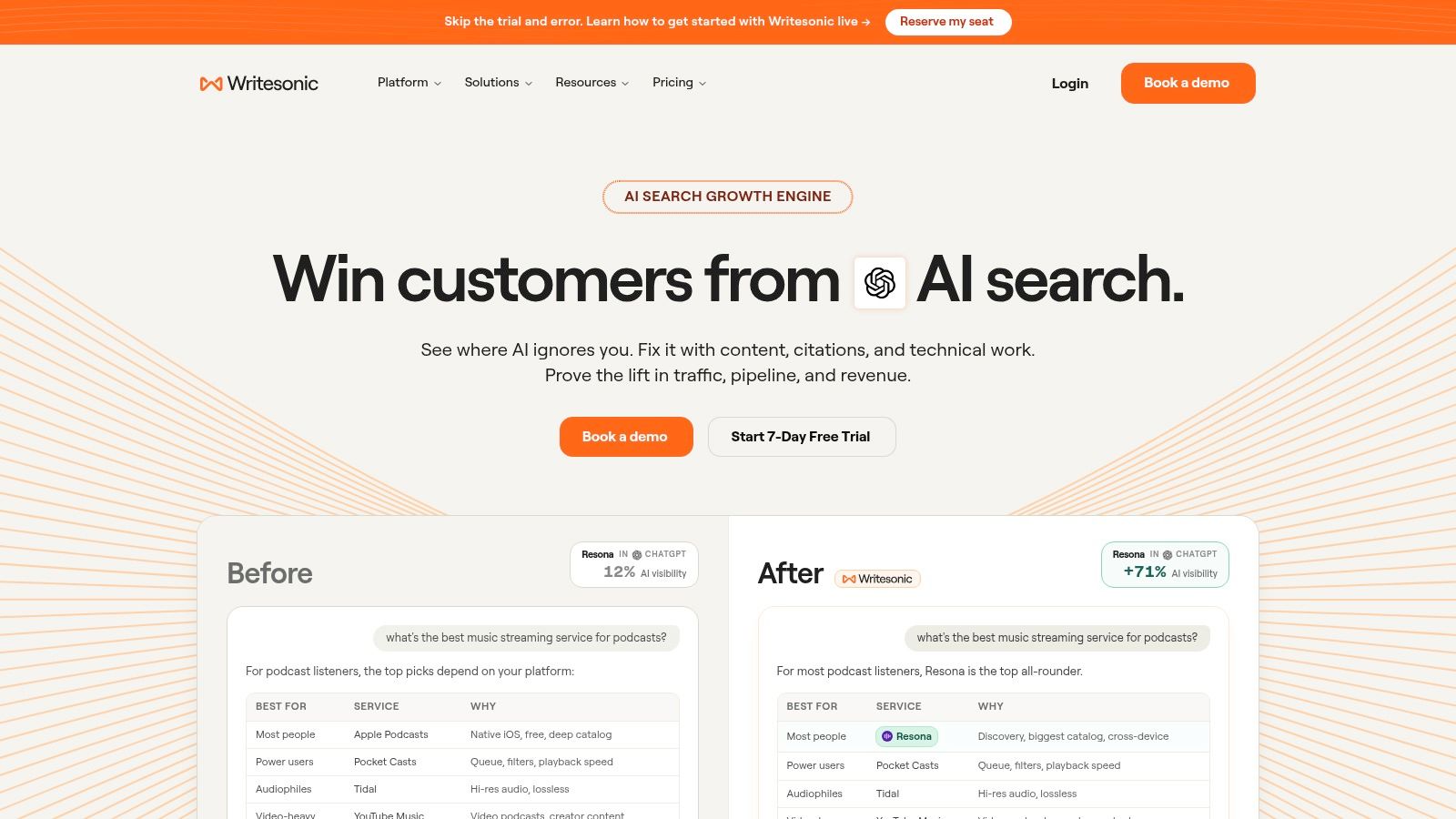
For content teams, the practical benefit is structure. Brand controls can reduce repeated briefing, while guided workflows give writers a starting point beyond a blank chat window. Documentation can help buyers compare plan features, though plan names and usage limits may change.
A reliable workflow keeps approval with people:
- Define the searcher's problem and commercial intent.
- Add verified product information and relevant internal links.
- Draft the page, ad, or supporting asset.
- Check factual claims, differentiation, and search intent.
- Publish only after a subject expert reviews the copy.
Writesonic can support research and production across organic and paid messaging, but it does not establish that an AI visibility score will produce traffic or conversions. Search results depend on relevance, technical delivery, competition, brand demand, and user response. Treat the score as a workflow signal, not campaign evidence.
The McKinsey State of AI 2024 report reported that 65% of respondents said their organizations were regularly using generative AI in at least one business function. Marketing and sales ranked among the most common areas of use. That adoption increases demand for structured content tools, while editorial review and measurement remain necessary.
Choose Writesonic when SEO content and landing-page production are the priority. Use a live-data platform when the task is diagnosing why an active campaign is underperforming. Writesonic can explain and produce approved assets, while budget changes and account optimization require separate approval-gated systems.
6. Anyword
Anyword is aimed at marketers who want performance-oriented copy selection, not just more copy. Its predictive scoring and audience modeling estimate how generated or manually edited text may perform before launch.
That can help a team prioritize variants. Instead of reviewing ten headlines only for tone, marketers can use the platform's scores as one input in deciding which concepts deserve testing. Anyword supports ads, emails, landing pages, and social posts, so it can be applied across several conversion-focused formats.
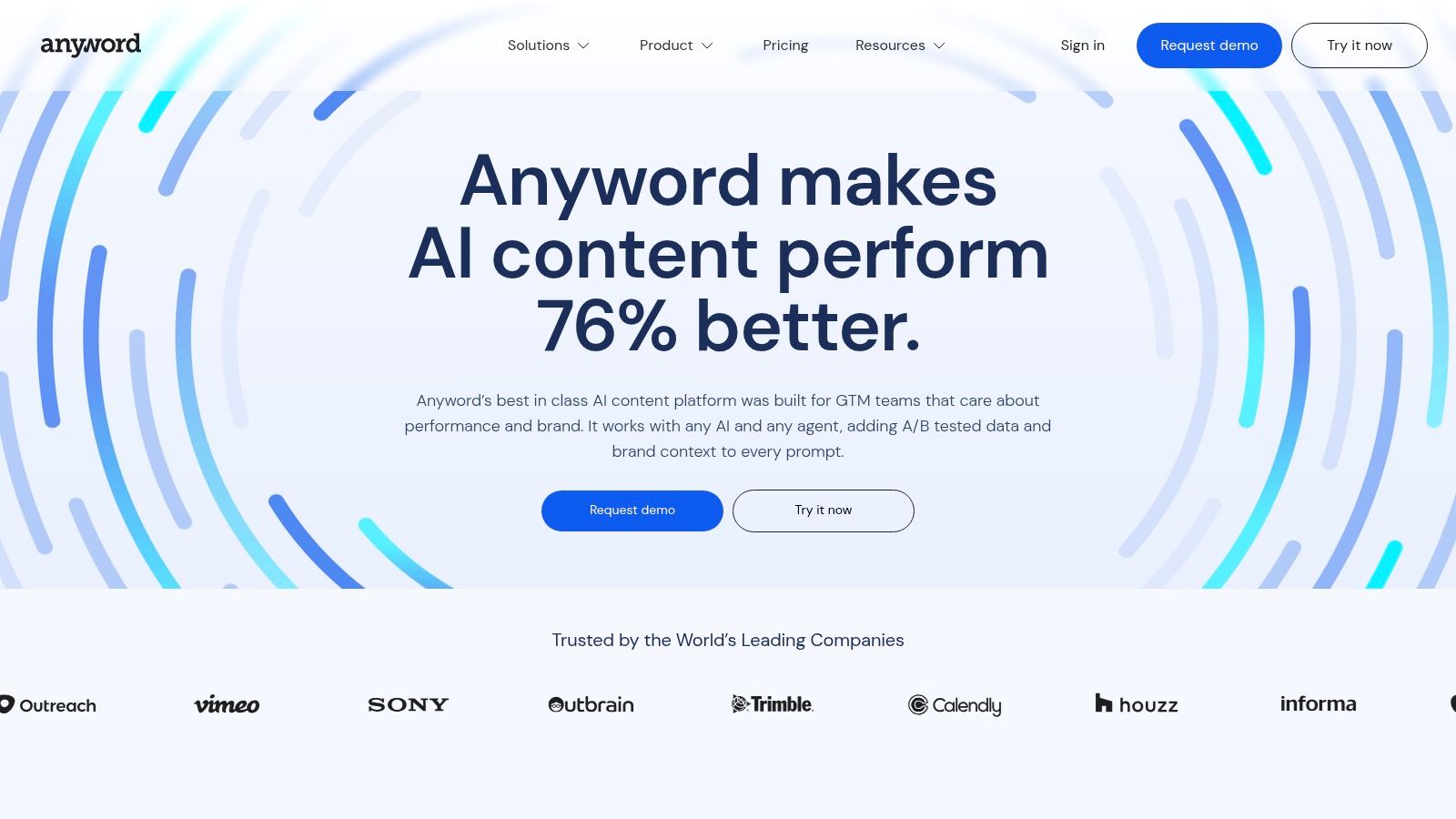
The critical limitation is the word estimate. A predictive score isn't a live experiment, an incrementality test, or a guarantee of conversion performance. It reflects the platform's model and available context. Audience, offer, placement, landing page, auction conditions, and tracking quality can change the result after launch.
Use Anyword for:
- Variant triage: Shortlist copy concepts before human review.
- Message testing: Compare benefit-led, objection-led, and urgency-led language.
- Channel adaptation: Rework a validated message for email, paid social, and landing pages.
- Creative operations: Create a larger testing backlog without asking writers to produce every variation manually.
Avoid letting the score replace campaign evidence. Launch controlled tests with clear success metrics, and record which copy ran. Anyword's unlimited-words policy on paid plans can reduce hesitation during ideation, but larger teams should review seat costs and access requirements before standardizing.
Visit Anyword if your bottleneck is choosing among copy variants. It isn't the right tool for reconciling ad spend with CRM revenue or applying reversible account changes.
7. HubSpot AI
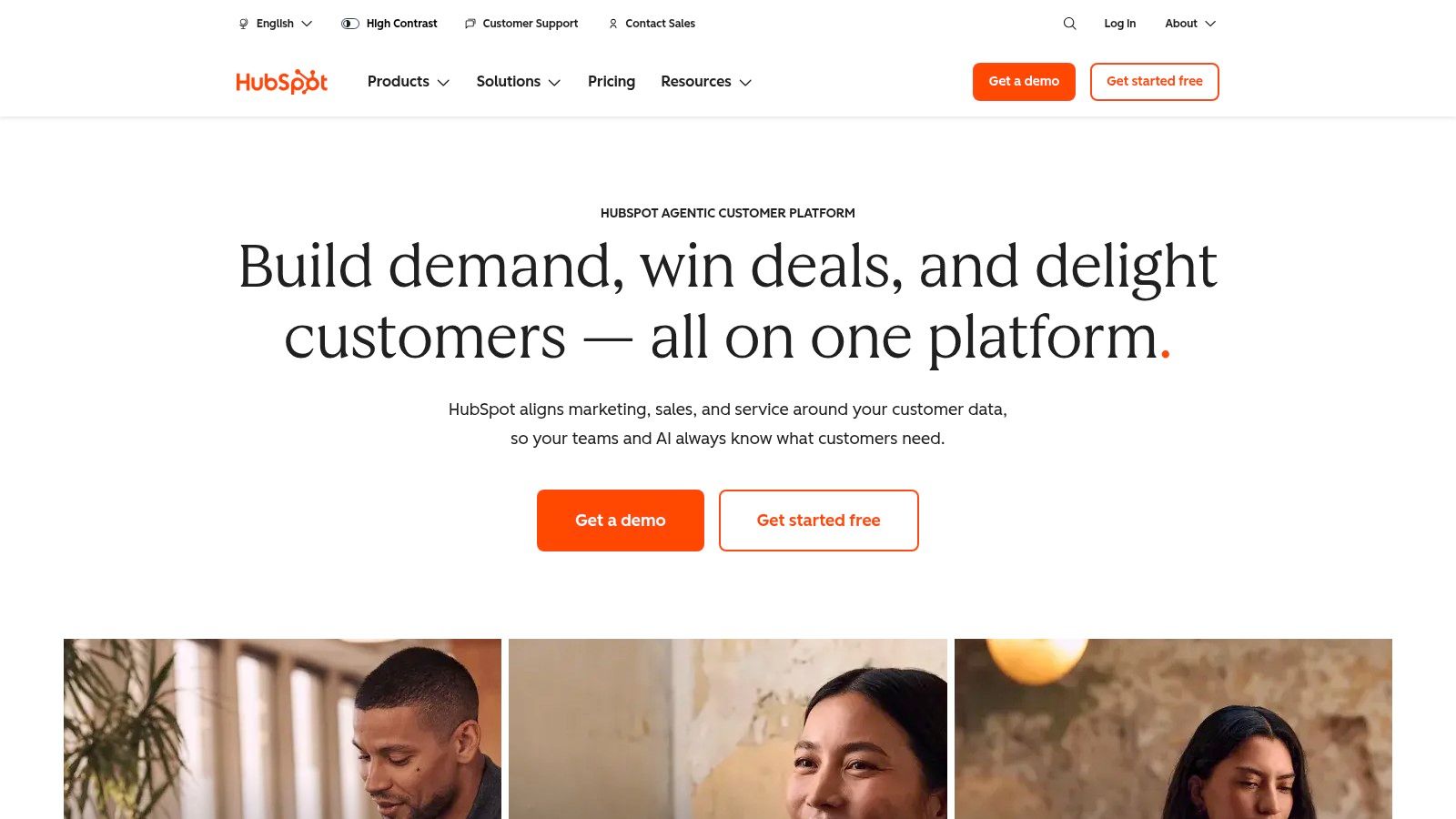
HubSpot AI, including Breeze Copilot and its agents, is the most natural choice for teams already standardized on HubSpot CRM and Marketing Hub. Its advantage is context. The assistant operates near contact records, marketing activity, reports, and permissions instead of requiring marketers to copy information into a separate chatbot.
That makes HubSpot AI useful for summarizing records, drafting content, preparing reports, and supporting marketing operations. A marketer can ask for help with a campaign update while staying close to the customer and pipeline data that gives the request meaning.
Where native CRM context helps
HubSpot AI reduces copy-paste between a CRM and an assistant. It can support content and reporting workflows that need contact, lifecycle, and pipeline context. Its agents are built around outcomes and consume HubSpot Credits, while seats and credits form part of the pricing model on relevant plans.
The trade-off is platform dependence. Teams outside HubSpot may not get enough value to justify adopting it as their central AI layer. Teams inside HubSpot still need to verify how current credits are consumed, which features are included, and how external advertising data enters the system.
A CRM assistant can summarize the funnel it can see. It can't explain channels or events that were never connected correctly.
HubSpot AI is best for reporting and content inside the HubSpot environment. It won't replace a specialist paid-media diagnostic tool when you need detailed search-term analysis, account-level budget controls, or cross-platform comparisons.
Check HubSpot before purchase because features, credits, and packaging continue to evolve. For teams using HubSpot, HubSpot integrations can help map the wider marketing stack into the operating environment.
ChatGPT for Digital Marketing: 7-Tool Comparison
| Product | Implementation Complexity 🔄 | Resource Requirements ⚡ | Expected Outcomes ⭐📊 | Ideal Use Cases 💡 | Key Advantages ⭐ |
|---|---|---|---|---|---|
| NotFair | Moderate, hosted MCP with OAuth connectors and approval workflows | Low–Moderate, account access + subscription; minimal dev work | ⭐⭐⭐⭐⭐, real-time diagnostics, prioritized fixes, measurable CPL/ROI improvements | Performance marketers, agencies managing multi-account paid campaigns needing safe AI edits | Live connectors across ad/analytics/CRM, approval-gated writes, one-call undo, proven at scale |
| OpenAI ChatGPT (Teams/Business/Enterprise) | Low, ready-to-use chat; integrations/GPTs add work | Variable, seats, usage, plus integration/dev costs | ⭐⭐⭐⭐, versatile ideation, briefs, light analytics; limited direct ad control without connectors | Content ideation, team collaboration, cross-functional research and light automation | Broad ecosystem, extensible GPTs/Actions, strong org controls on higher tiers |
| Jasper | Low, onboarding brand assets and templates | Moderate, subscription and brand kit setup time | ⭐⭐⭐⭐, consistent brand-aligned content at scale | Marketing teams needing governed tone and repeatable content templates | Brand voice guardrails, reusable templates, marketer-friendly workflows |
| Copy.ai | Low, template-driven, marketer-friendly UX | Low–Moderate, team plans and collaboration features | ⭐⭐⭐, fast campaign copy and collateral generation | Teams scaling ads, social, email content with simple automations | Large template library, collaboration + automation focus, competitive pricing |
| Writesonic | Low–Moderate, writer + SEO tool setup | Moderate, plan with SEO/visibility features | ⭐⭐⭐⭐, supports SEO-focused content and landing pages | Content marketers prioritizing organic visibility and landing page drafts | Integrated SEO/visibility tooling, long-form workflows, transparent docs |
| Anyword | Low, plug-and-play for copy generation and scoring | Moderate, paid plans, seats can add up | ⭐⭐⭐⭐, performance-oriented copy selection with predictive scores (needs real testing) | Performance marketers prioritizing high-converting ad/email variants | Real-time predictive scoring, audience modeling, unlimited words on paid plans |
| HubSpot AI (Breeze Copilot, Agents) | Low if on HubSpot; otherwise moderate to adopt CRM-first workflows | Moderate–High, HubSpot subscription + credits/seats | ⭐⭐⭐⭐, improved CRM-anchored reports, summaries, and content within HubSpot | Teams standardized on HubSpot seeking AI inside CRM and marketing hubs | Native to HubSpot data/permissions, strong governance, outcome-based agents |
Matching Each Tool to the Job, Then Earning Write Access
The right choice starts with the task, not the word ChatGPT. Use ChatGPT, Jasper, Copy.ai, Writesonic, or Anyword when the work is drafting, repurposing, organizing, or prioritizing content. Use HubSpot AI when your reporting and content decisions already live inside HubSpot's CRM. Use NotFair when the job requires current advertising data, cross-platform diagnosis, and a controlled route to campaign changes.
That distinction matters because conversational fluency can hide operational gaps. A general assistant may produce a strong explanation from an incomplete export. It may also identify a plausible cause without seeing search terms, conversion definitions, landing-page outcomes, or pipeline quality. The 2025 survey cited by Outcomes Rocket's marketing AI analysis reported that 94.8% of generative-AI users used ChatGPT, while 82.4% used AI for content production. High adoption proves that marketers are using these tools. It doesn't prove that the tools have reliable live account access.
Start with a low-risk task. Ask an assistant to create ad variants from an approved brief, or summarize a search-term report that you've already checked. Compare the output with your current workflow. Track review time, unsupported claims, editing effort, and whether the final asset meets your quality standard.
Then add live data access. Give the system read-only visibility first. Ask it to identify the highest-cost problem, explain the evidence, and list the proposed action without writing anything. Confirm metric definitions, timestamps, account scope, and the difference between a recommendation and an executed change.
Only then consider write access. Review the exact diff. Apply a small change. Confirm that the change appears in the advertising platform, measure it over an appropriate window, and test the undo path before expanding the workflow. This is especially important because a 2026 study of 565 U.S. digital marketers reported that 36.5% said incorrect or hallucinated AI content had already been published publicly, while a separate 600-prompt test recorded a fully correct-response rate of 59.7%, as reported by PPC Land's coverage of the AI trust gap.
The practical buying decision is simple. Choose the tool that matches the risk of the task. Drafting needs speed and brand control. Reporting needs reliable source data. Diagnostics need live, connected context. Campaign changes need approval gates, explicit diffs, logs, and rollback. For teams exploring broader ecommerce growth tools from Next Point Digital, the same rule applies: add automation where it shortens the path from evidence to action, not where it removes accountability.
NotFair connects ChatGPT and other AI clients to live advertising, analytics, search, and CRM data, then stages approval-gated changes with explicit diffs, logs, and one-call undo. If you want to move from content experiments to safer campaign diagnosis and execution, visit NotFair and test the workflow on a small, reviewable change.