

Cross platform ads mcp options give an AI client a route to ad-platform data or actions, but they do not all connect to ad accounts in the same way. This comparison is for paid media teams choosing between prebuilt connectors, workflow-based bridges, and hosted ad-focused MCP servers. The shortlist is evaluated on four criteria: ad-platform access, control over available actions, implementation burden, and commercial model. Verify each product’s current connector coverage and permissions before connecting a live account.
These are related, not identical, approaches. Some products let an AI client call selected app actions; others expose workflows that your team builds and maintains. NotFair is included as the ad-focused option, while the other entries are broader integration or automation platforms. An MCP endpoint alone does not guarantee that a particular Google Ads or Meta Ads operation is available, safe to run, or reversible.
- Ad-platform access: Is there a suitable connector, or will you need to build one?
- Action boundaries: Can you expose read-only tools separately from changes to budgets, bids, or campaigns?
- Operations: Who handles credentials, workflow failures, logs, and ongoing maintenance?
- Cost: What subscription, usage, or infrastructure charges apply to your expected workload?
1. Zapier MCP
Where it fits
Zapier MCP is a practical starting point when a team already uses Zapier and wants an AI client to call selected app actions. Zapier’s MCP documentation describes connecting AI tools to actions configured in Zapier. That makes it a workflow bridge, not an automatic guarantee of full-fidelity Google Ads or Meta Ads account management. Check the current app/action catalog for the exact operations your team needs.
Trade-offs and verdict
- Best for: Teams that want to assemble a limited set of app actions without building an integration service from scratch.
- Does not suit: Buyers who require a dedicated ads control plane or need account features not exposed by the selected actions.
- Standout: You can keep the AI toolset scoped to chosen actions rather than treating every possible platform operation as available.
Implementation burden: Configure the MCP connection, choose the actions, authorize accounts, and test inputs and outputs before exposing them to a campaign workflow. Commercial model: Check Zapier’s current plans and usage terms for the account and task volume you expect; do not assume MCP access makes underlying app or task costs disappear. Use the [Zapier homepage](https://zapier.com) for product identity and verify current capability and pricing in its official materials.
2. Make MCP Server
Expose a controlled workflow
Make’s MCP Server is suited to teams that want an AI client to run scenarios they have assembled in Make. Its MCP Server documentation explains the scenario-based approach. For advertising, that distinction matters: a scenario can validate inputs, apply business rules, and then call supported services, but your team owns the workflow logic and must confirm that the needed ad-platform modules and operations are available.
Trade-offs and verdict
- Best for: Marketers or operations teams already comfortable designing Make scenarios and wanting those workflows callable from an AI client.
- Does not suit: Teams expecting a ready-made cross-account ads agent with no workflow design or maintenance.
- Standout: The scenario can serve as a deliberate boundary between an AI request and an external action.
Implementation burden: Build and test scenarios, handle authorization, and decide how to manage retries and unexpected inputs. Start with a report-generation or alerting workflow before considering account changes. Commercial model: Review Make’s current plan and operation limits against your expected runs; pricing and included usage can change. The official [Make homepage](https://www.make.com) identifies the product, while the linked MCP documentation is the better place to confirm current setup details.
3. n8n
Use workflows as tools
n8n is an automation platform that can be used to build an MCP-accessible workflow layer. Its MCP Server Trigger documentation describes exposing workflows to MCP clients. This is a builder-led option: the team defines what a workflow does and how it handles data. Confirm whether the nodes or API calls you need for Google Ads and Meta Ads are available in your environment; the MCP server feature itself does not prove ad-platform coverage.
Trade-offs and verdict
- Best for: Teams with automation skills that want to own workflow logic and tailor validation around their account processes.
- Does not suit: Buyers who need a managed, ads-specific connection but have no capacity to build, secure, and maintain workflows.
- Standout: Workflow-level design can make the allowed sequence of steps explicit, rather than giving an AI client an unrestricted task.
Implementation burden: Plan for hosting or managed deployment, credentials, workflow testing, and ongoing maintenance. Include failure handling and a human review step in any workflow that can alter campaigns. Commercial model: Compare n8n’s current cloud and self-hosting terms, including infrastructure and operational costs; verify the details on the [official n8n site](https://n8n.io) and its current plan information.
4. Composio
Integration layer for AI applications
Composio is aimed at developers connecting AI applications to external tools. Its MCP documentation covers MCP connectivity and tool use. That makes it relevant when an engineering team wants an integration layer rather than a marketer-facing ads console. Before selecting it for paid media work, verify the current Google Ads or Meta Ads integration, available actions, authentication behavior, and whether those actions support the intended account setup.
Trade-offs and verdict
- Best for: AI developers who want to build an application around tool connections and can validate the ad integrations themselves.
- Does not suit: Campaign managers looking for a turnkey interface with preconfigured paid-media safeguards.
- Standout: Its developer-oriented MCP approach may fit a team building a wider AI product, not just a one-off campaign task.
Implementation burden: Expect engineering work to select tools, handle identity and permissions, and test how the application responds to tool errors. Do not expose write-capable actions until the team has tested their effect in a controlled account. Commercial model: Confirm current plan limits and any usage-based charges directly with Composio; the [official site](https://composio.dev) establishes the product, but pricing and integration terms should be checked for your use case.
5. Pipedream
For teams building custom connections
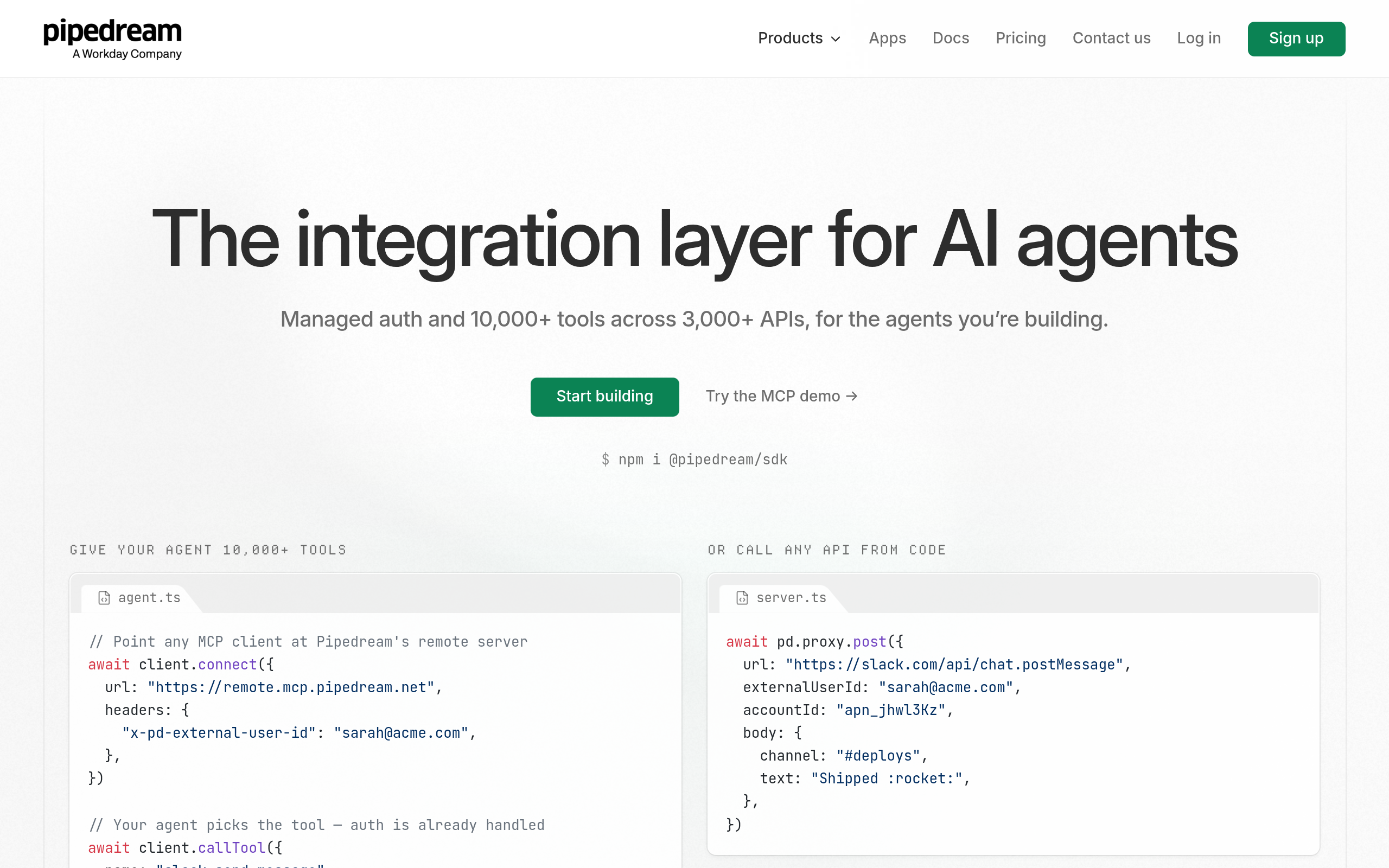
Pipedream offers a developer-focused platform for connecting APIs and workflows. Its MCP documentation describes using MCP with Pipedream Connect. This can suit teams that want to assemble a custom connection between an AI client and app actions. Treat ad-account support as something to verify, not assume: check the current integration catalog and the exact API operations available before designing a workflow around it.
Trade-offs and verdict
- Best for: Developers who want flexibility to build and operate integrations for a product or internal tool.
- Does not suit: Teams without technical ownership for API behavior, credentials, and production support.
- Standout: A developer-led workflow can be shaped around internal rules and existing systems.
Implementation burden: Allow for API and workflow design, account authorization, testing, and operational monitoring. Map each tool to a specific permitted task; avoid a broad “manage ads” tool with ambiguous effects. Commercial model: Review Pipedream’s current Connect and platform terms for the intended deployment and usage. The [Pipedream homepage](https://pipedream.com) confirms the product; use official documentation and pricing information to validate current details.
6. NotFair
Ad-focused hosted option
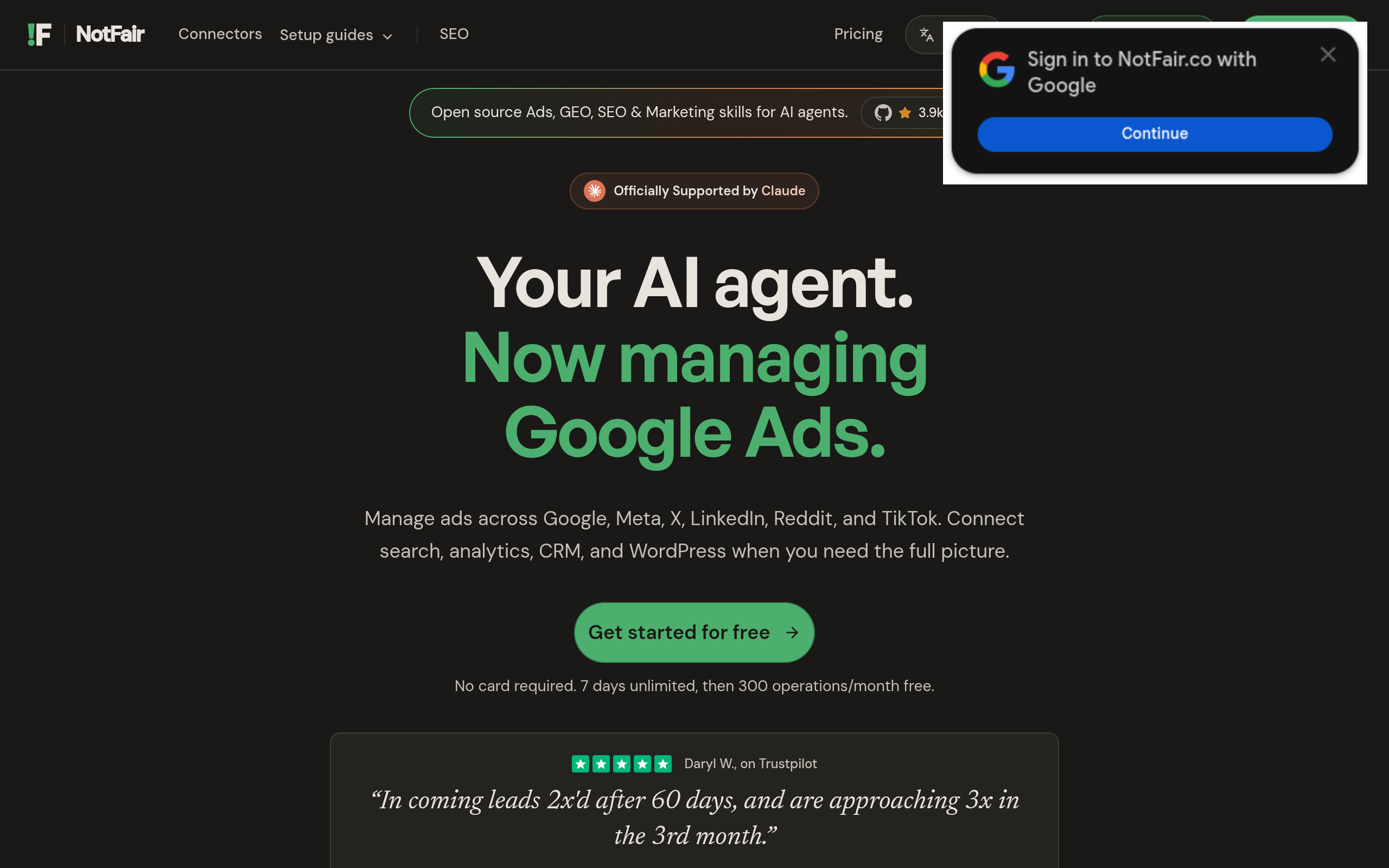
NotFair provides hosted MCP servers connecting AI clients such as Claude, Codex, Cursor, OpenClaw, and Hermes with Google Ads, Meta Ads, X Ads, LinkedIn Ads, Google Search Console, Google Analytics, and GoHighLevel. Its stated approach includes approval-gated AI agents that help diagnose performance issues, recommend fixes, and execute reversible campaign changes. For Google Ads and Meta Ads, see the product pages for Google Ads MCP and Meta Ads MCP. Verify the current actions, account permissions, approval flow, and plan terms before relying on a particular capability.
Trade-offs and verdict
- Best for: Paid media teams seeking a hosted MCP route focused on advertising platforms, with approval-gated agent actions described by the business.
- Does not suit: Developers who need full control of a self-hosted integration stack, or teams whose required platform or operation is not supported.
- Standout: The offering is specifically positioned around ad and marketing connections rather than a general-purpose workflow builder.
Implementation burden: A hosted option avoids building and hosting the MCP server yourself, but teams still need to connect accounts, define who can approve actions, and test the workflow against their own campaign rules. Commercial model: Pricing and plan limits are not established by the supplied business information, so confirm current terms directly with NotFair before evaluating total cost. The key decision is whether its supported actions and approval process match your operating model—not whether the word “MCP” appears on a product page.
Comparison
The table compares the same practical dimensions across all six options. “Ad access” means the route you should investigate, not a guarantee that every platform operation is supported. Confirm live capabilities, permissions, and commercial terms with each provider before rollout.
| Option | Likely connection model | Implementation burden | Commercial model to verify | Key limitation |
|---|---|---|---|---|
| Zapier MCP | Selected app actions | Configure actions and test permissions | Plan and task/usage terms | Depends on available app actions |
| Make MCP Server | Scenarios exposed to an MCP client | Build and maintain scenarios | Plan and operation limits | Requires workflow design |
| n8n | Workflows exposed through MCP | Build, host or deploy, and operate | Cloud or self-hosting costs and terms | Technical ownership required |
| Composio | Developer integration and tools | Integrate and validate tools in an app | Current plan and usage terms | Not a turnkey ads-management console |
| Pipedream | Developer-built API connections and workflows | Design, test, and operate connections | Current platform and Connect terms | Ad coverage and actions need verification |
| NotFair | Hosted marketing and ad MCP servers | Connect accounts and define approvals | Confirm current pricing and limits | Verify the exact supported actions and fit |
How to choose a cross-platform ads MCP
Start with the action, not the connector
Write down the specific job the AI should perform: summarize spend anomalies, draft a change for review, or update a campaign after approval. Then map that job to an API operation and identify whether it must be read-only or write-capable. Google’s Google Ads API getting-started documentation and Meta’s Marketing API documentation are useful reference points for checking the underlying platform interface. An MCP product can simplify access, but it does not remove platform permissions or make unsupported operations available.
- For reports and diagnosis: begin with read access and confirm data fields, account scope, and reporting delays.
- For recommendations: return proposed changes as structured output before permitting execution.
- For campaign edits: expose the narrowest action possible and require a human approval step.
- For repeatable business logic: consider a scenario or workflow platform if your team can own testing and maintenance.
Run a small permission and failure review
Before production use, test with a non-critical account or a controlled workflow. Record which identity is used, what the tool can read or change, and how a failed or repeated request is handled. For example, a budget-change workflow should validate the target campaign and proposed value, show the change to an approver, and avoid retrying an uncertain write without checking the account’s state.
Choose a workflow builder when you need custom business rules and have technical ownership. Choose an integration layer when developers are embedding tool access in a broader application. Consider an ad-focused hosted server when reducing infrastructure work is important and the supported platforms, actions, and approval model meet your requirements. If you are evaluating that last path, NotFair describes NotFair’s hosted MCP offering; confirm current coverage and commercial terms before making a decision.
Authored with NotFair SEO