

The best claude connector for google ads depends on how much control you need: choose Zapier for a no-code workflow, n8n or Pipedream for a customizable automation, Composio for a developer-oriented tool layer, the Google Ads API for a fully owned build, or NotFair Google Ads MCP for a hosted, approval-gated route focused on campaign work. This comparison is for paid media managers, agencies, and developers who want Claude to retrieve account information or help with campaign operations—not for shoppers looking for an ad platform. I compare each option on four practical points: Google Ads access, setup and maintenance, control over actions, and the commercial model. Capabilities and plans can change, so confirm current Google Ads coverage and pricing before you connect a live account.
1. Zapier
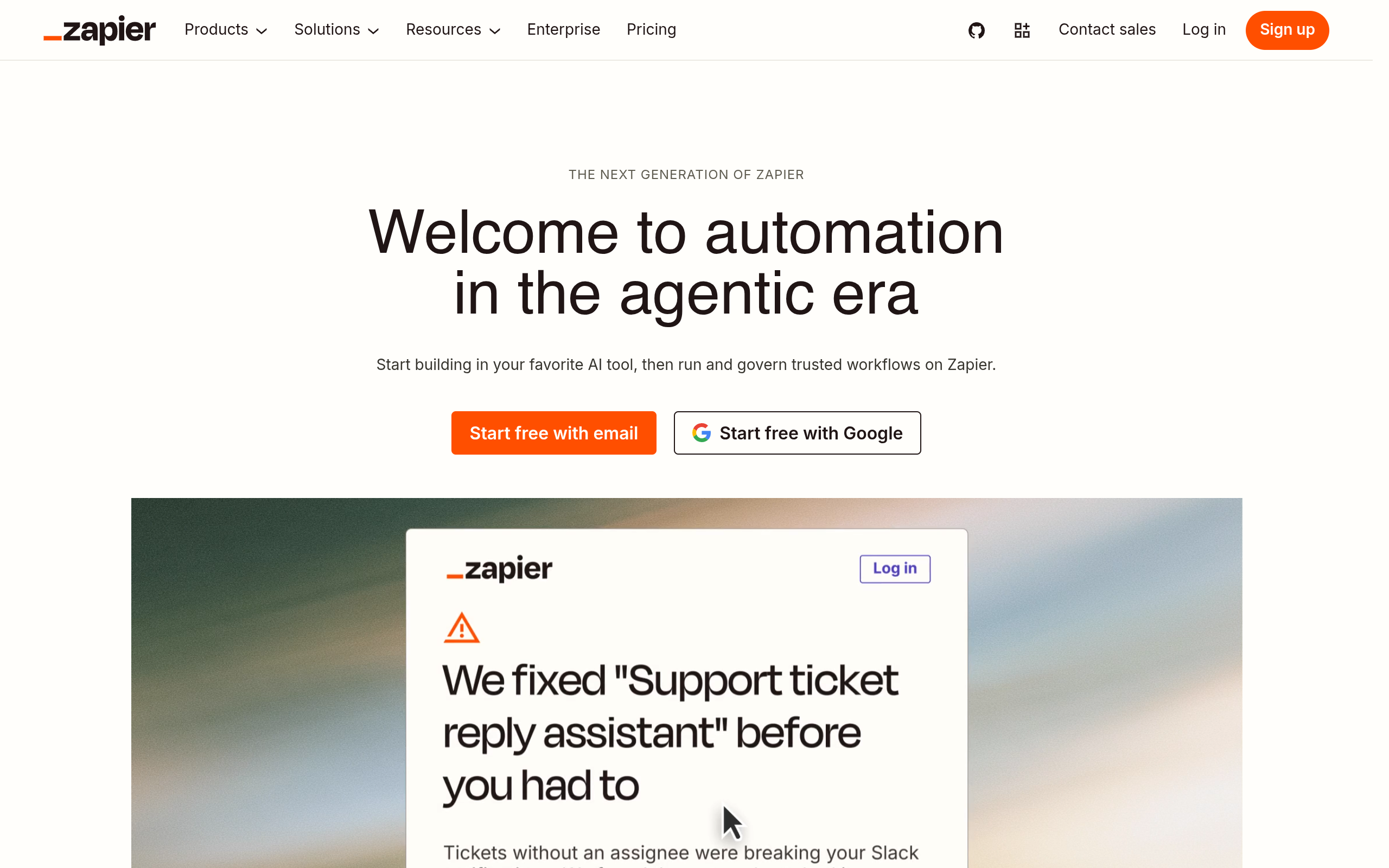
Good fit for a no-code workflow
Zapier is a practical starting point when the job is to bring a small number of repeatable steps into a Claude-assisted process—for example, sending a notification when a reporting condition is met. Its MCP offering can make selected Zapier actions available to an AI client, while its Google Ads app is a separate part of the equation: confirm that the specific Google Ads actions you need are available in your account before designing around them. See Zapier MCP and its Google Ads integrations.
- Best for: marketers who want to assemble a simple workflow without writing or hosting a server.
- Does not suit: teams that need detailed control over which campaign mutations Claude can make, or must implement a bespoke Ads API operation.
- Standout: familiar visual automation is useful for routing a result to a person or another business tool.
Setup, control, and cost model
Implementation burden is low to moderate: configure the app connection, select actions, and test the workflow with non-production data. A workflow still needs clear limits; an AI-generated request should not be allowed to choose arbitrary actions simply because they are available. Zapier uses a plan-based commercial model, and the relevant task or usage limits depend on the current plan. Check Zapier’s current pricing and Google Ads action coverage before estimating cost. For agencies, the main poor fit is a need for precise, account-specific change approvals across many campaigns.
2. n8n
For teams that want a visual workflow they can shape
n8n suits growth teams and technically comfortable marketers who want to control the sequence between Claude, Google Ads data, and internal checks. Its MCP Server Trigger node can expose an n8n workflow through MCP; Google Ads operations still depend on the nodes, credentials, and workflow logic you configure. The n8n MCP Server Trigger documentation describes the MCP-facing part. Treat it as a customizable workflow layer, not a prebuilt Google Ads strategy or a guarantee that every API operation is already packaged.
- Best for: teams comfortable building workflows with explicit branches, validation, and human review.
- Does not suit: marketers who want a managed, campaign-specific connector with minimal configuration.
- Standout: workflow logic can encode guardrails before an action reaches an advertising account.
Setup, control, and cost model
Implementation burden is moderate to high: someone must build and maintain the workflow, manage credentials, and test changes as APIs and business rules evolve. You control the flow more directly than with a simple recipe, but that also means you own mistakes in the flow. n8n offers self-hosted and hosted approaches; verify current plan terms and hosting costs on its official site. It is a poor fit if no one on the team can own deployment, access management, and debugging.
3. Pipedream
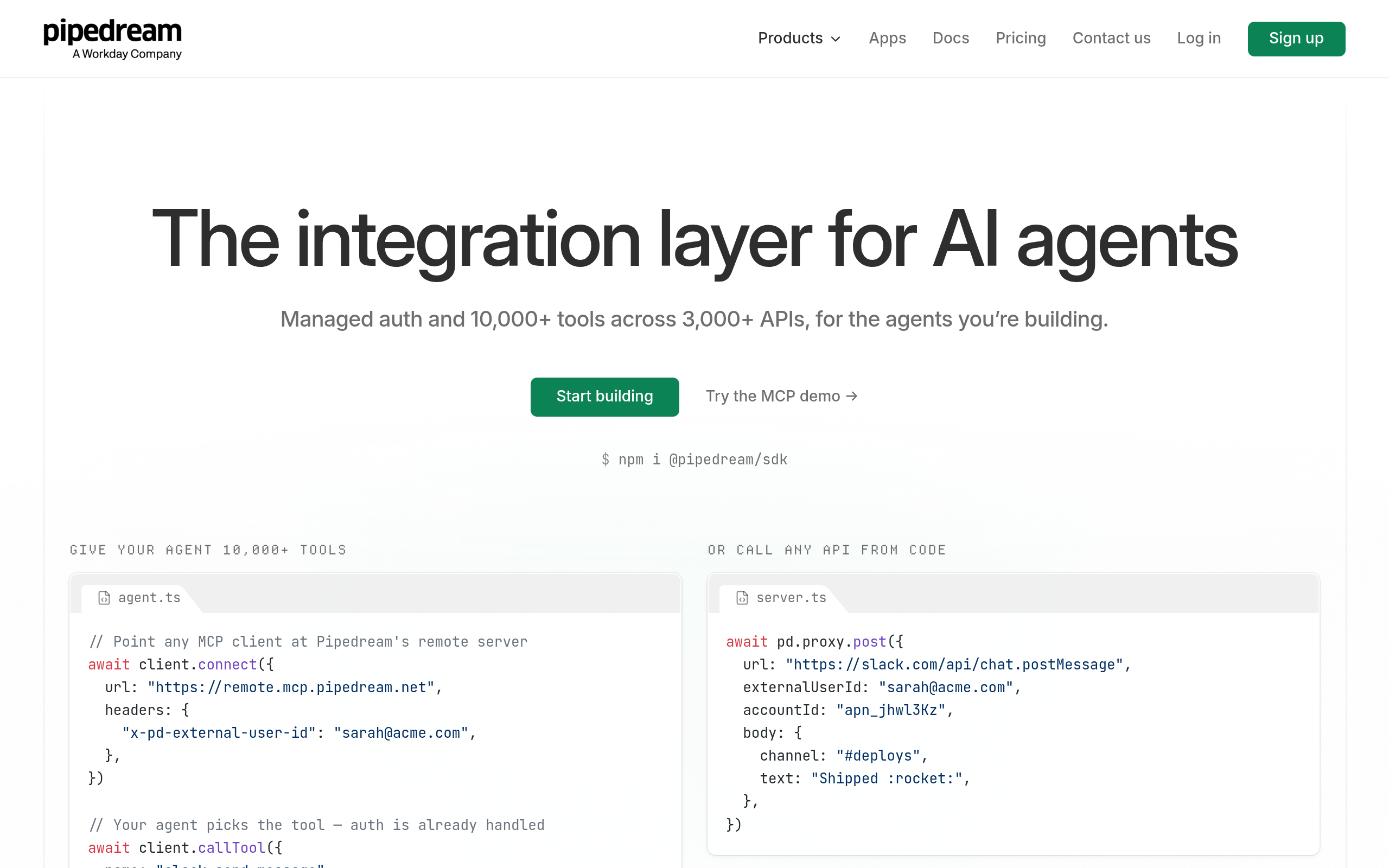
For developers connecting tools and code
Pipedream is worth considering when the connector is part of a broader developer-owned automation, such as looking up account data, applying business logic, then returning a constrained result to Claude. Its MCP documentation describes connecting MCP clients to Pipedream workflows and connected accounts; the exact Google Ads steps and actions should be checked against the current product documentation before you design a production flow. Start with Pipedream’s MCP documentation and confirm the Google Ads integration and available operations in its current catalog.
Setup, control, and cost model
Implementation burden is moderate for a developer and high for a marketer working alone: expect to configure an account connection and understand the workflow or code that mediates access. The advantage is flexibility; the trade-off is that your team must define safe inputs, error handling, and what Claude is permitted to invoke. Pipedream has a usage- and plan-based commercial model; check current pricing and limits for the intended workload. It is a poor fit when the buyer wants campaign-specific approval controls already built into the product rather than controls they must design.
- Best for: engineering-supported marketing operations and custom glue code.
- Does not suit: teams seeking a turnkey paid-media workflow with minimal technical ownership.
- Standout: a developer can combine API calls and custom logic instead of being limited to a fixed recipe.
4. Composio
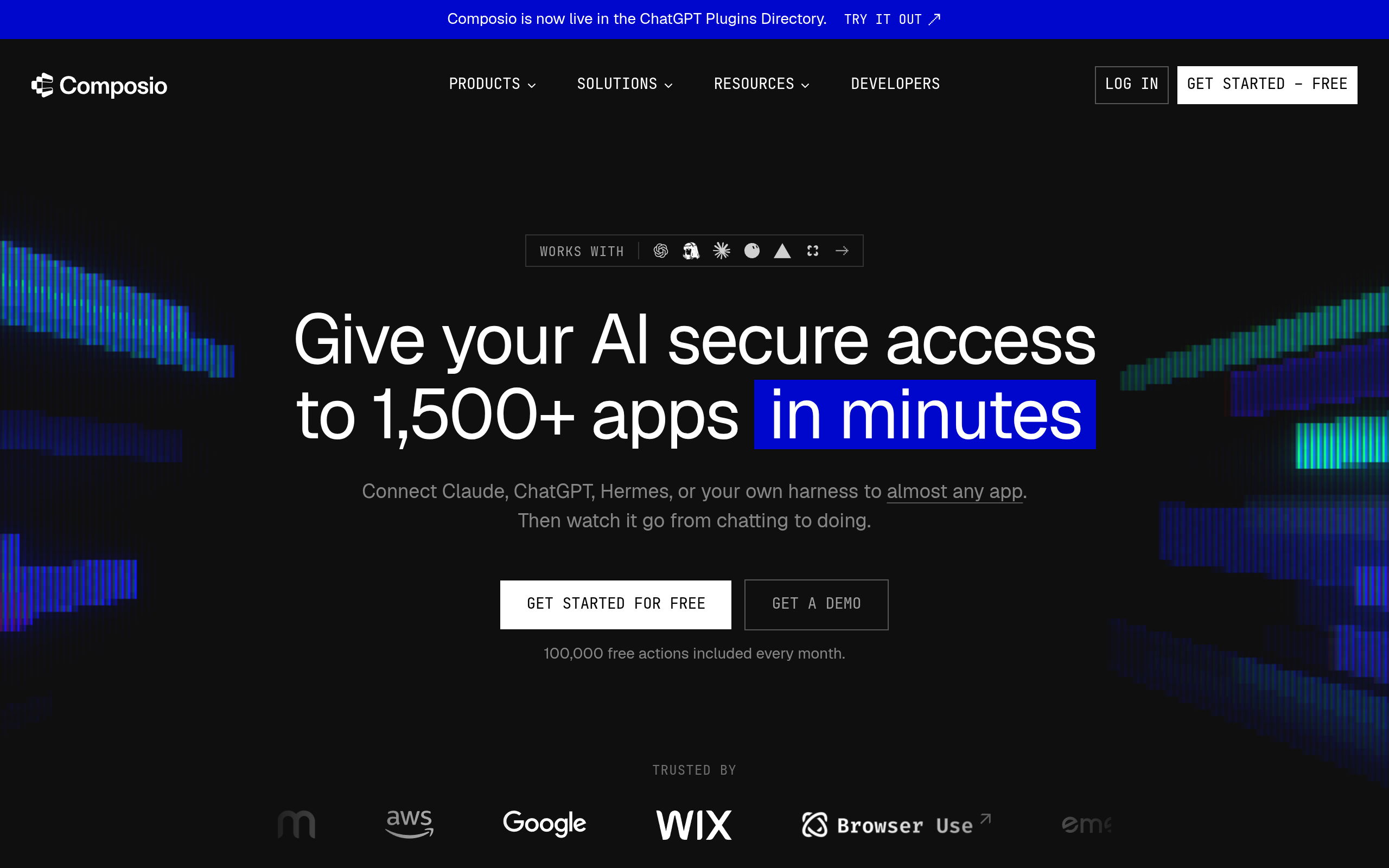
For a tool layer in an AI application
Composio is a developer-oriented option for teams building an AI agent or application that needs tools and authenticated connections. Its MCP documentation is the place to validate the current connection method, supported toolkits, and available Google Ads operations; do not assume that a toolkit name means every Ads API resource or write action is available. See the Composio documentation and verify the exact Google Ads capabilities before committing to an implementation.
Setup, control, and cost model
Implementation burden is moderate to high: developers need to configure the agent or MCP client, connect credentials, and decide which tools to expose. This can suit product teams building repeatable agent experiences, but is less convenient for an agency strategist who only wants to inspect an account and prepare a proposed change. Composio’s commercial terms and usage limits may depend on the plan and current offering; consult its official pricing information rather than assuming a fixed per-seat or per-account cost. It does not replace the need to design approvals and test the consequences of write operations.
- Best for: developers assembling an AI tool stack with a defined set of actions.
- Does not suit: teams unwilling to own tool selection, permission design, and ongoing integration checks.
- Standout: an agent-builder approach can make sense when Google Ads is one tool among several in a custom product.
5. Google Ads API
The direct route for a fully owned integration
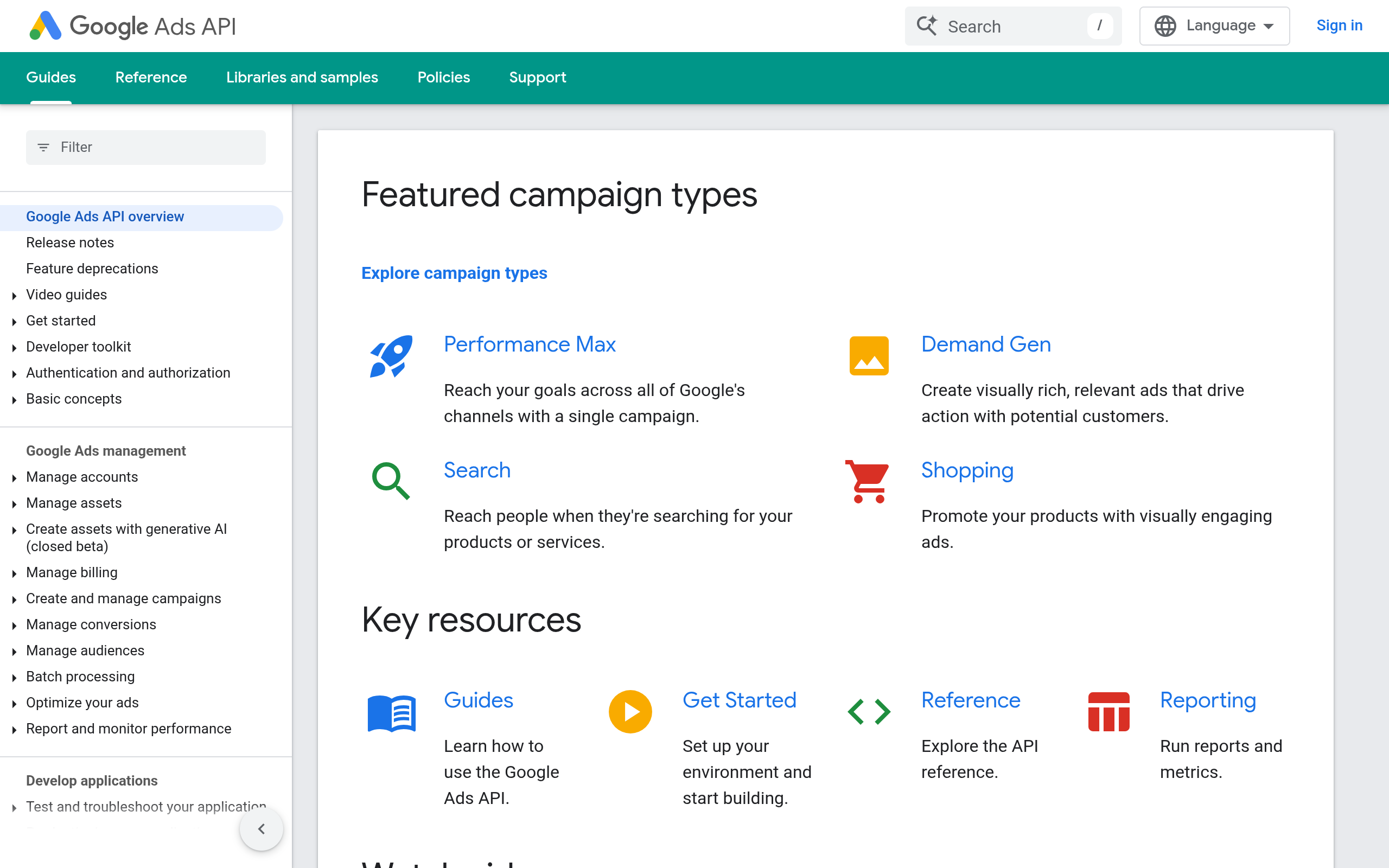
The Google Ads API is not a ready-made Claude connector. It is the underlying developer route for a team that wants to build and operate its own bridge, choosing exactly how account data is queried and which changes can be submitted. Google’s official API introduction covers how to get started. This route is the most appropriate when an internal platform needs a specific operation or policy that hosted connectors do not provide; it is excessive if the task is simply to summarize performance for a weekly meeting.
Setup, control, and cost model
Implementation burden is high: a developer must handle the API integration, authentication, error cases, and maintenance, then separately make it callable from Claude through an MCP server or another tool interface. The resulting control can be exact because your team defines the exposed operations and validation, but the team also owns the full security and reliability design. Google documents API access and policies, but verify current eligibility, limits, and any applicable terms in its documentation. This is a poor fit without engineering capacity or a clear reason to own the connector layer.
- Best for: teams with engineering resources and requirements that justify a custom integration.
- Does not suit: marketers seeking a connector they can configure without building software.
- Standout: the team can expose a deliberately narrow set of operations rather than a general-purpose action menu.
6. NotFair Google Ads MCP
A hosted option focused on paid-media work
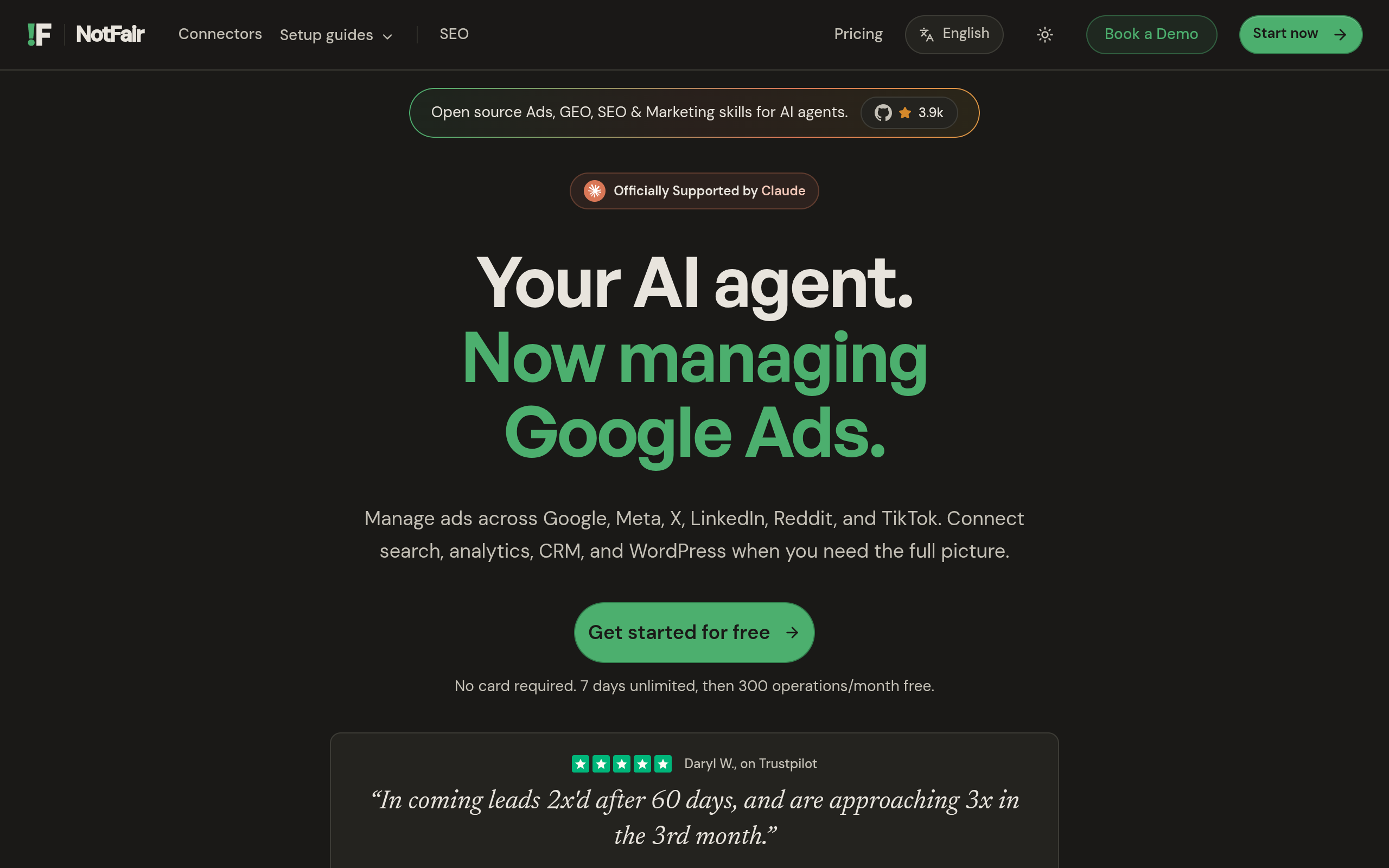
NotFair provides hosted MCP servers connecting AI clients—including Claude—to advertising and analytics platforms. Its Google Ads MCP is relevant when a marketer wants a hosted connection for account diagnosis and campaign work, rather than building a server around the API. NotFair also describes approval-gated agents that can recommend changes and execute reversible campaign changes. Those controls matter when the goal is not merely to retrieve data, but to review a proposed adjustment before it reaches a live account. Confirm current actions, account coverage, and client setup on the product page.
Setup, control, and cost model
Implementation burden is low to moderate: a hosted connector avoids operating your own MCP server, though the team still needs to configure access, choose its approval policy, and test the workflow. NotFair is a poor fit for developers who want to own every API call, or buyers who need an action that is not currently supported. It is also not a substitute for account strategy or human review. Check current commercial terms directly with NotFair; pricing and available capabilities can change, and should be compared with the engineering and maintenance cost of a DIY route.
- Best for: marketers who want hosted access plus a review step before campaign changes.
- Does not suit: teams requiring a bespoke API operation or preferring to run all infrastructure themselves.
- Standout: the approval-gated approach is designed around controlled execution, not unrestricted agent access.
Comparison
Use the table to shortlist by operating model, not by the word “MCP” alone. The actual Ads actions and commercial limits can vary, so verify those details with each provider before connecting a production account.
| Option | Google Ads route | Setup and control | Commercial model and poor fit |
|---|---|---|---|
| Zapier | App integration exposed through selected workflow actions | Low-code; control depends on configured actions and workflow | Plan-based; poor fit for bespoke API operations or granular change governance |
| n8n | Custom workflow with MCP exposure and configured Ads access | Visual build; team owns logic and maintenance | Hosted or self-managed model; poor fit without a workflow owner |
| Pipedream | Developer-oriented workflow and connected-account route | Moderate to high; flexible, but guardrails are yours to design | Plan and usage terms; poor fit for turnkey campaign controls |
| Composio | AI tool layer; verify current Google Ads toolkit operations | Developer setup; team chooses tools and permissions | Verify current plan and usage terms; poor fit without integration ownership |
| Google Ads API | Direct API; build the Claude-facing connector separately | Highest build effort and control | Verify current API terms; poor fit when there is no engineering case |
| NotFair Google Ads MCP | Hosted MCP connection for Google Ads work | Hosted setup with approval-gated execution options | Verify current commercial terms; poor fit for unsupported bespoke operations |
How to choose the right connector
Start with the operation, then set the permission boundary
Write down the specific job before choosing a provider. “Help with Google Ads” is too broad to evaluate; “compare last week’s cost per conversion by campaign and draft a change proposal” is testable. Separate read access from write access, then decide whether Claude should be able to make a change or only prepare it for approval. Google Ads work can affect spend quickly, so treat a proposed budget or bidding edit differently from a read-only report.
- For a recurring handoff: use a simple workflow if Claude only needs to route a result or trigger a well-defined step.
- For custom business rules: shortlist n8n or Pipedream if someone can own workflow maintenance.
- For a custom AI product: compare Composio with a direct API build based on the exact tools and controls required.
- For managed campaign operations: evaluate NotFair if hosted access and approval before execution match the team’s process.
Test with a reversible, observable task
Before granting write access, test the connection on a bounded use case. As an illustrative starting policy—not a universal benchmark—ask Claude to read a defined report, explain a discrepancy, and draft one proposed change without submitting it. Check whether the account context is correct, whether the result can be traced to source data, and whether the approval process shows the precise change. Only then decide whether any write action is appropriate. For teams also managing social campaigns, review the separate Meta Ads MCP route rather than assuming a Google Ads connector covers Meta.
Recommendation: choose the least complex route that exposes only the actions your team needs and gives you an adequate review boundary. If hosted Google Ads access and approval-gated, reversible campaign changes fit that requirement, explore NotFair and its Google Ads MCP before deciding between a managed setup and a custom build.
Authored with NotFair SEO