

AI PPC management software is not one uniform product category: some tools help teams optimize search campaigns, others coordinate paid media across channels, and some let an AI client operate ad accounts through an approval-based connection. For Google Ads and Meta Ads managers, agencies, and growth teams, this comparison covers six options by channel fit, AI’s role, degree of control, and implementation work. The list distinguishes AI-assisted workflows from rule automation rather than treating both as autonomous AI. Pricing is included as a buying question where current commercial terms cannot be established from the cited product information.
Use the shortlist to match the software to a specific job: optimizing search accounts, managing social creative and campaigns, automating repeatable conditions, or connecting an AI assistant to ad operations. The method is practical, not a performance ranking: which channels the product addresses, what work its public materials describe, how much setup and oversight the workflow implies, and whether its commercial terms are clear enough to assess before a trial or sales conversation.
1. Optmyzr
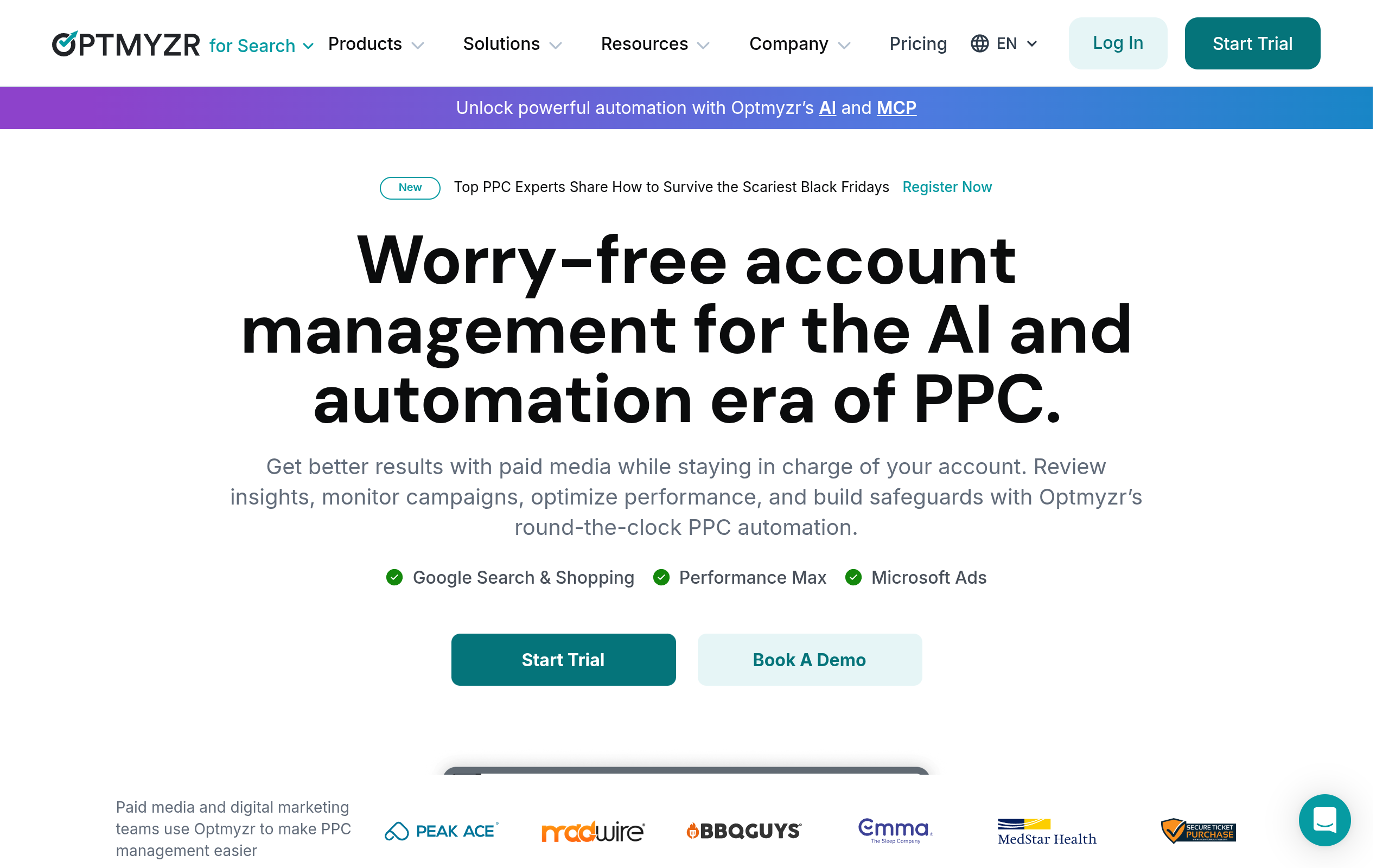
Best fit: structured PPC optimization across search accounts
Optmyzr is a PPC management and optimization platform for teams that want repeatable account workflows rather than an AI agent acting as the primary interface. Its official site presents a toolkit for PPC management and optimization; treat it as an operator’s workbench for campaign analysis and optimization, not as proof that every recommendation is generated by AI. That distinction matters if the requirement is specifically natural-language campaign control or autonomous execution. Start by mapping one recurring task—such as reviewing search terms or checking account changes—to a documented workflow, then verify the current feature set on the Optmyzr product site.
Trade-offs and buying checks
- Best for: PPC managers handling repeatable optimization work across accounts.
- Does not suit: A team whose must-have is a conversational agent that independently plans and executes changes.
- Standout: A PPC-focused workflow is a closer fit than a broad creative-production suite when the bottleneck is account operations.
Implementation burden: expect to connect advertising accounts, define who reviews recommendations or changes, and decide which routines are safe to standardize. The burden rises when an agency needs consistent rules across client accounts but exceptions for individual clients. Commercial model: confirm the current plan structure, account limits, and which capabilities are included directly with Optmyzr; this comparison does not assume a particular price or tier.
2. Skai
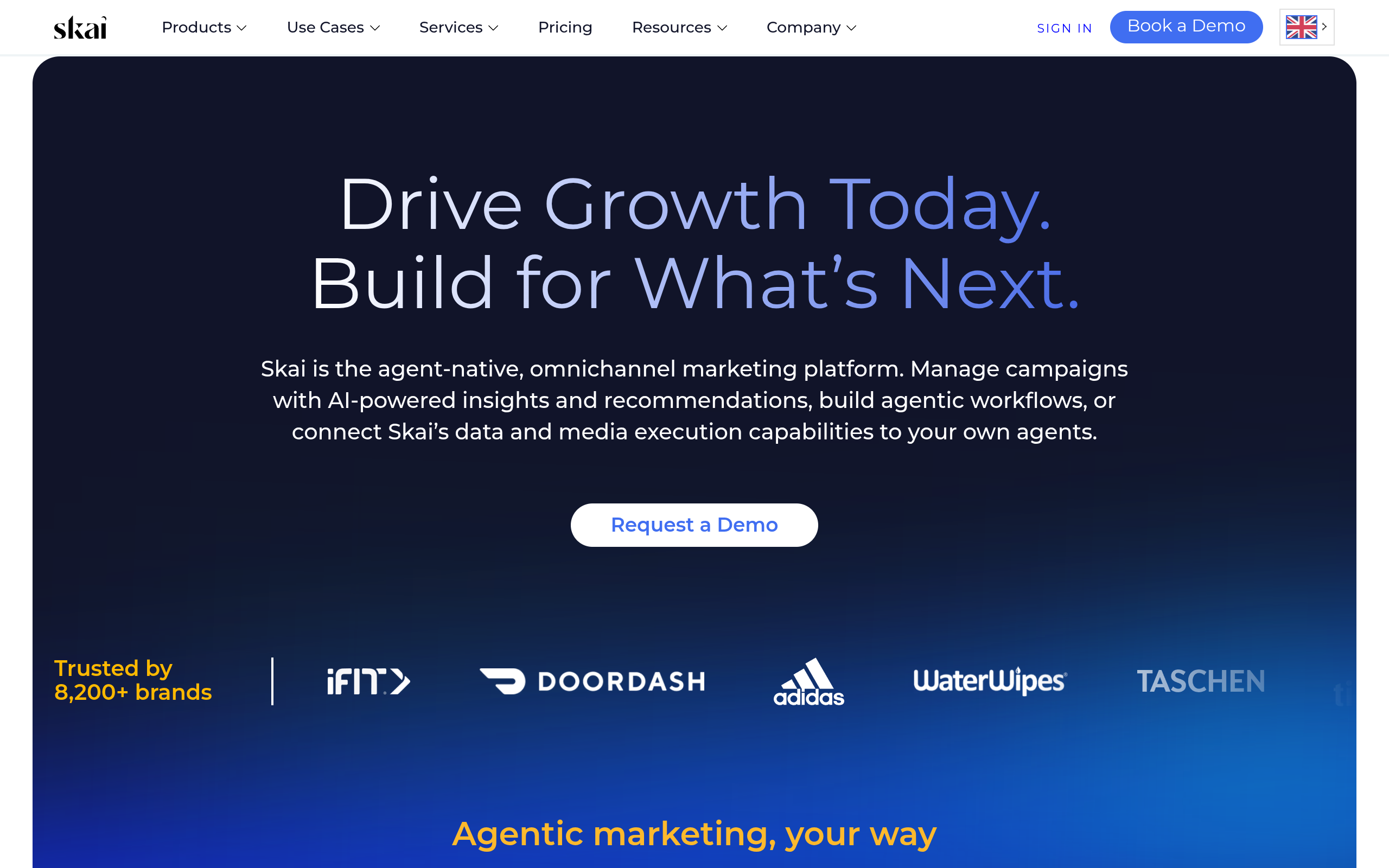
Best fit: coordinated paid media across multiple channels
Skai is positioned as a marketing platform spanning paid media channels, rather than a narrowly focused Google Ads assistant. That makes it relevant when a team needs to coordinate planning and optimization across more than one media environment. Its official site describes the platform and its channel focus; use the Skai site to confirm which channels and workflows are available for the specific markets and account types in scope. The key comparison is cross-channel coordination versus depth in one channel: a broad platform may be useful for a large team, but breadth alone does not establish that it will improve a particular search-account workflow.
Trade-offs and buying checks
- Best for: Marketing organizations evaluating a shared paid-media workflow across channels.
- Does not suit: A small team seeking a simple, self-serve tool for one or two accounts without a platform evaluation.
- Standout: The cross-channel positioning makes it a different buying decision from a search-only optimization tool.
Implementation burden: assess account connectivity, reporting definitions, permissions, and any data or workflow prerequisites before committing. These are evaluation questions, not claims that every deployment requires a particular integration project. Commercial model: request the current scope and pricing from Skai, including any channel, account, or service conditions; publicly accessible product positioning alone is not enough to compare total cost.
3. Smartly.io
Best fit: paid social operations with a creative-production component
Smartly.io is a paid-media platform with a strong social advertising and creative-operations orientation. It belongs on a PPC shortlist when a team’s paid acquisition work includes substantial social campaign production and iteration—not because it should be assumed to replace a search-optimization tool. The product overview at Smartly.io is the place to check current channel and workflow coverage. In a buying comparison, ask how the product handles the connection between creative variants, campaign workflows, and performance review, then confirm whether the specific social networks and account structures your team uses are supported.
Trade-offs and buying checks
- Best for: Teams where social campaign execution and creative operations are central to paid-media work.
- Does not suit: A search-only team looking primarily for Google Ads keyword, bidding, or query management workflows.
- Standout: Its social and creative emphasis separates it from tools built chiefly around search-account optimization.
Implementation burden: plan to assess creative workflows, existing campaign processes, account access, and who owns approvals; those details determine whether a platform fits an in-house team or agency model. Commercial model: obtain current pricing and included services from the vendor. Do not infer a self-serve subscription or a particular contract structure from the product category.
4. Madgicx
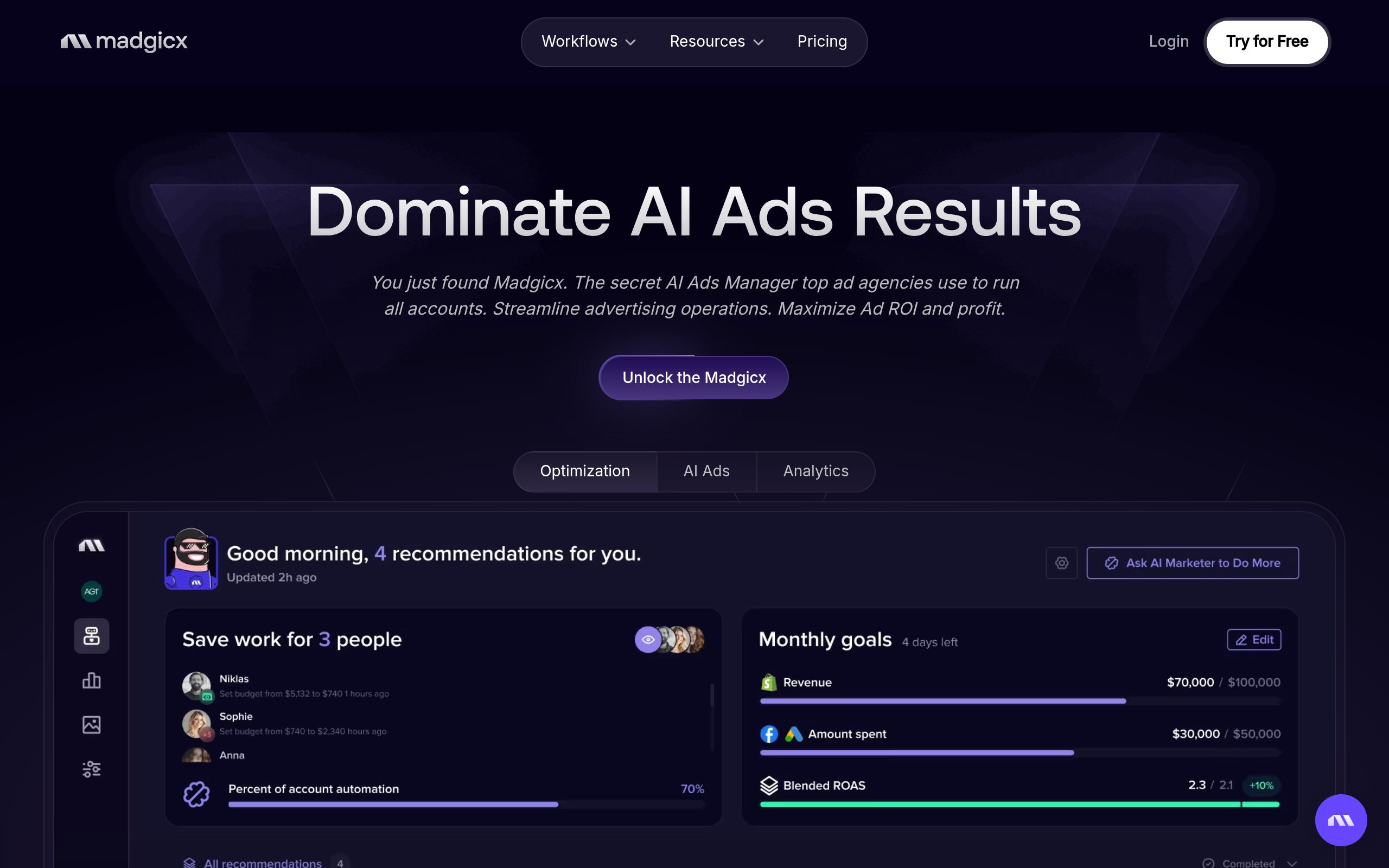
Best fit: Meta-focused campaign analysis and optimization workflows
Madgicx is a paid advertising platform to consider when Meta advertising is a major part of the job. Its public product information should be checked for the exact AI-assisted analysis, optimization, and account workflows currently available; the homepage identifies the product, but does not by itself establish every feature or plan limit. Visit Madgicx and map the claimed workflow to a real task, such as diagnosing a campaign that has spent without meeting its target. The useful distinction is Meta-oriented assistance versus cross-channel PPC coverage: confirm whether the tool addresses the other channels your team needs before treating it as a single operating layer.
Trade-offs and buying checks
- Best for: Teams that want to evaluate a tool with a Meta advertising focus.
- Does not suit: A team that requires proven, unified search and social management in one product without validating each channel.
- Standout: A channel-specific evaluation can be easier to scope than an enterprise-wide platform review.
Implementation burden: verify account permissions, reporting inputs, the workflow behind each AI claim, and whether proposed changes are suggestions or can be applied. Commercial model: check the current plans and limits with Madgicx, especially any account, spend, or feature boundaries. The available information cited here does not establish a current price or entitlement.
5. Revealbot
Best fit: rule-based automation for repeatable campaign conditions
Revealbot is worth considering when the actual job is automating defined conditions, rather than asking an AI system to interpret an open-ended marketing goal. A rule such as “notify the owner when a campaign crosses a chosen spend condition” is conceptually different from an AI-generated diagnosis or recommendation. Confirm the supported advertising platforms and the available actions on the Revealbot site; do not assume that an automation tool’s support for one ad channel means it supports your full account mix. For buyers, the key question is how precisely a rule can be scoped and controlled, including whether a workflow notifies, pauses, or changes something.
Trade-offs and buying checks
- Best for: Teams with clear, recurring conditions that can be expressed as rules.
- Does not suit: A team seeking strategic campaign interpretation from an AI assistant without defining decision logic.
- Standout: Rule automation can make a known operational check repeatable and auditable.
Implementation burden: write and test the conditions, account scope, and resulting action before enabling automation. A poorly scoped rule can repeat a poor decision consistently, so set an owner and a review path. Commercial model: verify current plans, usage boundaries, and channel coverage directly with Revealbot before comparing cost with optimization platforms.
6. NotFair
For current product details, see the official NotFair website.
Best fit: AI-client workflows with human approval for ad-account changes
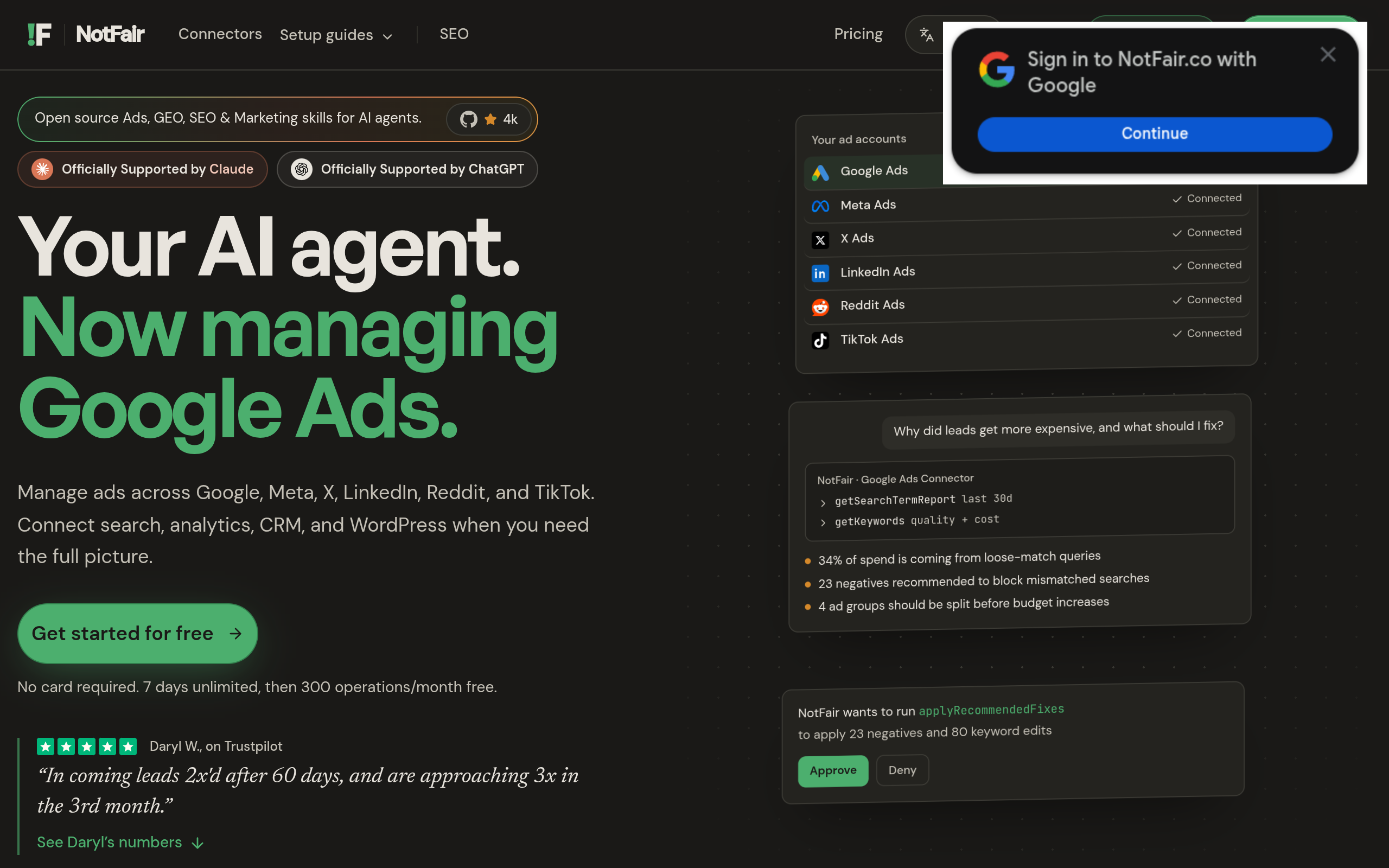
NotFair provides hosted MCP servers connecting AI clients—including Claude, Codex, Cursor, OpenClaw, and Hermes—with Google Ads, Meta Ads, X Ads, LinkedIn Ads, Google Search Console, Google Analytics, and GoHighLevel. Its approval-gated agents are described as helping marketers diagnose performance issues, recommend fixes, and execute reversible campaign changes. This is a different workflow from a conventional dashboard: the AI client is the working interface, while approval gates control execution. The product is relevant to teams building AI-assisted operations, not a claim that every client or action is supported in every configuration. See the [ [SELF:1] ] and [ [SELF:2] ] pages for the respective Google and Meta MCP offerings.
Trade-offs and buying checks
- Best for: Marketers and developers who want an AI client connected to advertising operations with approval before changes.
- Does not suit: Teams seeking a conventional all-in-one PPC dashboard, or a system that makes unreviewed changes by default.
- Standout: The MCP connection model and approval-gated execution are the defining differences from the other products in this list.
Implementation burden: choose the AI client, configure the relevant connection, and establish who can approve changes and how reversibility is handled. That makes permissions and change governance part of setup, not an afterthought. Commercial model: check NotFair’s current commercial terms and the scope of the specific server or workflow before adopting it; the supplied product information does not establish prices or plan limits.
Comparison
The table compares each product on the same practical questions: its main job, the fit to inspect first, and the setup or commercial issue most likely to shape evaluation. “Verify” means the cited public product information does not settle that detail; it is not a claim that the capability is absent.
| Product | Primary workflow | First fit to assess | Implementation and commercial check |
|---|---|---|---|
| Optmyzr | PPC optimization and account workflows | Repeatable search-account operations | Account scope, review process, current plans and limits |
| Skai | Cross-channel paid-media management | Coordinating multiple media channels | Channel availability, deployment needs, current quote and scope |
| Smartly.io | Social advertising and creative operations | Social campaign production and iteration | Creative workflow, account access, current commercial terms |
| Madgicx | Paid advertising assistance with a Meta focus | Meta-heavy campaign operations | Exact AI actions, account limits, current plans |
| Revealbot | Condition-based campaign automation | Rules for recurring operational checks | Rule testing, action scope, supported channels and plans |
| NotFair | MCP-connected AI-client workflows for ad operations | Approval-gated diagnosis and reversible changes | AI-client setup, permissions, approval process and terms |
How to choose AI PPC Management Software
Start with the decision you want to delegate
Write down one job in operational terms before comparing demonstrations. “Use AI for PPC” is too broad to evaluate. Better examples include identifying an account issue, proposing a reversible adjustment, enforcing a spend condition, or coordinating creative and campaign operations across social accounts. Then decide whether the software should surface information, recommend an action, or execute after approval. Those are distinct control levels, with different risks and setup needs.
- For search-account optimization: begin with a PPC-focused workbench such as Optmyzr, and validate the exact Google Ads tasks and approval options.
- For cross-channel coordination: evaluate Skai against the channels, reporting definitions, and account structures your team actually uses.
- For social and creative operations: compare Smartly.io and Madgicx against the production and optimization workflow, not a generic AI label.
- For explicit if/then actions: assess Revealbot’s rule scope and test process; do not confuse fixed rules with an AI diagnosis.
- For AI-client operation with review gates: assess NotFair’s MCP workflow, access model, and approval process.
Run a controlled evaluation
Use a low-risk, representative workflow and define the success condition before connecting accounts. For example, an agency could ask the tool to flag a selected account issue, compare the recommendation with its normal review process, and require an authorized person to approve any change. This is an illustrative evaluation design, not a promised result or a universal timeline. Keep the test narrow enough that you can identify whether an outcome came from better analysis, clearer controls, or simply a different reporting view.
- List required channels, account types, and users; mark each as confirmed or unverified.
- Record whether the system observes, recommends, or executes each action.
- Test permissions and approval behavior before allowing changes to active campaigns.
- Compare the plan’s included features, account or usage limits, and support terms against the intended rollout.
- Agree on a rollback and audit process for any workflow that can change live campaigns.
Shared buying checklist: product features, channel coverage, pricing, and contract terms can change. Verify them in current official documentation or a vendor proposal before purchase, and ask for the exact plan and action scope in writing. This comparison is based on public product positioning and supplied product information, not hands-on testing; an official homepage establishes product identity, not every feature, limit, or implementation detail.
Choose the tool whose workflow matches the decision you need to improve, then keep permissions and human review proportional to the impact of the action. If an AI-client connection for Google or Meta operations is the specific workflow under consideration, NotFair’s [ [SELF:CTA] ] provides further context.
Authored with NotFair SEO