

AI media buyer software helps paid media teams monitor campaigns, surface optimization opportunities, and automate some account changes; it does not remove the need for a marketer to define goals, check measurement, and set risk limits. This comparison is for Google Ads and Meta Ads managers, agencies, and growth teams choosing a tool to support campaign operations—not a replacement for an ad platform or a promise of autonomous performance.
I assess each option on the same four points: channel and workflow fit, what it automates or helps an operator decide, how much setup and ongoing oversight it calls for, and what is known about its commercial model. The list includes PPC management tools, cross-channel platforms, and an approval-gated MCP workflow; those categories do different jobs, so the best fit depends on where work currently gets stuck.
- Campaign control: Can the tool make changes, recommend them, or mainly report on them?
- Scope: Does it fit the channels and account structures the team actually manages?
- Operational burden: Consider integrations, rules, access, review, and maintenance—not just setup.
- Commercial clarity: Verify current plans or request terms before comparing total cost.
Native platform automation is another option, but it is not directly comparable to these cross-account or workflow products. For example, Google describes automated rules as a way to make account changes based on conditions and schedules; that can suit a bounded task without adding another vendor, though it will not provide every workflow in this roundup. See Google Ads’ official automated rules guidance before deciding a third-party tool is necessary.
1. Optmyzr
Best fit: structured PPC optimization and repeatable account work
Optmyzr is a PPC management and optimization platform for teams that want repeatable ways to inspect accounts and carry out routine work. Its features page is the place to check which tools match your current workflow; do not assume every feature applies to every channel or subscription. The practical distinction is that an optimization platform can help organize and operationalize recommendations, while the advertiser still owns the account strategy and the definition of acceptable changes.
- Best for: PPC specialists managing recurring checks and actions across client or in-house accounts.
- Does not suit: Teams looking for a fully autonomous buyer that can safely run without an operator’s rules and review.
- Standout: A workflow built around PPC management, rather than creative production alone.
Implementation burden: Expect to connect accounts, learn the available tools, and decide which recommendations or automations deserve a place in the team’s process. An agency should document which account types use which routines; otherwise, a useful template can become a broad rule applied where it does not fit.
Commercial model: Optmyzr publishes a pricing page, so compare current plan limits and inclusions directly rather than assuming a feature is available at every tier. Its official pricing page is the source to verify before budgeting. This is a strong candidate when PPC operations are the bottleneck, but a poor fit if the main need is broad social creative production or a hands-off media buying service.
2. Revealbot
Best fit: rule-driven campaign automation
Revealbot is an advertising automation product aimed at teams that want to define conditions and actions for campaigns. Its features page describes its automation workflow; review the current channel coverage and supported actions there before designing a process around it. Rule-based automation is useful when an operator can state a clear condition—such as checking a campaign against a chosen spend or performance signal—and define what should happen next.
- Best for: Buyers who can translate recurring decisions into explicit rules and need a way to apply them consistently.
- Does not suit: Teams without reliable conversion tracking or people assigned to monitor exceptions.
- Standout: A rules-first approach that makes the trigger and intended action easier to inspect than an opaque “AI will optimize” promise.
Implementation burden: Rule design is the work. Choose the metric, time window, scope, and action carefully; a rule based on noisy short-term results can react to normal variation. Start with alerts or review steps where possible, then expand the set of automatic changes only after someone has checked how the logic behaves on the accounts in scope.
Commercial model: Revealbot provides an official pricing page; check current plans, account limits, and included channels there. It is a poor fit if the team wants a strategic recommendation engine without maintaining decision rules, or if its required platform integrations are not supported under the current offer.
3. Madgicx
Best fit: Meta-focused advertising workflows
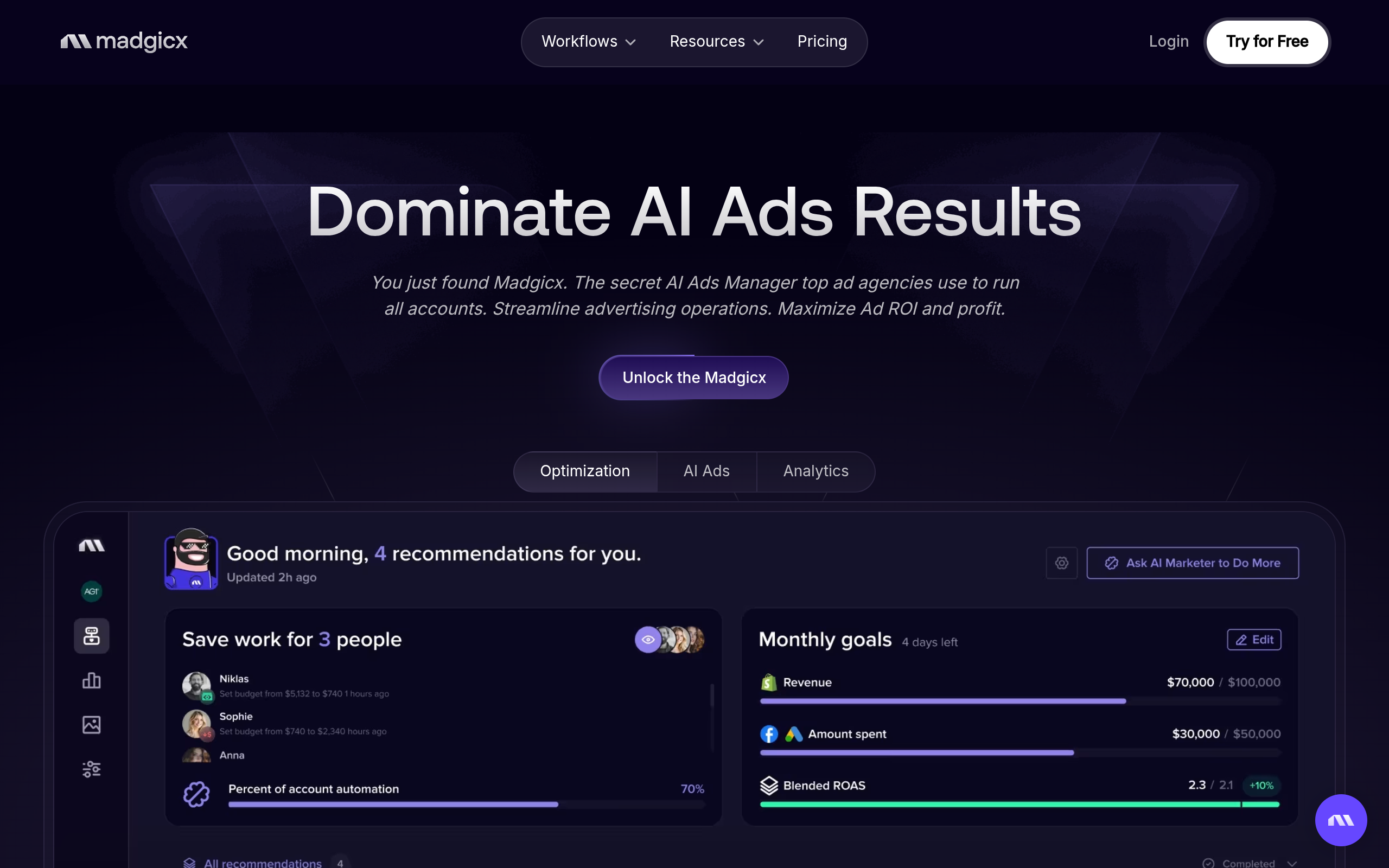
Madgicx is positioned around advertising management, with a particular emphasis on Meta campaign workflows. Its official site describes the current product; confirm the exact features and supported channels against the account setup you intend to use. For a Meta-heavy team, the question is whether its tools address a specific job—such as reviewing campaign activity or organizing optimization work—better than the native interface and existing reporting stack.
Implementation burden: Budget time to connect accounts, check permissions, and align the tool’s reporting with the team’s source of truth. Before acting on any suggested change, verify that the underlying event and attribution setup is suitable. An optimization interface cannot repair a broken conversion event simply by analyzing the numbers it receives.
Trade-offs and commercial model
- Best for: Advertisers who spend much of their time operating or reviewing Meta campaigns.
- Does not suit: Teams whose core requirement is deep Google Ads workflow support or a neutral, multi-platform control layer.
- Standout: A product identity centered on ad operations rather than general-purpose marketing content.
Madgicx’s public site is the starting point for checking current plans and what each includes; verify the commercial model directly rather than relying on an old comparison or a remembered price. It is not automatically the right choice for every Meta advertiser: if the team mainly needs transparent, narrow rules or only occasional reporting, a broader platform may add more operational surface than value.
4. Smartly
Best fit: coordinated creative and paid social operations
Smartly serves teams looking to coordinate paid media work with creative workflows at scale. Check its official product site for the current platform scope and channel capabilities. It belongs in this comparison for organizations evaluating a more integrated operating environment—not because creative automation and campaign optimization are interchangeable. If the constraint is producing and managing many ad variations, a creative-and-media workflow may fit better than a tool focused mainly on bid or budget rules.
- Best for: Larger or more operationally complex teams coordinating creative and paid media processes.
- Does not suit: A small team seeking only a lightweight campaign alert or a single straightforward rule.
- Standout: A broader workflow scope that can connect creative operations with advertising activity.
Implementation burden: A broader platform can mean more process design: decide who owns creative approvals, campaign structure, and handoffs before migration. Test whether the product fits the team’s existing production and account workflows instead of treating a new system as a shortcut around them.
Commercial model: The public homepage does not establish current fees or contract terms, so request a scoped proposal and confirm included services, channels, and implementation requirements. Smartly is a poor fit if the team cannot justify a broad platform evaluation or needs a simple, self-serve rule manager. Ask for the commercial scope in writing before comparing it with subscription tools.
5. Skai
Best fit: enterprise teams managing complex media portfolios
Skai is a marketing platform for organizations managing paid media across a broader portfolio of channels and workflows. Its official site is the reliable starting point for the current product scope. The reason to evaluate it is organizational complexity: multiple teams, markets, or media types can create coordination needs that a single-channel automation tool does not address. That breadth also makes a careful fit assessment essential.
Implementation burden: Expect the evaluation to involve stakeholders beyond the campaign operator, including analytics, procurement, and account governance. Map the use case first: which teams need access, what workflows should change, and which data or platforms must be connected? Without those answers, a platform demonstration can be impressive without resolving the actual operational problem.
Trade-offs and commercial model
- Best for: Larger advertisers with multi-team media operations and a defined need for platform-level coordination.
- Does not suit: A small business seeking a quick, inexpensive way to automate a handful of campaign decisions.
- Standout: Broader portfolio positioning rather than a narrow rules-only workflow.
Commercial model: The public product overview does not confirm a current price or standard contract structure. Ask Skai for a proposal tied to the channels, users, and services in scope. It is a poor fit when the buyer cannot identify a cross-team problem substantial enough to warrant a larger platform evaluation; breadth alone is not a reason to migrate.
6. NotFair
For current product details, see the official NotFair website.
Best fit: AI-assisted work through an MCP client with approval gates
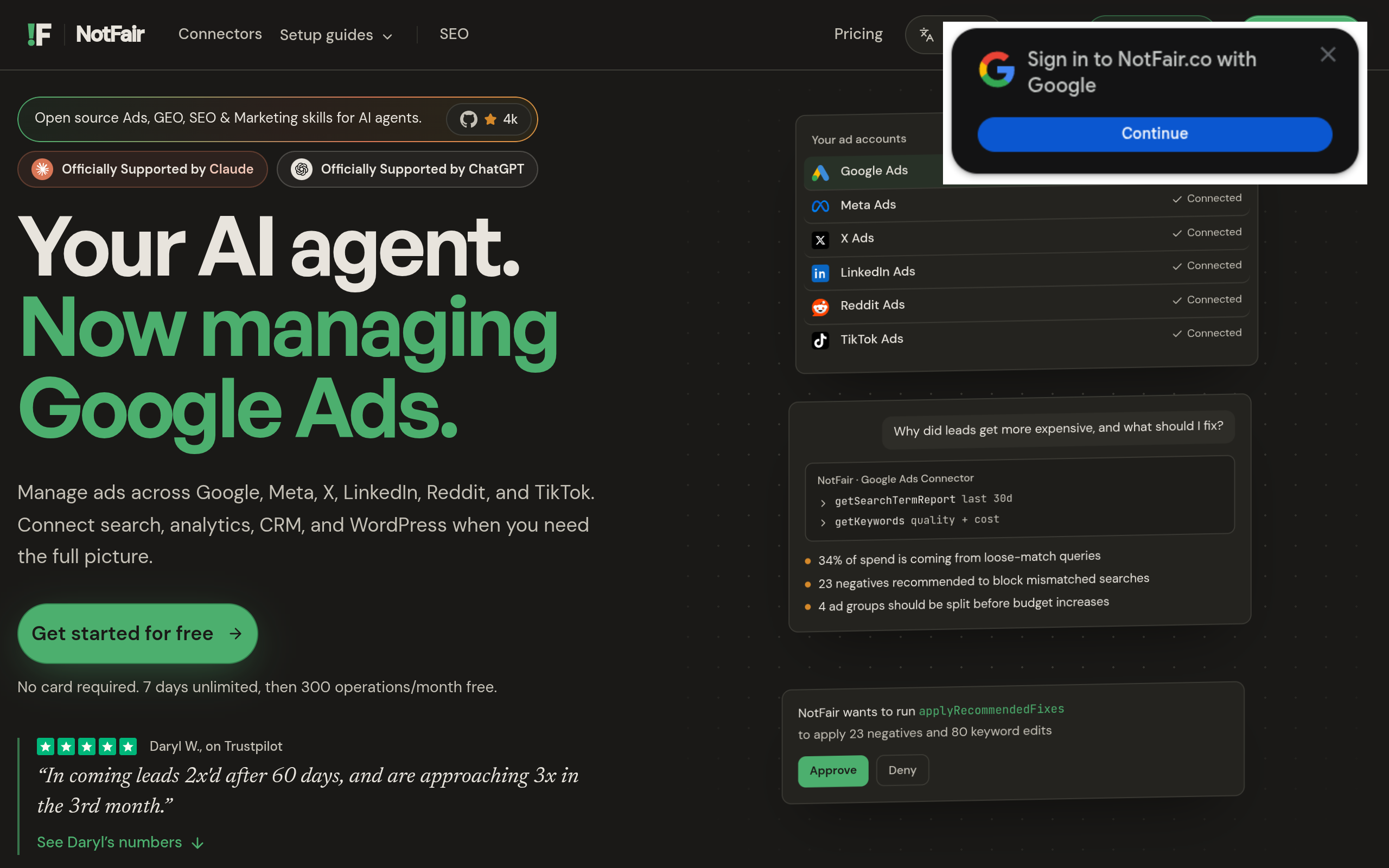
NotFair offers hosted MCP servers connecting AI clients—including Claude, Codex, Cursor, OpenClaw, and Hermes—with advertising and marketing services. Its approval-gated AI agents are described as helping diagnose performance issues, recommend fixes, and execute reversible campaign changes. That makes it a different kind of option from a conventional dashboard: the workflow starts in a connected AI client, while approval gates keep a person involved before supported changes are carried out.
For Google Ads workflows, see Google Ads MCP; for Meta campaign work, see Meta Ads MCP. These pages establish the relevant product identities, not a guarantee that every action or account configuration is supported. The business description also lists connections to X Ads, LinkedIn Ads, Google Search Console, Google Analytics, and GoHighLevel; verify the precise operations available for your use case before planning a workflow around them.
- Best for: Marketers and developers who want an AI client to help inspect and act on connected marketing accounts with approval in the loop.
- Does not suit: Teams that want a standalone campaign dashboard, or that require unsupervised execution with no approval step.
- Standout: The MCP interaction model paired with approval-gated, reversible changes.
Implementation burden: Choose a compatible AI client, connect the relevant server, establish account access, and define who approves changes. The team still needs to check whether a diagnosis makes sense, whether a proposed edit matches its policy, and whether the resulting account state is correct. Approval is a control, not a substitute for measurement QA.
Commercial model: Current pricing and plan details are not established by the available business evidence; confirm them directly with NotFair. This is a poor fit if the team cannot adopt an MCP-based workflow or needs a conventional, all-in-one interface. Consider it when the gap is connecting AI-assisted analysis to governed campaign actions, not merely because a tool uses AI.
Comparison
The table summarizes the workflow differences, not a universal ranking. “Verify” means the current scope or commercial details should be confirmed with the vendor before purchase; product plans and feature availability can change.
| Product | Primary workflow | Operator control | Setup and commercial check |
|---|---|---|---|
| Optmyzr | PPC management and optimization | Operator selects applicable tools and actions | Connect accounts and routines; check published plan limits |
| Revealbot | Condition-based ad automation | Rules define triggers and actions | Configure and maintain rules; check current plan and channel coverage |
| Madgicx | Advertising operations with Meta emphasis | Confirm current feature scope and review workflow | Connect accounts; verify current plans and included features |
| Smartly | Coordinated creative and media workflows | Set team process and approvals | Scope implementation and commercial proposal with vendor |
| Skai | Broader media portfolio coordination | Define cross-team governance | Scope channels, stakeholders, and commercial terms |
| NotFair | AI-client workflow through hosted MCP servers | Approval-gated changes described in the business evidence | Connect client and accounts; verify current pricing and action coverage |
How to choose AI Media Buyer Software
Start with the decision the team repeats, not with the vendor’s AI label. If a specialist spends time applying the same account checks, evaluate PPC management tools such as Optmyzr. If decisions can be expressed as stable conditions and actions, examine rule-based automation such as Revealbot. For a Meta-centered workflow, assess Madgicx against the team’s actual account needs. If the core problem is coordination across creative and media operations, compare broader platforms such as Smartly and Skai. If the team wants to work through an AI client and require approval before supported changes, evaluate the MCP approach.
Before a pilot or purchase, use a short decision checklist:
- Name one job: For example, identify campaigns that need review, standardize a recurring change, or reduce handoffs between creative and media teams.
- Check the inputs: Confirm conversion events, account access, and reporting definitions. A tool cannot make a sound recommendation from unsuitable data.
- Set change boundaries: Decide which actions may be suggested, which require human approval, and which are out of scope. Use a limited, clearly defined test account or workflow where appropriate.
- Define success before rollout: Measure the operational outcome you actually want, such as review time or consistency, separately from campaign performance. Do not attribute a performance change to software without accounting for other changes.
- Confirm the deal: Check current pricing, included channels, usage or account limits, permissions, support, and cancellation terms with the vendor. No price or plan should be assumed from this comparison.
As a shared caveat, this is a product-scope comparison, not a hands-on test or a promise that a feature is available on every plan. Vendor terms and capabilities change, and account permissions or platform policies may constrain execution. For any proposed automation, check the current official product documentation and terms, then test the workflow with an operator responsible for the outcome.
Practical recommendation: Choose the narrowest tool that solves a recurring, measurable operating problem, and keep higher-impact changes reviewable until the team has validated the workflow. If AI-client access to connected marketing accounts is the specific requirement, explore what NotFair offers at NotFair and verify fit, supported actions, and current commercial terms before adopting it.
Authored with NotFair SEO