

NotFair for ChatGPT · Google Ads
Use Google Ads in ChatGPT.
Work with your live Google Ads data in the chat you already use. Find what matters, review the evidence, and approve supported changes before they run.
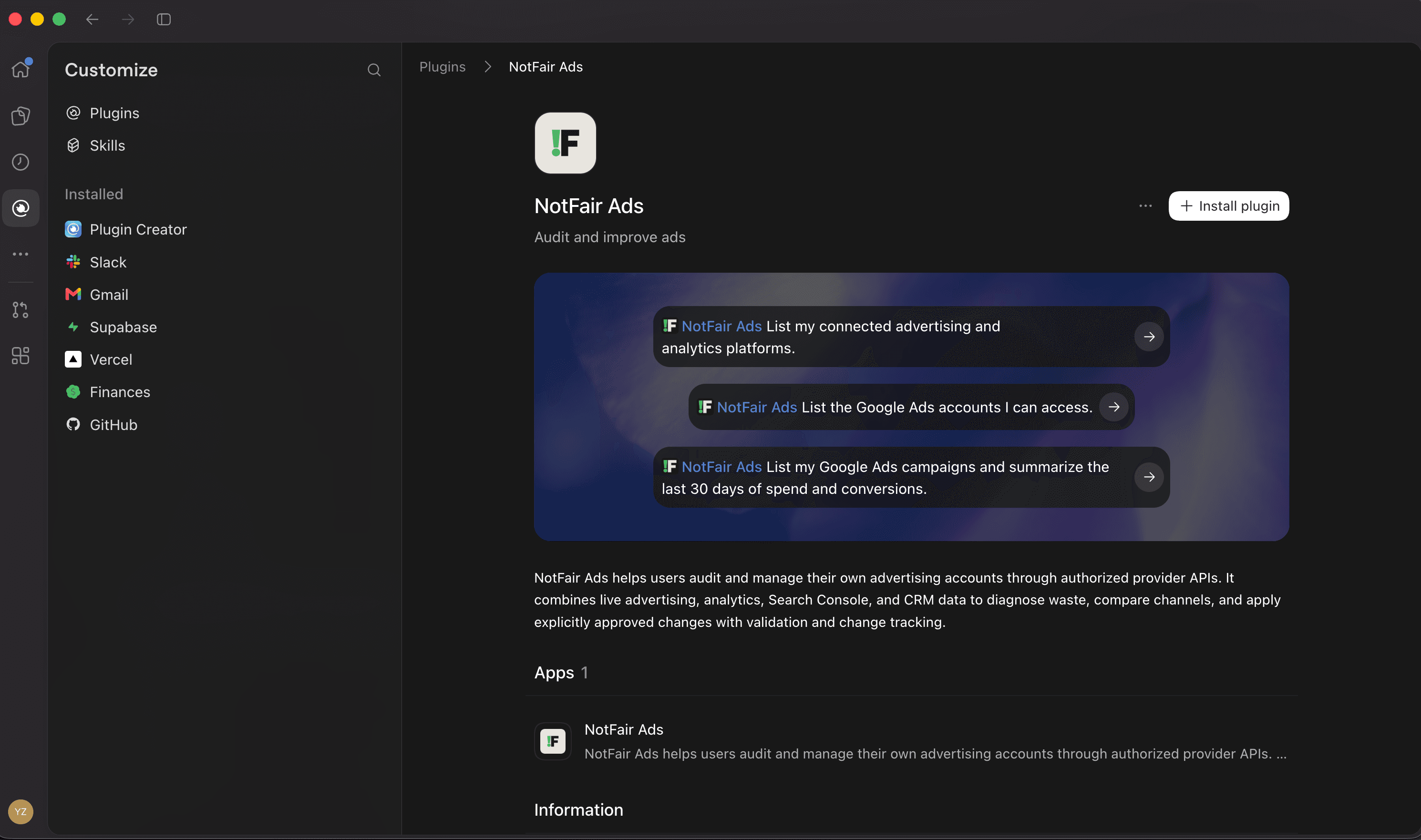
Opens the NotFair Ads app listing. Install it, connect Google Ads, then start a chat. Already connected? Open the same app to continue.
Free to start. No credit card required.
From install to your first result
1
Install in ChatGPT
Open the app listing and select Install plugin. Follow ChatGPT’s prompts to connect NotFair.
2
Connect Google Ads
Sign in to NotFair, choose your workspace if asked, and authorize the connection. Reuse an existing connection when available.
3
Return to ChatGPT and ask
Finish the connection prompts, select NotFair Ads in a new chat, and paste your first question. Review any proposed changes before approving.
Need help installing or connecting?
Look for the Install plugin button on the NotFair Ads listing. Availability depends on your ChatGPT account and workspace settings.
If you cannot find your data, check that you signed in to the correct NotFair workspace and selected the right accounts or properties. Then ask NotFair to list your connected platforms.
If clipboard access is blocked, select and copy the prompt text manually. You can keep this page open while you finish setup in ChatGPT.
Get connection helpLive Google Ads context, then approved writes
Campaign diagnosis
Campaigns, search terms, conversion status, change history, impression share, and account structure — live, not pasted CSVs.
Impact review and undo where supported
Every Google Ads change follows the same steps. The agent inspects the account, proposes an exact change, and waits for your approval. NotFair then records who approved it, tracks the impact, and can undo the change where Google Ads supports an exact reversal.
Hosted Google Ads API
NotFair hosts the Google Ads API integration so you do not supply a developer token or Cloud project.
Not Google's official MCP
Google publishes an official, self-managed Google Ads MCP server with reads plus partial asset and label writes. It cannot change campaigns, budgets, or bids.
Supported tools and approval limits
Every Google Ads change follows the same steps. The agent inspects the account, proposes an exact change, and waits for your approval. NotFair then records who approved it, tracks the impact, and can undo the change where Google Ads supports an exact reversal. NotFair marks a change as reversible only when the previous state can be restored exactly.
Explore Google Ads toolsGoogle Ads + ChatGPT FAQ
Installing NotFair Ads and using live Google Ads data in ChatGPT.
Install NotFair Ads from the ChatGPT plugin store, sign in to NotFair, and connect Google Ads in your workspace. Start a new chat and ask NotFair Ads to list your connected accounts before requesting a report.
Use the NotFair Ads plugin install path. You do not need to create a custom MCP app or route ChatGPT through Codex. Plugin access depends on your OpenAI account and workspace settings.
Every Google Ads change follows the same steps. The agent inspects the account, proposes an exact change, and waits for your approval. NotFair then records who approved it, tracks the impact, and can undo the change where Google Ads supports an exact reversal. NotFair marks a change as reversible only when the previous state can be restored exactly. Review the account, target, and proposed edit before approving a supported action.
Google publishes an official, self-managed Google Ads MCP server with reads plus partial asset and label writes. It cannot change campaigns, budgets, or bids.
Yes. NotFair Ads uses one NotFair workspace for Google Ads, Meta Ads, X Ads, LinkedIn Ads, Reddit Ads, TikTok Ads, Search Console, GA4, GoHighLevel, and WordPress. Available accounts and actions depend on the integrations you connect.
Ready to work with Google Ads?
The same NotFair app can also connect your advertising, search, analytics, WordPress and CRM integrations. Add them when you need them.
Explore other ChatGPT integrations